If you’re looking to enhance your Minecraft Bedrock survival experience, Better On Bedrock is an addon you should know about. It is one of the most popular and complete survival expansion addons for Minecraft Bedrock Edition, designed to add structure, progression, and depth to the game.
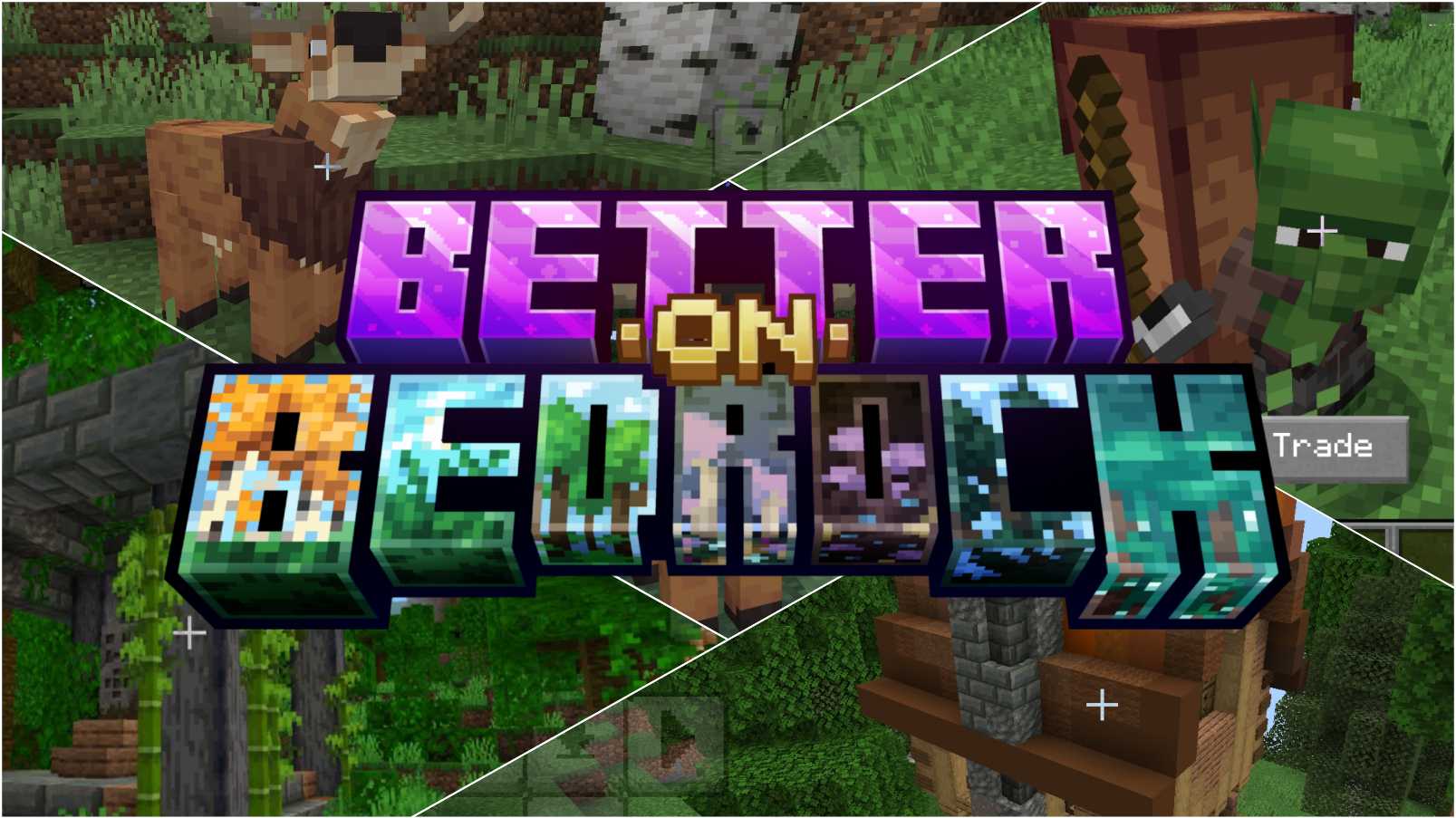
This addon transforms your Minecraft world into an RPG-style survival adventure filled with new challenges, systems, creatures, and rewards — while still preserving the classic Minecraft gameplay style.
About Better On Bedrock Addon
Better On Bedrock is a large survival addon and world experience for Minecraft Bedrock Edition. It expands the core game in multiple ways by adding new content, gameplay systems, and long-term goals that make survival more engaging and rewarding.
Quest System and Progression
One of the strongest features of this addon is its built-in quest system. Instead of leaving players confused about what to do next, it gently guides you through the survival experience.
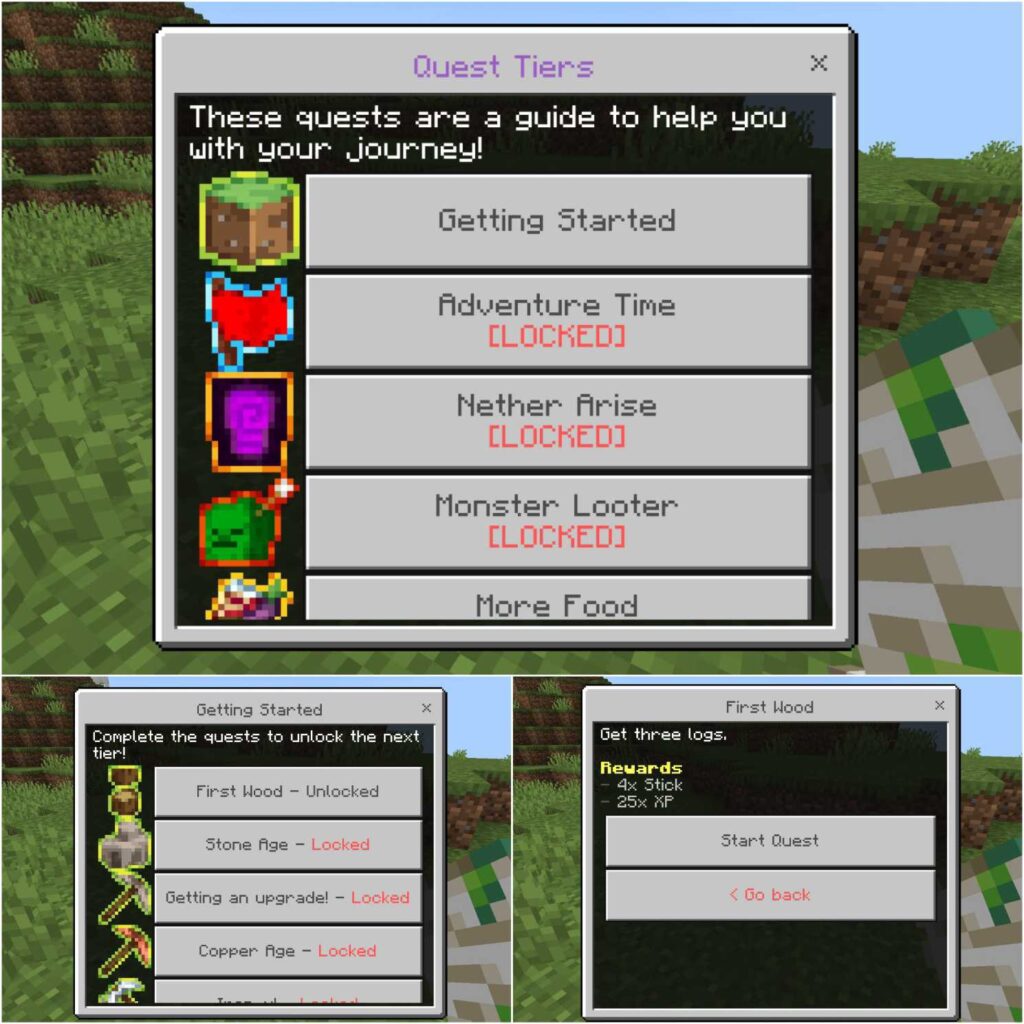
Quests act as clear objectives that encourage exploration, crafting, and progression. Completing quests rewards you with useful items and provides a sense of direction throughout your playthrough.
New Structures and Exploration
Explore naturally generating structures such as custom villages, ruins, towers, campsites, and hidden locations. Each structure comes with its own loot, challenges, and potential dangers, making exploration more exciting and rewarding.
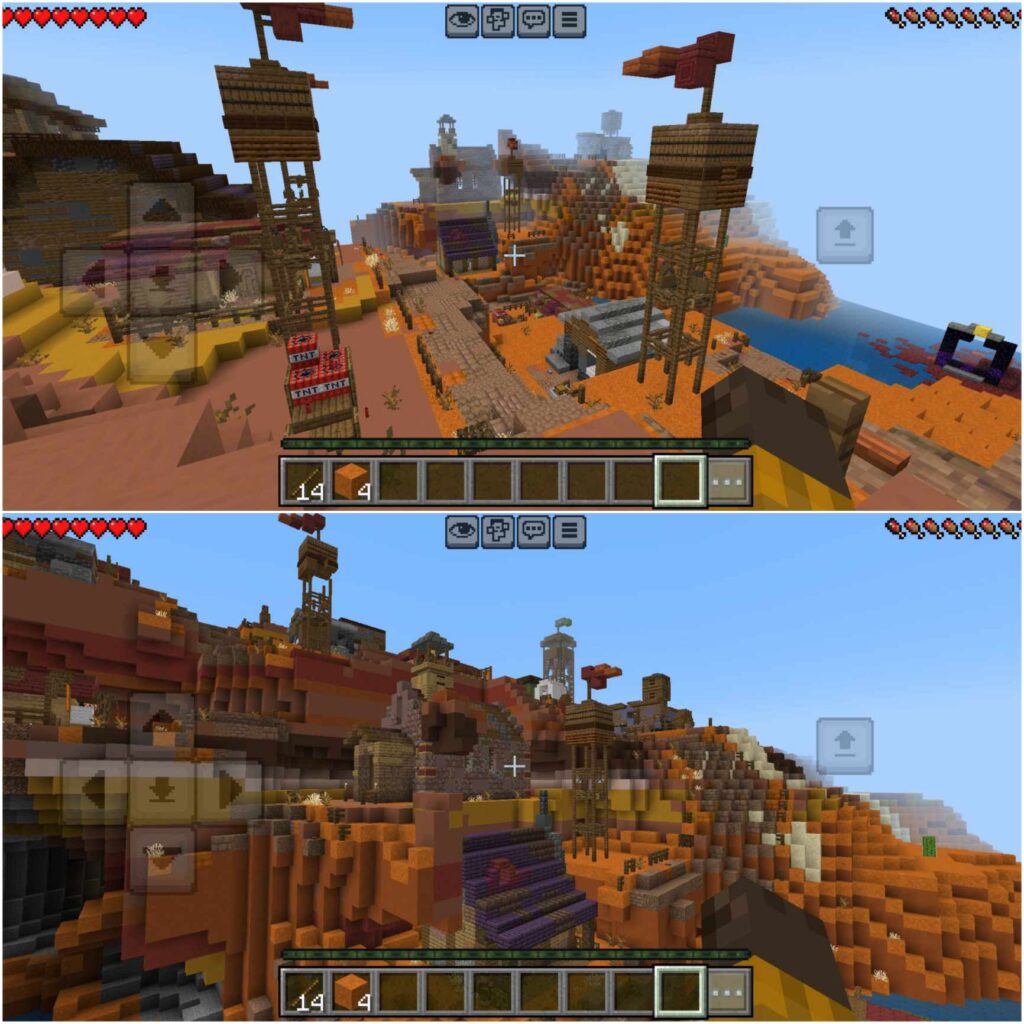
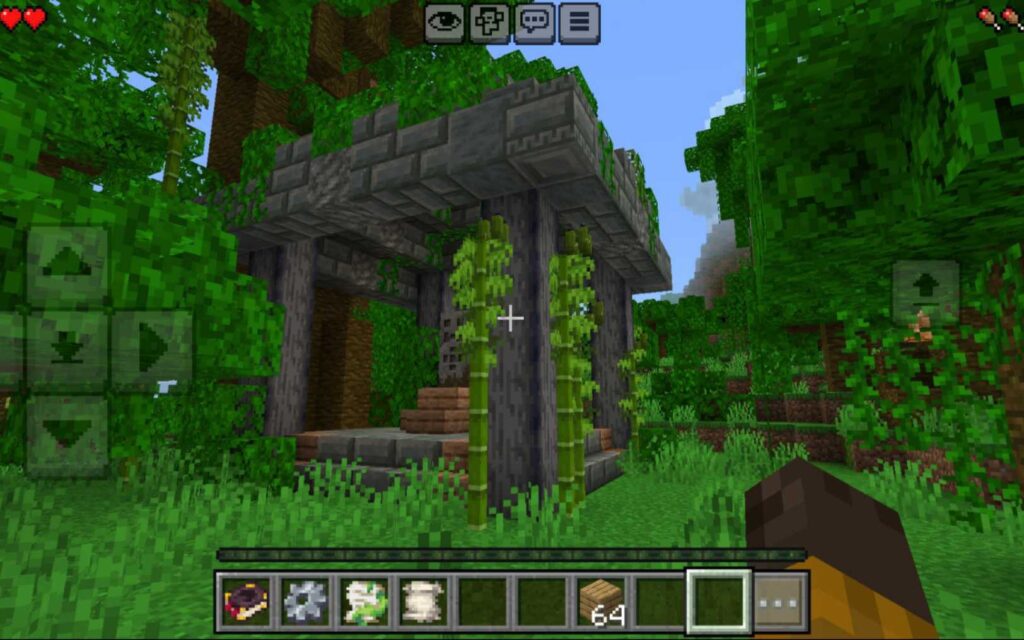
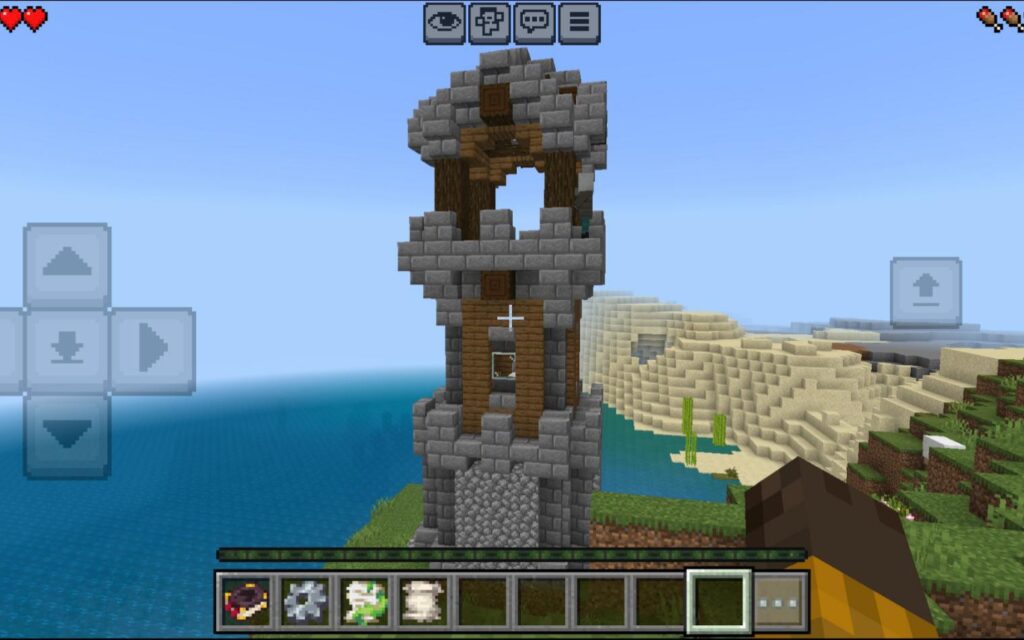
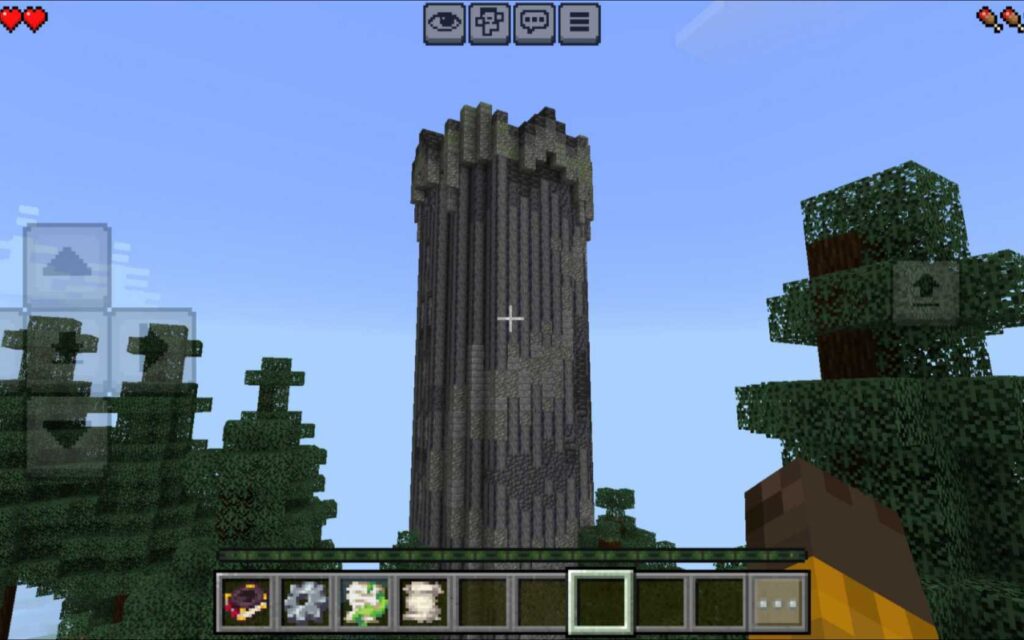
New Mobs and Bosses
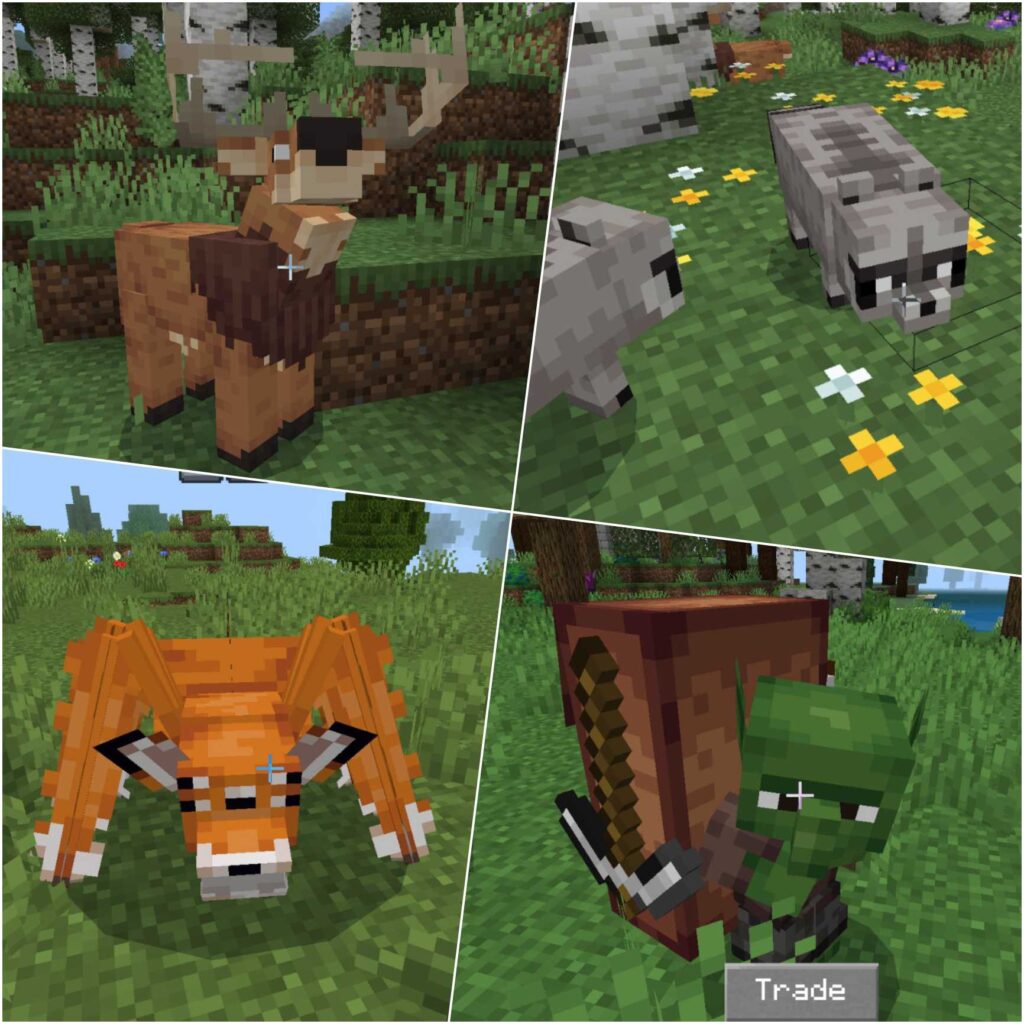
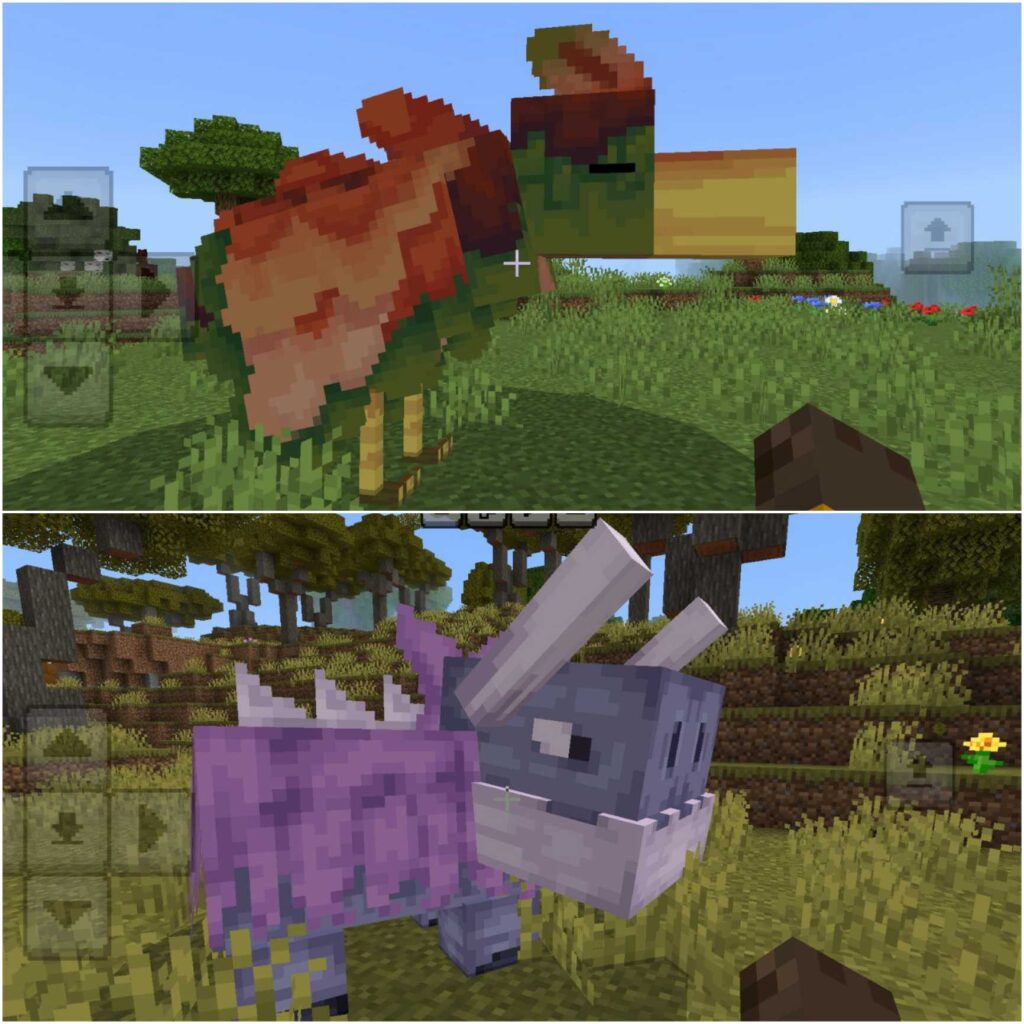
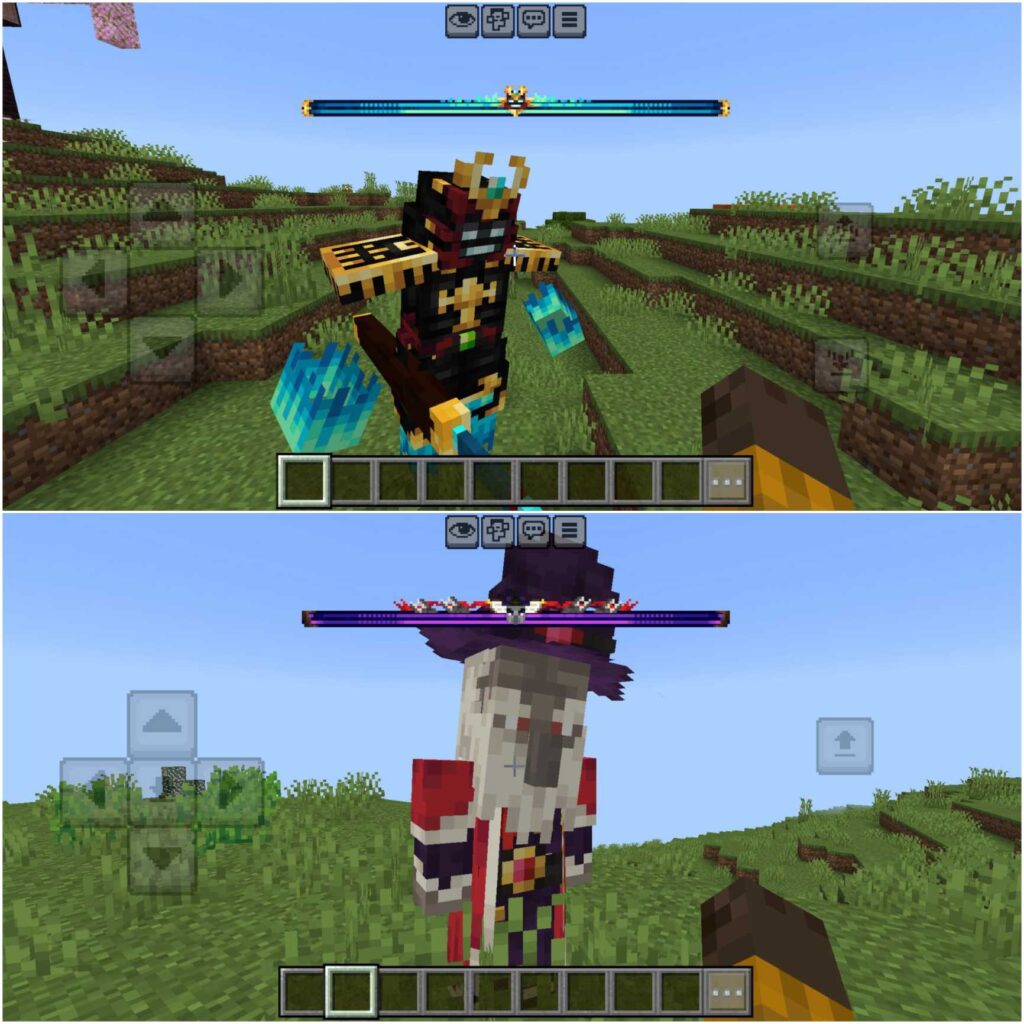
The Better On Bedrock addon introduces new mobs such as Deer, Raccoon, Squirrel, Owl, and many more. In addition, it adds powerful bosses that appear in certain structures and areas, offering challenging combat encounters that test your survival skills.
Items, Blocks, and Gear
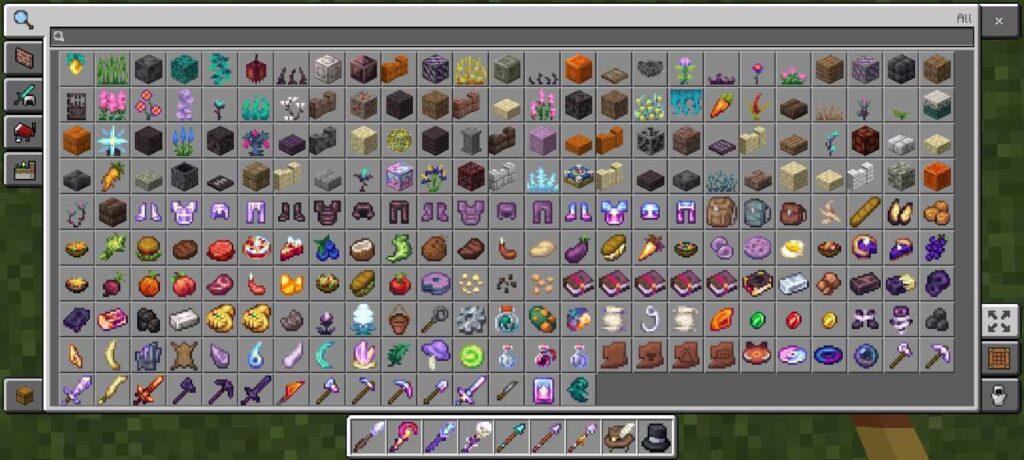
This addon adds a wide variety of new blocks, items, tools, armor, weapons, foods, waystones, and other survival-related content. These additions expand crafting options and give players more ways to customize their gameplay.
WAILA Tooltip HUD
Ever wondered what block or entity you’re pointing at? Better On Bedrock includes a WAILA-style tooltip HUD that displays information about the object you’re looking at — similar to popular Java Edition mods.
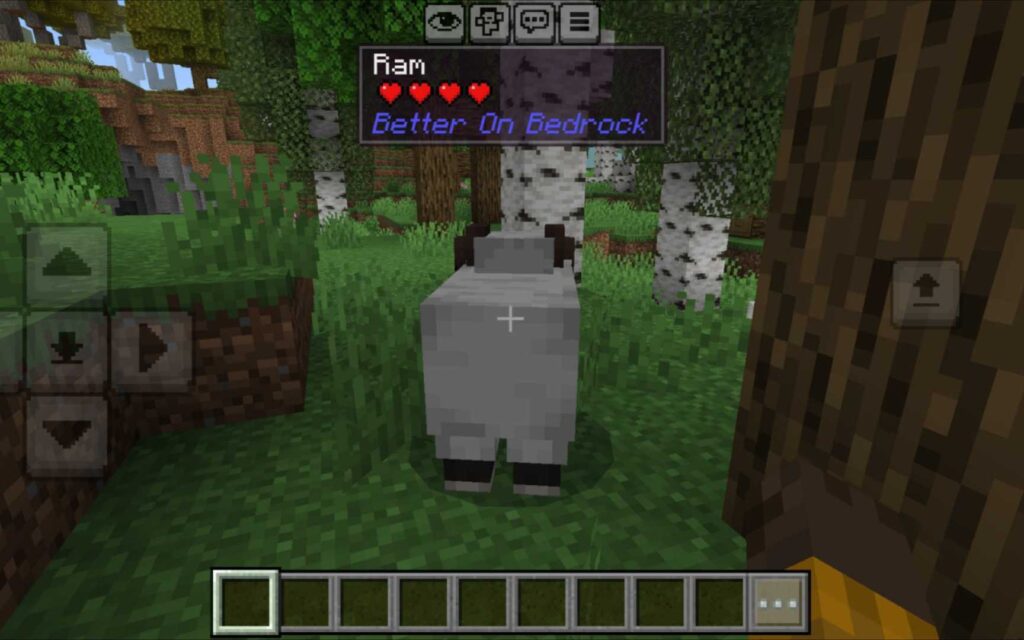
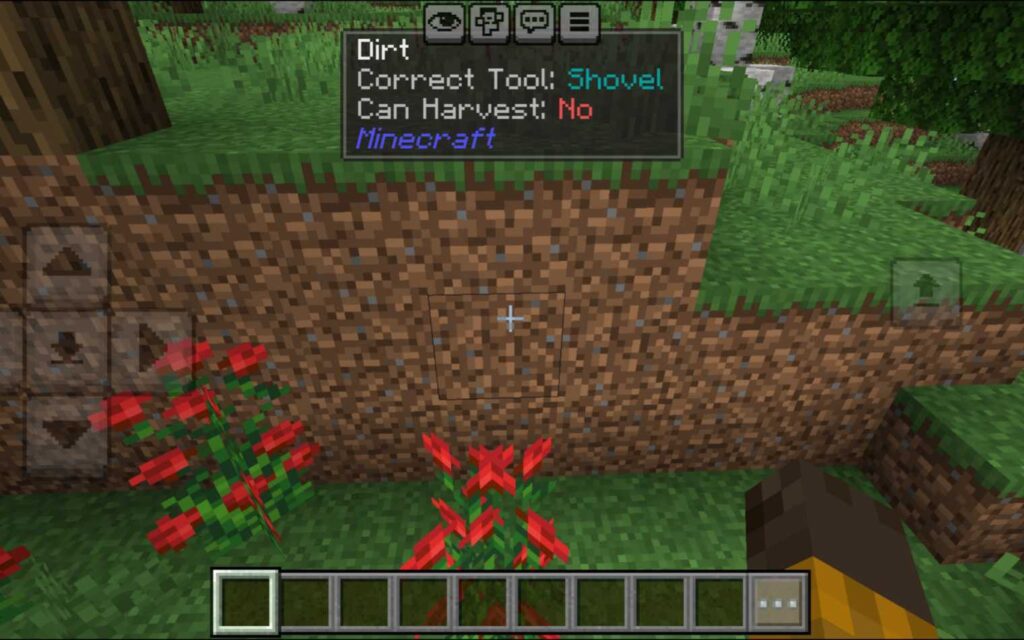
This feature greatly improves quality of life, especially when discovering new mobs, blocks, and items during exploration.
How to Install and Use Better On Bedrock Addon
Installing the addon is simple. Follow these steps:
- Download the .mcaddon file from the link provided below.
- Open any file manager, locate the downloaded file, and tap on it. Minecraft will import the addon automatically.
- After importing, activate both the resource pack and behavior pack in your world settings.
- Create a new world and start playing.
When you enter the world for the first time, you’ll receive starter items to help you begin. These include an information book, a pack configuration item to toggle features like WAILA, sounds, and fog, and a quest item that allows you to start your first quest and begin your survival journey.
Why Use Better On Bedrock Survival Addon?
If you enjoy Minecraft Bedrock and want more adventure, variety, and clear goals, Better On Bedrock is one of the best survival addons available. It doesn’t just add random content — it enhances the survival experience by making the world feel larger, smarter, and more immersive.
Whether you’re playing solo or with friends, this addon keeps your Minecraft world engaging from start to finish.
Supported Minecraft Versions
✔️ Minecraft Bedrock 1.21.110 and later
Addon Creator: This addon was created by XxPoggyisLitxX. All rights and credits goes to him.
Downloads 🛡️
Better On Bedrock Addon 1.2.0 🔗
Better On Bedrock FAQ
Q1: Do I need to enable experimental features to use Better On Bedrock?
No, this addon works perfectly without turning on any experimental options.
Q2: Can I play Better On Bedrock with friends?
Yes! The addon fully supports multiplayer. Just make sure all players have the pack installed.
Q3: Does Better On Bedrock work on the latest Minecraft Bedrock version?
Yes, it’s compatible with Minecraft Bedrock versions 1.21.110 and above.