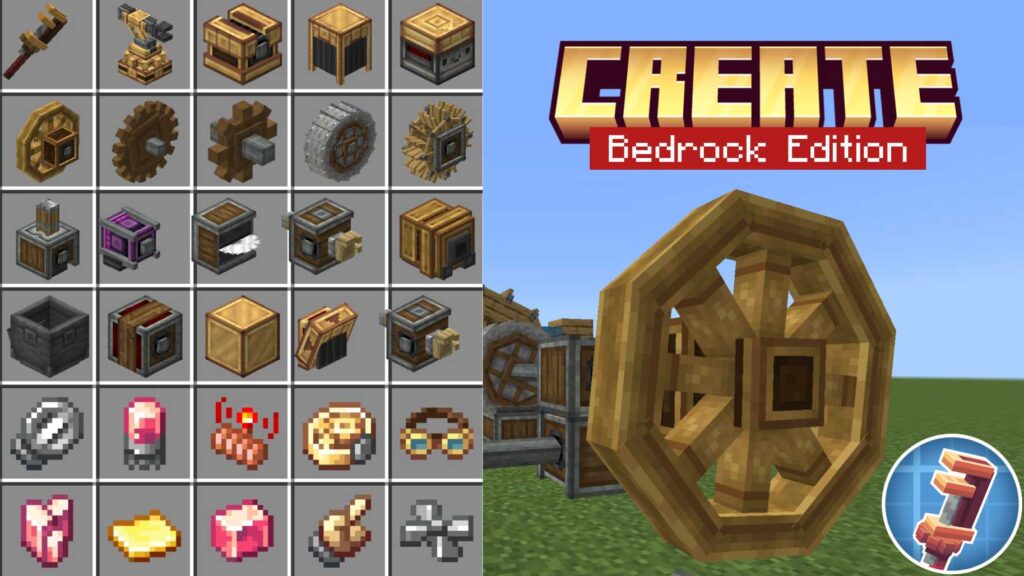
Java players have been using CREATE for years. And honestly? Bedrock players have been missing out.
That changes now. The Create Addon is for Minecraft Bedrock is out — and it brings the full mechanical experience with it.
What Is the Create Addon?
Simply put, it’s an automation mod. But not the boring kind where you place one machine block and call it a day.
This addon is about building things that actually work. Gears spin. Belts move. Machines process your items while you go do something else. It feels alive in a way most addons don’t.
Create is one of the most popular mods for Minecraft Java Edition. Now it’s been ported to Bedrock, so MCPE players finally get a taste of what the hype is all about.
How Does It Work?
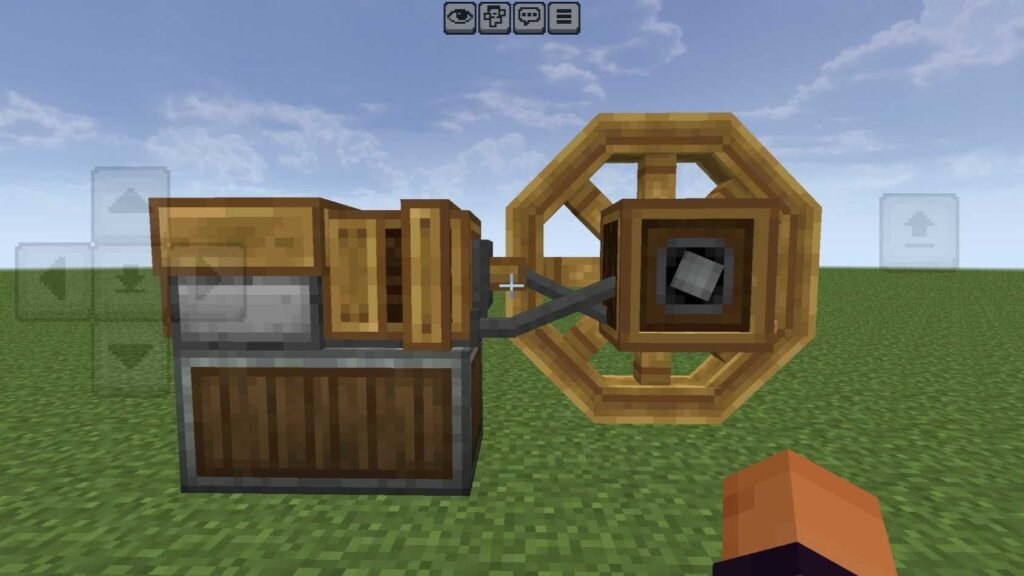
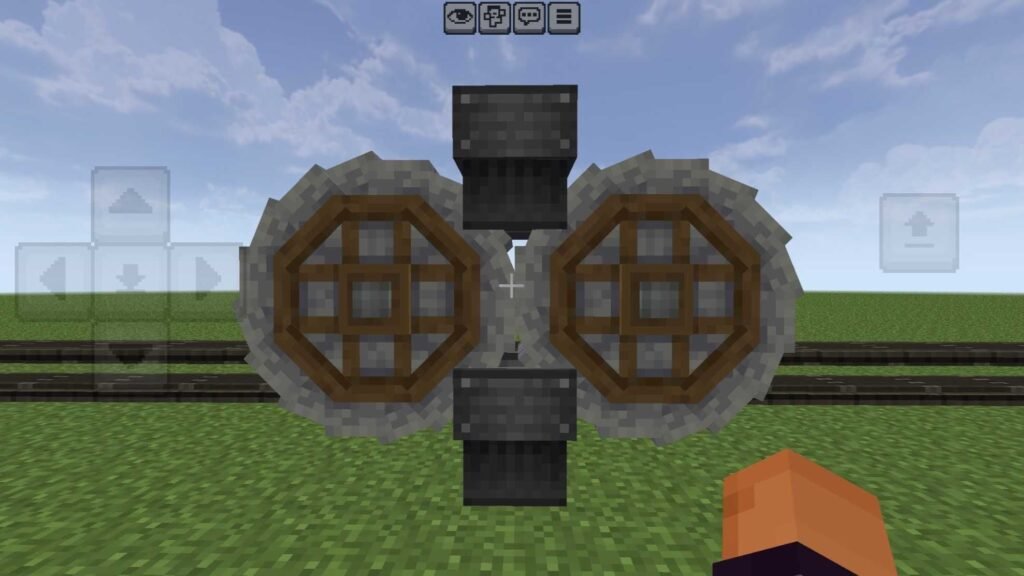
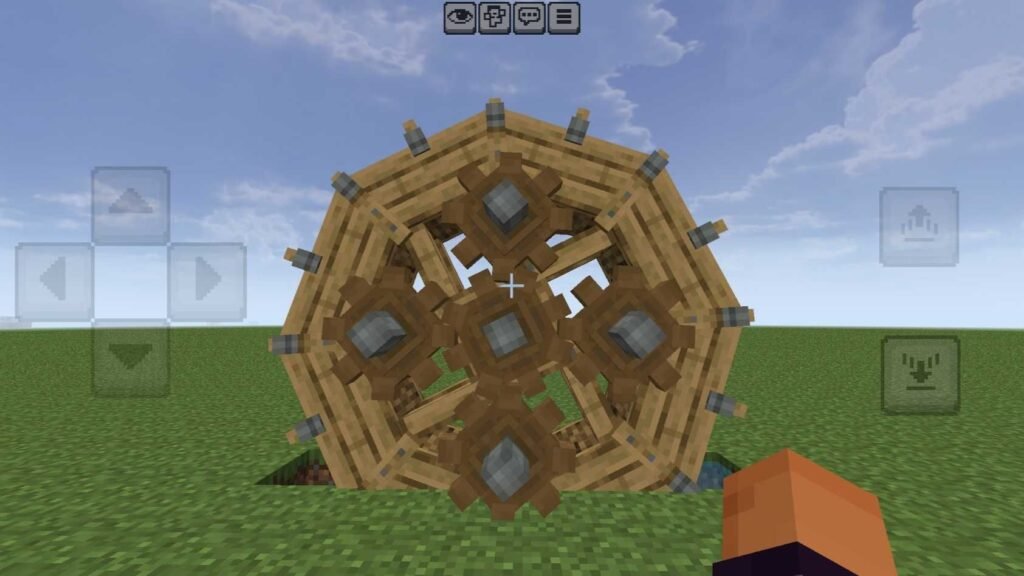
Everything in Create runs on mechanical power. You generate it using windmills or water wheels, then send that power through shafts and belts to your machines.
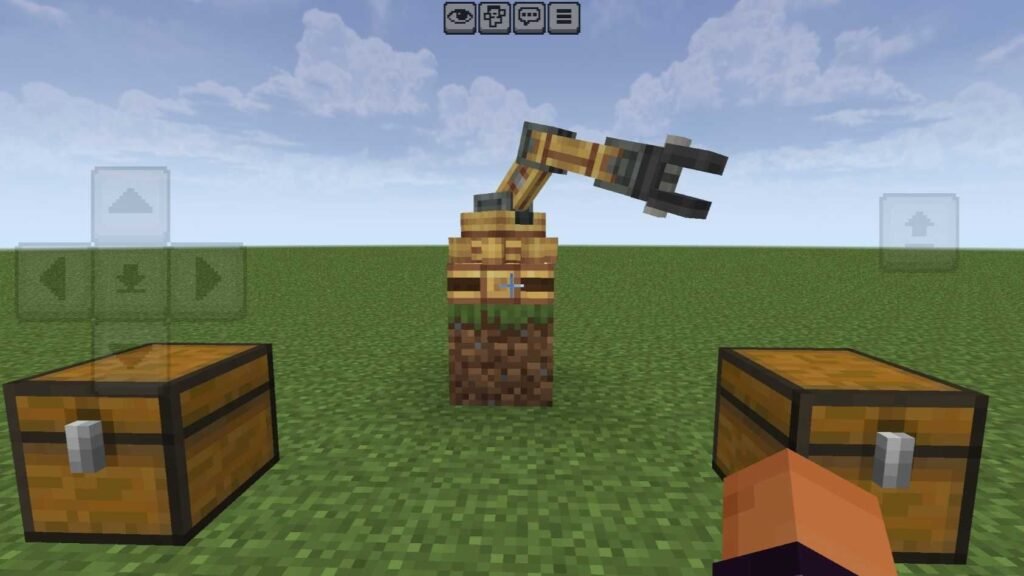
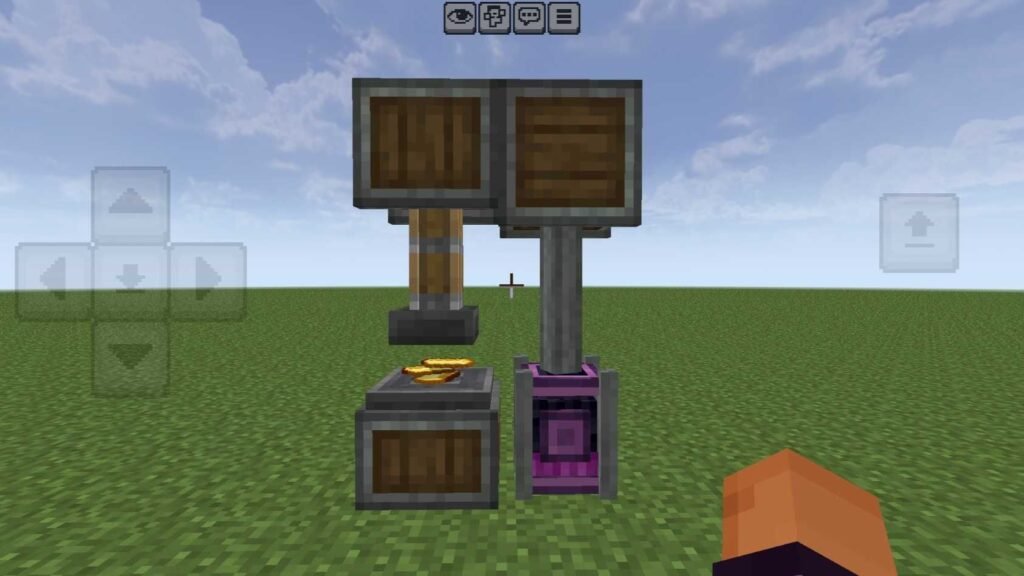
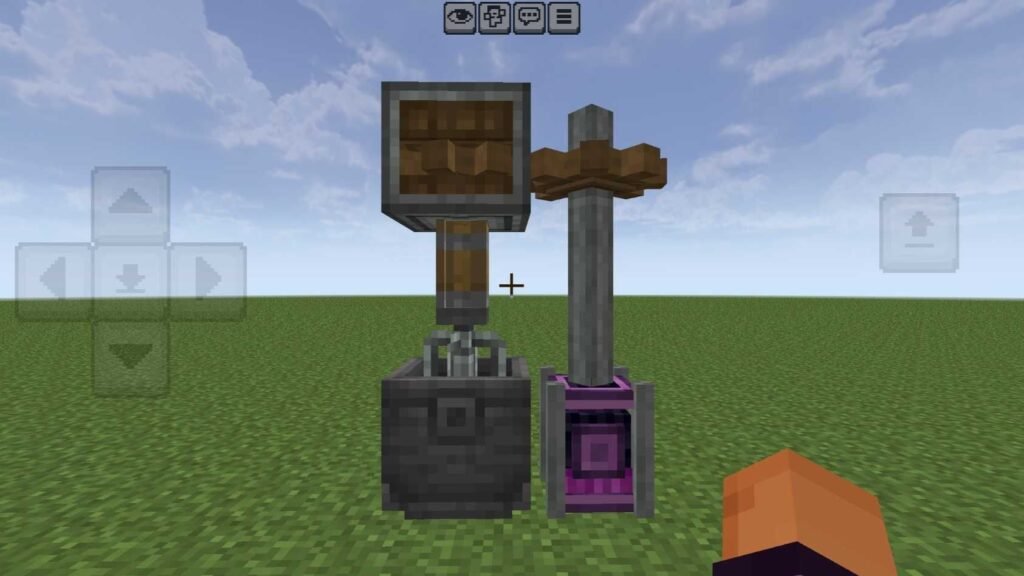
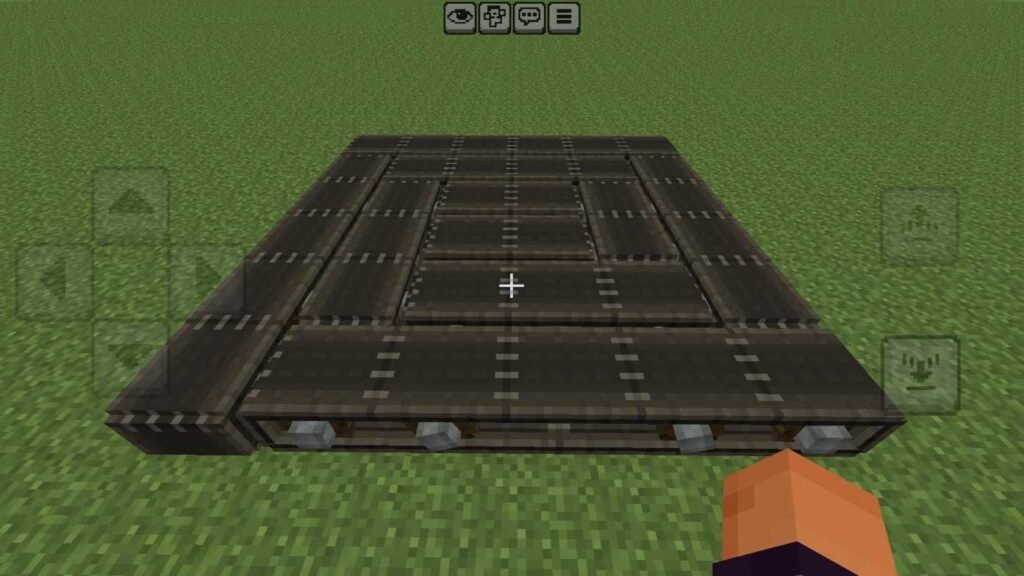
Once your power source is spinning, you can connect it to all kinds of machines. A Mechanical Press to craft and stamp items. A Millstone to grind materials. A Crusher to process ores and get more out of them. Conveyor belts to move everything around automatically.
The cool part? You can watch it all happen in real time. Items travel down belts, get processed, and come out the other side. It’s oddly satisfying to just stand and watch your factory run.
Screenshots
Worth Trying?
Yes, Create Addon for Bedrock is genuinely worth trying.
It’s not just about automation. It’s about building something you’re actually proud of — something that moves, works, and runs on its own.
Give it a go. Just don’t be surprised when you spend three hours perfecting a conveyor belt setup.
Supported Minecraft Versions
✔️ Minecraft Bedrock 1.26+
Installation Guide
Installing addons in Minecraft is simple, follow these steps.
- Download Create Addon from the given link below
- Open ES File Explorer and tap the addon file, Minecraft should import it automatically
- Create a new world and activate the both resource + behavior packs.
If you’re having any issues while installing the addon, see this detailed guide:
How to install mods and addons in Minecraft Bedrock