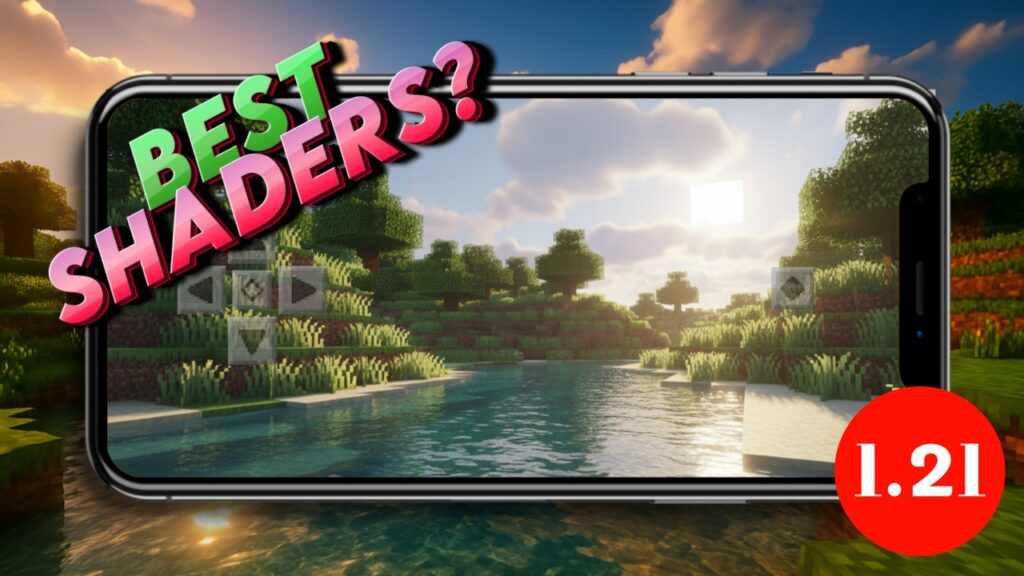
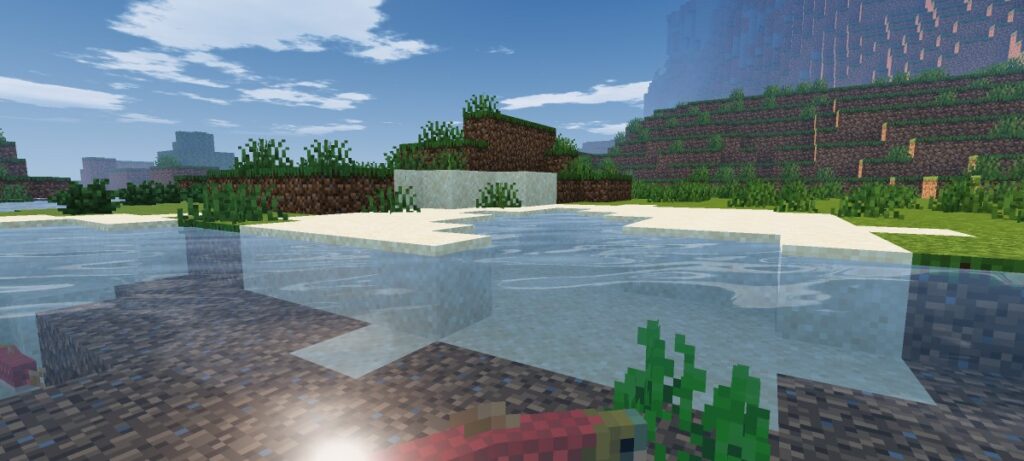
Looking for a shader pack that actually makes Minecraft Bedrock look next-gen? Prizma Visuals is one of the best shader packs for Vibrant Visuals. It uses PBR textures and realistic lighting to give your world a cinematic upgrade, without changing how the game plays.
About Prizma Visuals
Prizma Visuals is free shaders pack for Minecraft Vibrant Visuals mode. It focuses on realistic light behavior, giving surfaces depth and texture the way real materials would react to sunlight, torches, or moonlight. The pack is purely visual, so your survival world, add-ons, and progress stay untouched.
Features of Prizma Visuals
• Realistic PBR Textures
Blocks like stone, wood, and metal get true 3D bump detail. Light hits every surface differently, so nothing looks flat anymore.
• Enhanced Lighting and Shadows
Sunlight, torches, and moonlight all behave more naturally. Shadows shift smoothly through the day, adding real depth to builds and terrain.
• Vibrant, Natural Skies
The sky transitions through warm, rich colors at sunrise and sunset, making exploring and screenshots look far more atmospheric.
Screenshots
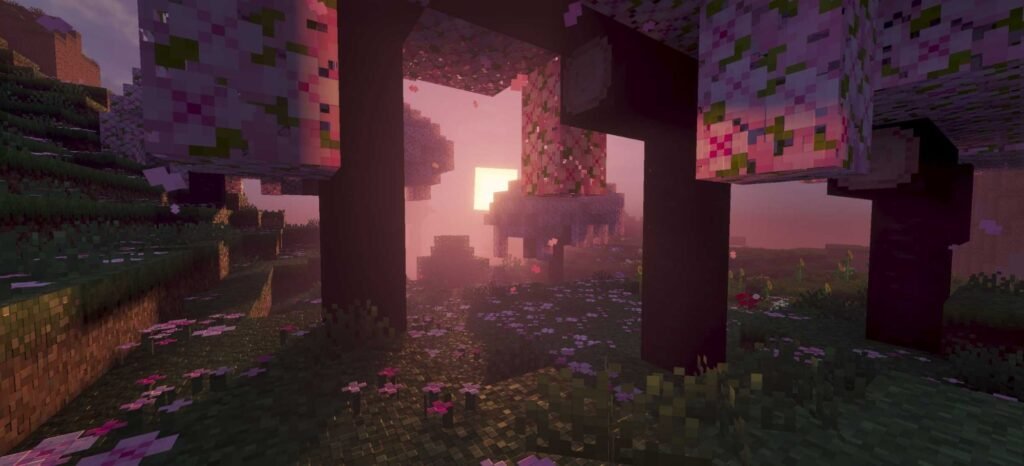
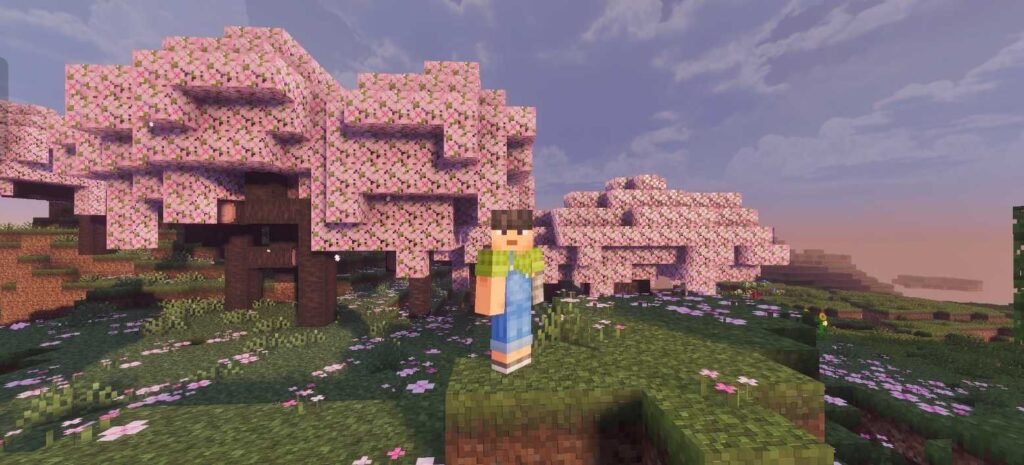
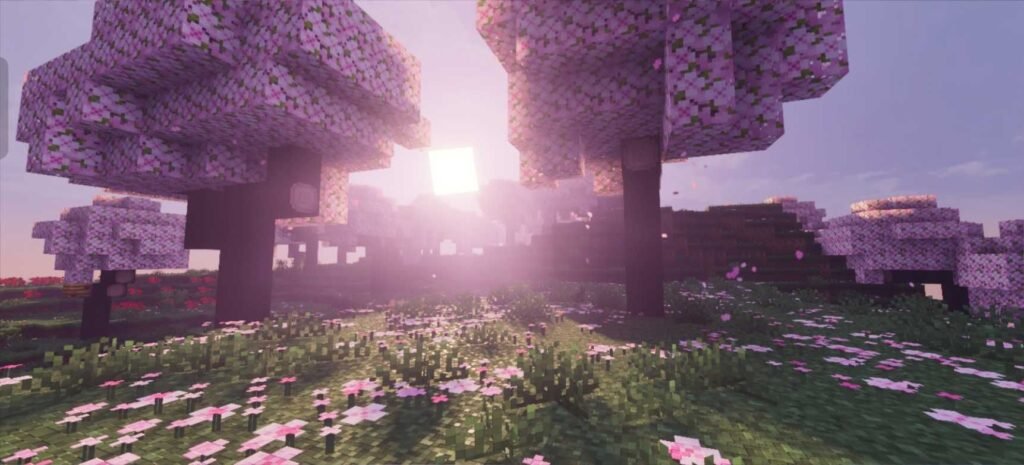
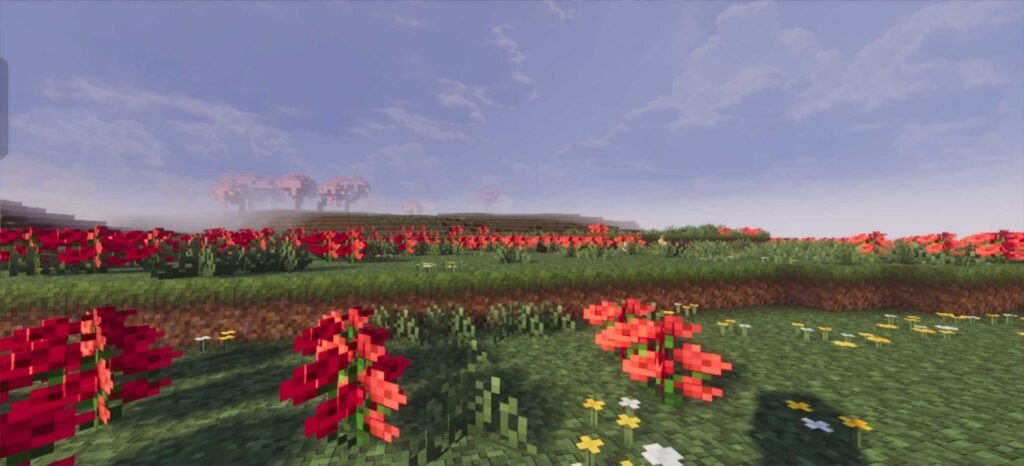
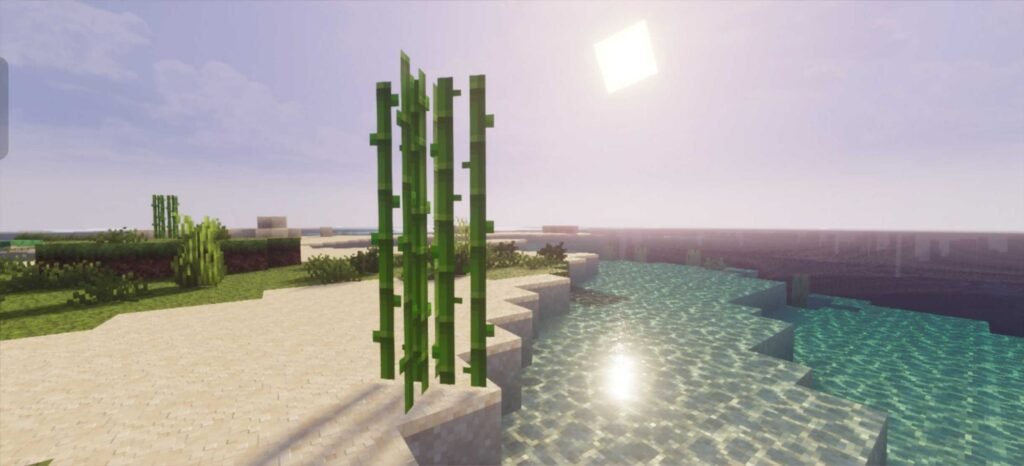
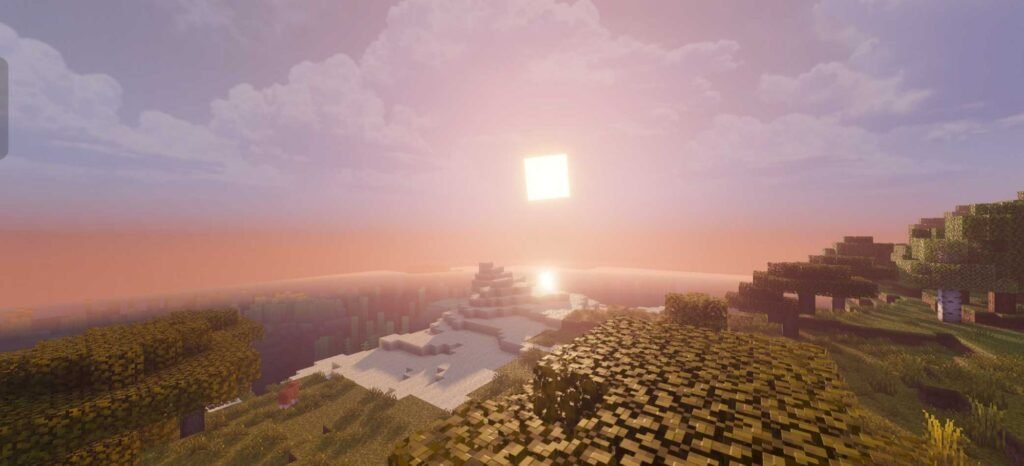
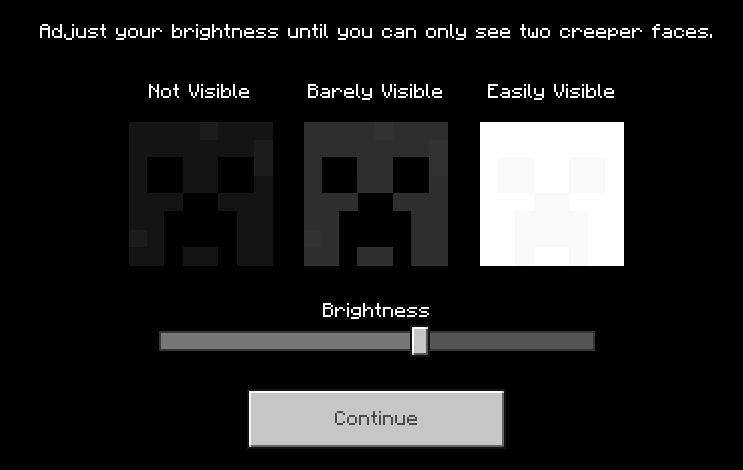
Recommended brightness for best experience
Should You Try?
If your device supports Vibrant Visuals, Prizma Visuals is one of the easiest ways to make Bedrock feel brand new. It’s free, doesn’t touch your gameplay, and delivers some of the best lighting currently available on Bedrock. Whether you’re building, exploring, or just taking screenshots, it’s worth trying at least once.
Supported Minecraft Versions
✔️ Minecraft Bedrock 1.26+Bedrock 1.26+
Author: Al3xis5
Installation Guide
Here’s how to install Prizma Visuals in Minecraft Bedrock (MCPE):
- Download the .mcpack file from the link above.
- Open your file manager, find the file, and tap it. Minecraft will import it automatically.
- Go to Settings > Video and turn on Vibrant Visuals.
- Open your world’s settings, go to Resource Packs, and activate Prizma Visuals.
- Load into your world and enjoy the new visuals.