If you’re looking for the best Minecraft Bedrock UI Packs (MCPE UI Packs) to make your interface smarter, smoother, and more useful, you’re in for a treat. There are several UI packs for MCPE that don’t just look good; they actually make navigation and gameplay more convenient. Here are some top UI packs that can be game-changers.
What is a UI Pack, Why Use UI Packs?
The default UI in Minecraft is solid — but when you install a UI pack, you can add useful tweaks, shortcuts, small hacks and more clarity. These texture packs are helpful if you want more control over your HUD, inventory, or settings menu.
Top 5 Minecraft Bedrock UI Packs You Must Try
5. Ty-el’s Settings Overlay Pack
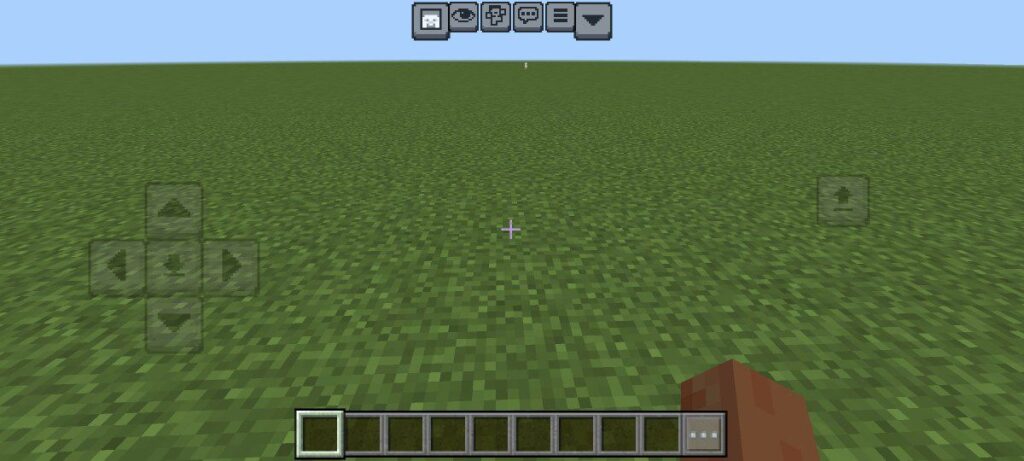
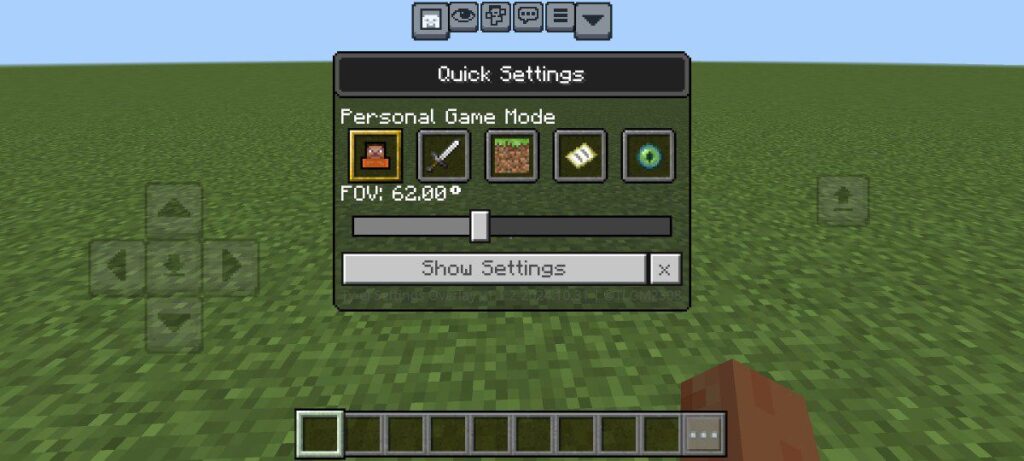
This pack is a floating quick menu that sits on top of the vanilla UI. It’s super handy and lightweight. With this ui pack for Minecraft bedrock, you can quickly change:
- Camera Perspective (switch between first-person, third-person, etc.)
- Personal Game Mode (survival, creative, etc.)
- FOV (field of view) — which is great for adjusting how zoomed in or out your view feels
That means no more digging through menus just to change something small. It’s a fast and smooth UI pack for Minecraft PE that makes your experience more seamless.
Download Ty-el’s Settings Overlay Pack 🔗
4. Ty-el UI Pack
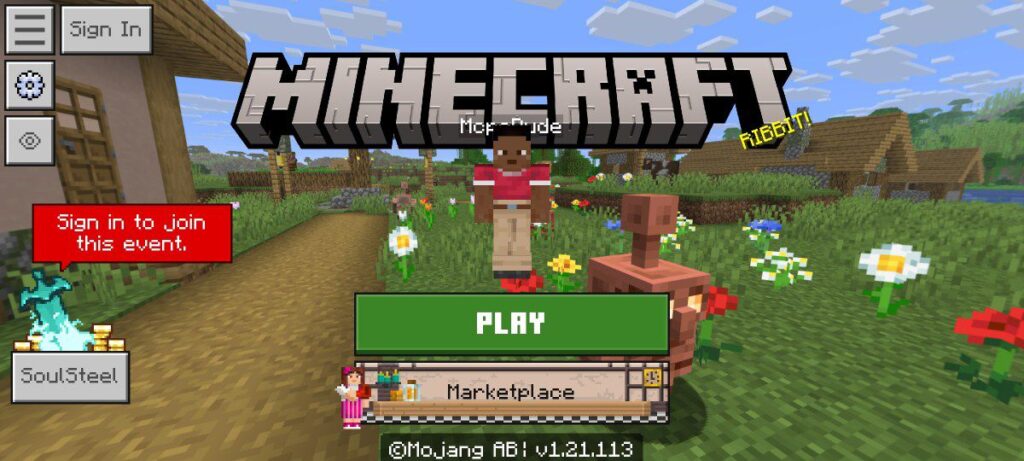
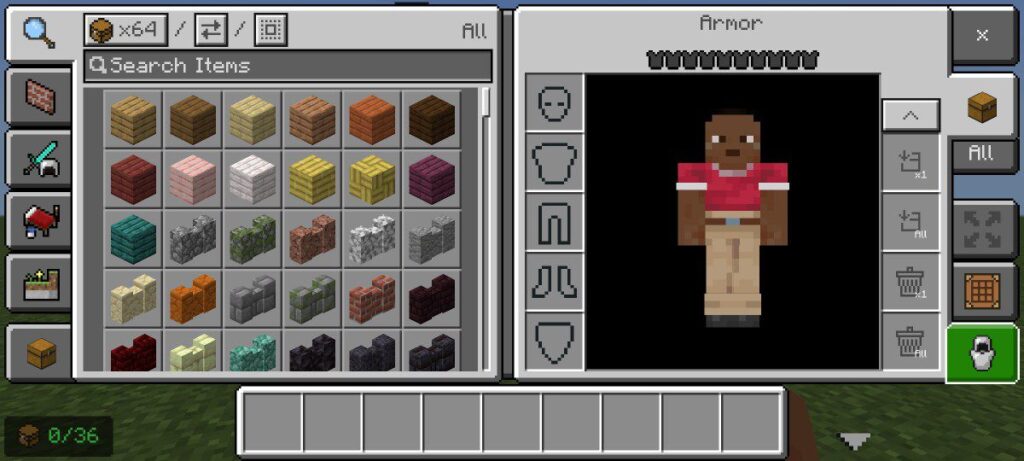
This pack stays true to the original Bedrock feel, but gives your menus, inventory, and HUD a nice polish. Here’s what’s inside:
- A fresh new game UI
- A scoreboard bar to display info cleanly
- A button to hide or show the GUI
- A toggle to hide/show inventory
- And a quick settings menu for instant access to important options
It’s an elegant way to have more control without straying too far from vanilla.
Download Ty-el UI Pack for Minecraft Bedrock Edition 🔗
3. Déesse UI Pack
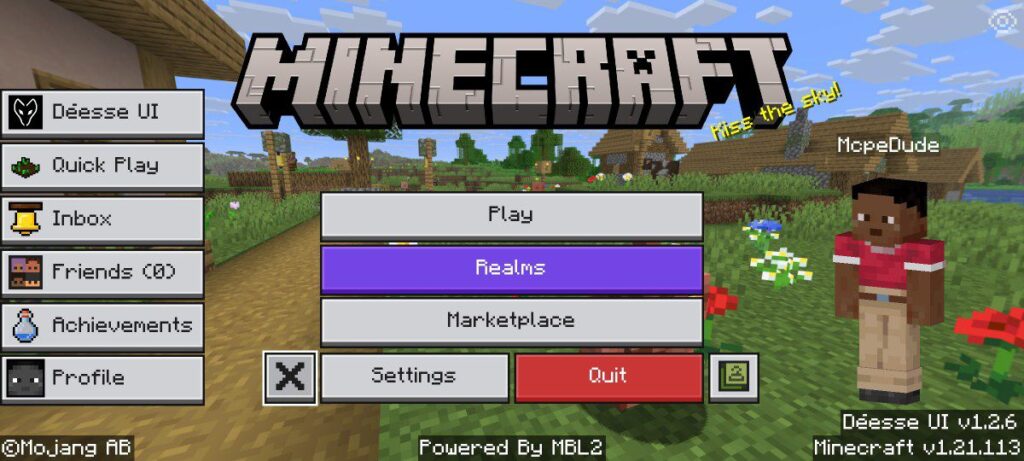
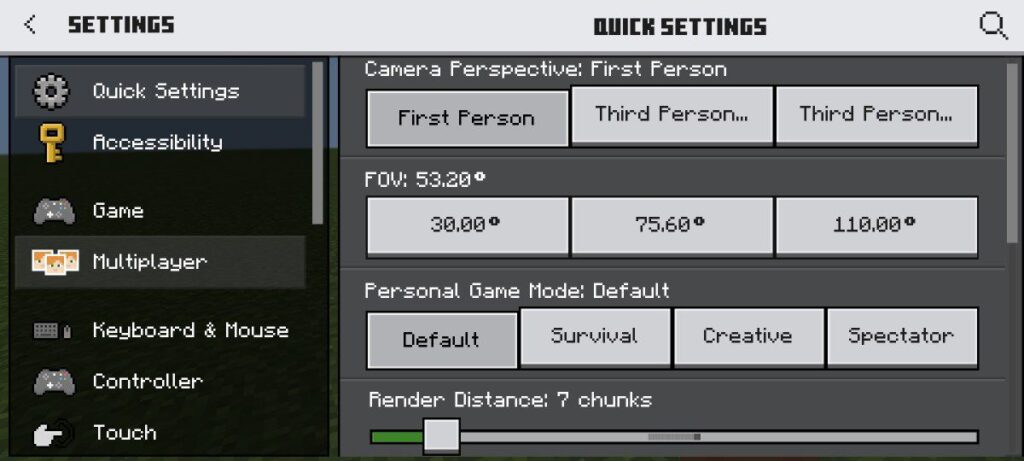
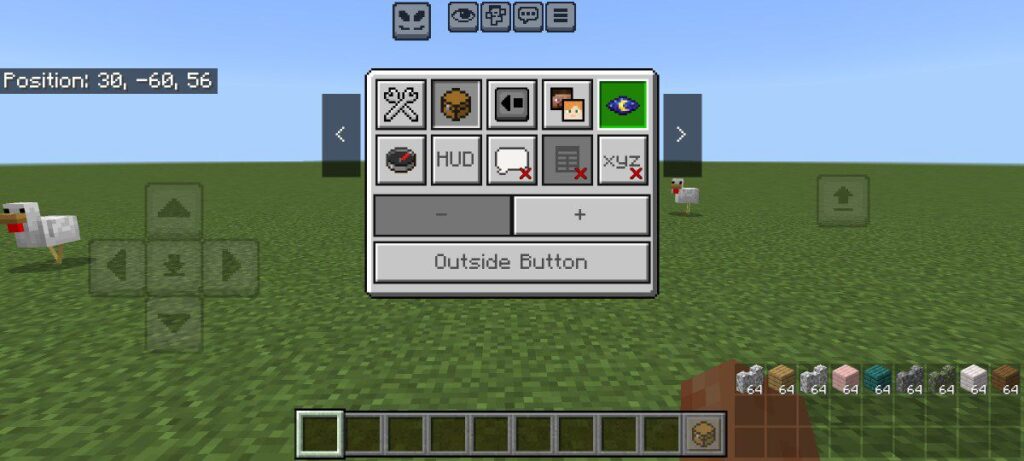
Déesse UI Pack is a clean and modern user‑interface texture pack. It replaces the default UI with sharper visuals, streamlined menus, and improved readability, giving your game a fresh, polished look.
Some standout features:
- Sharper visuals in the UI, making everything look polished
- Interactive HUD menu — you can toggle things like coordinates, chunk info, moon phases, and more
- It includes utilities like a built-in calculator, a notes app, and auto-complete chat
- Night vision settings and a clean way to monitor tool durability and day counters
- Optimized for the Classic UI profile in Bedrock
If you love a clean, modern, and minimalist look, the Déesse UI Pack is brilliant.
Download Déesse UI Pack Official Version 🔗
2. Evoker UI Pack
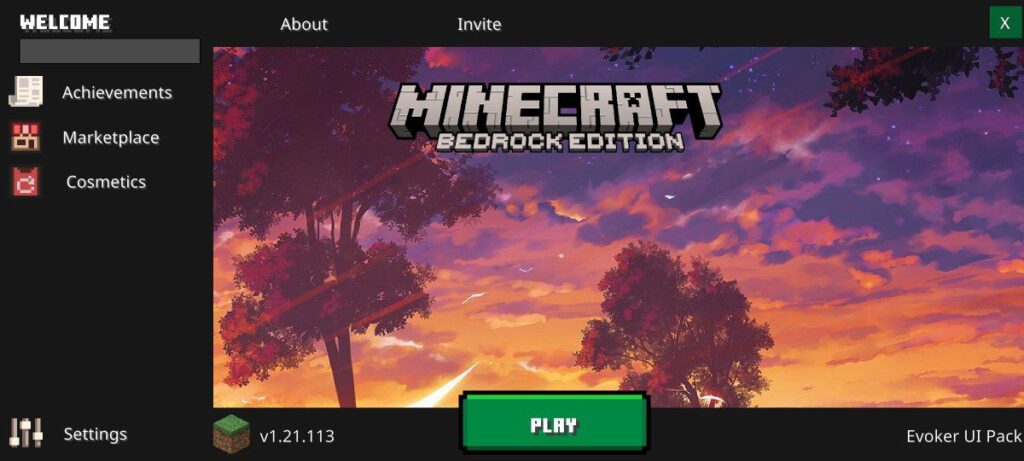
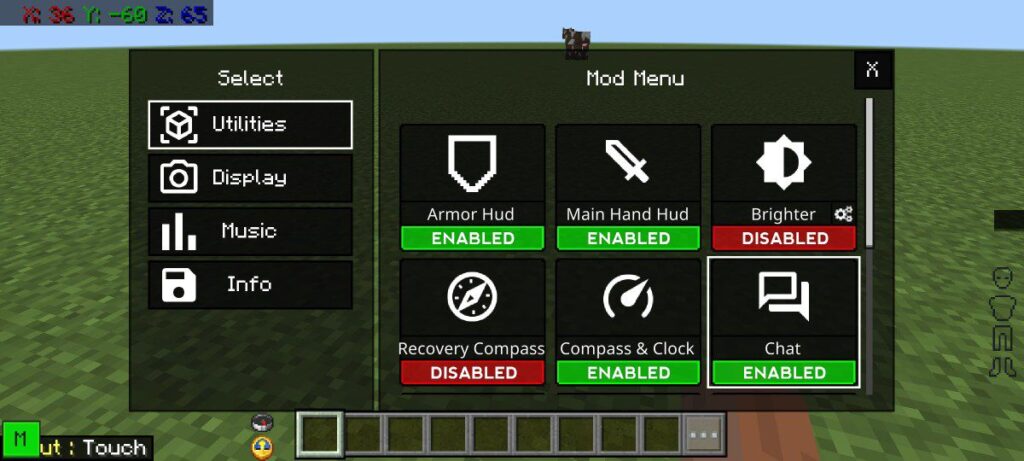
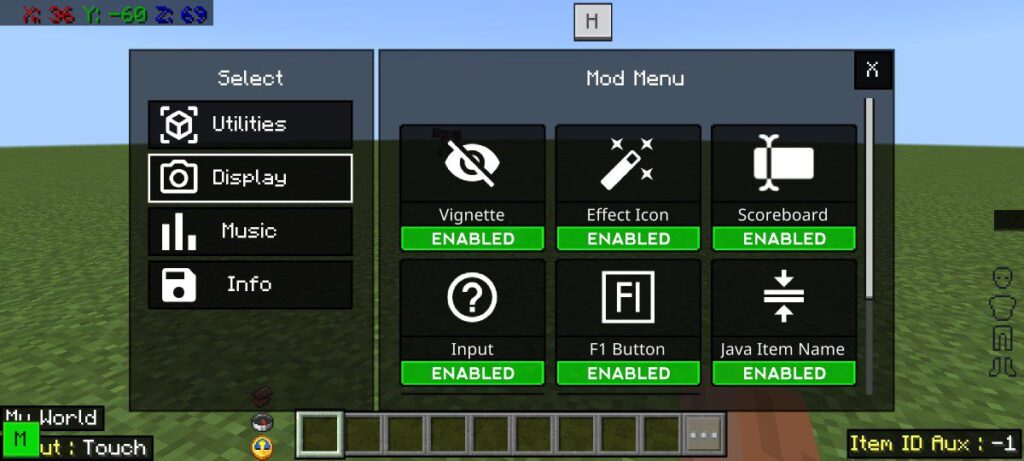
A custom user interface (UI) pack for Minecraft PE that changes the look of your game’s HUD. It optimizes menus, and inventory, making everything look fresh and modern.
The Evoker UI Pack adds a mod menu where you can enable or disable features such as:
• Armor HUD
• Main Hand HUD
• Brighter
• Compass & Clock
• Percentage Durability
• Bossbar
• Paper Doll
• Scoreboard
• F1 Button
• Java Item Name
• Crosshair
• World Name and more
This is a powerful UI pack if you want more “client-style” features, not just cosmetics.
Download Evoker UI Pack for Minecraft PE 🔗
1. Bedrock UI+ Pack
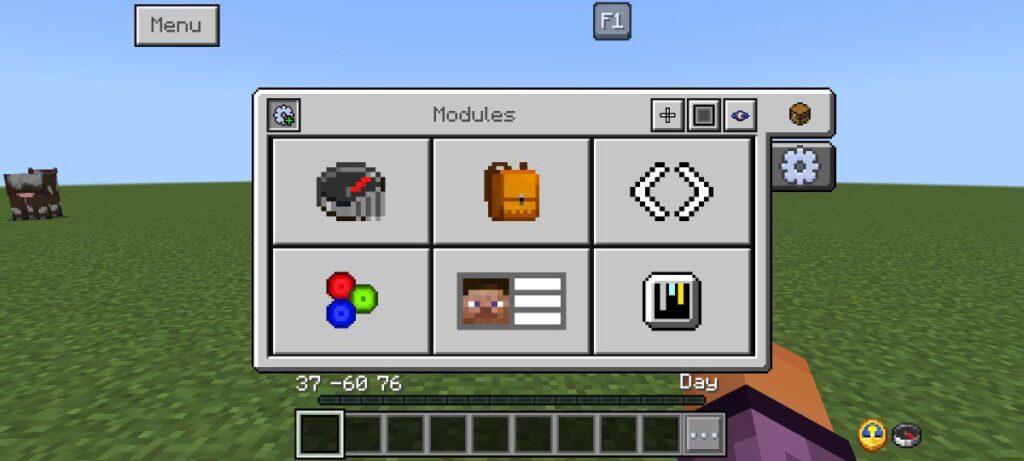
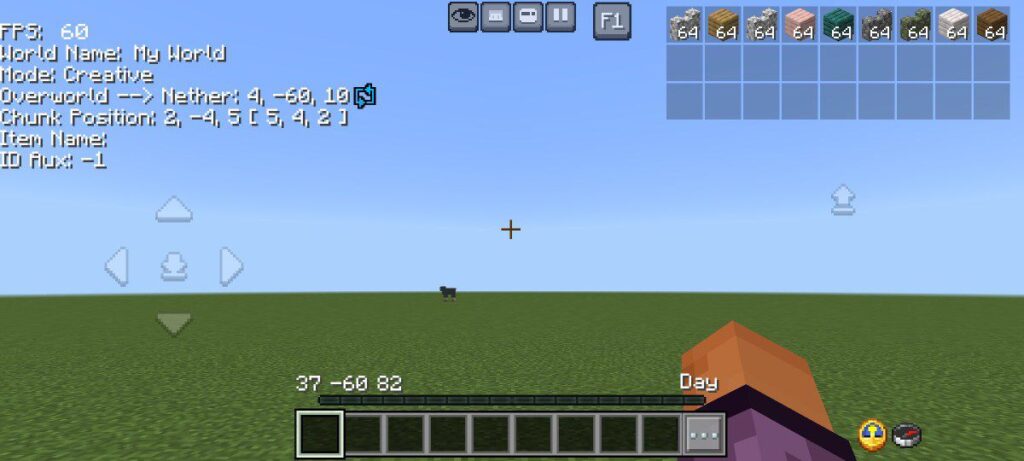
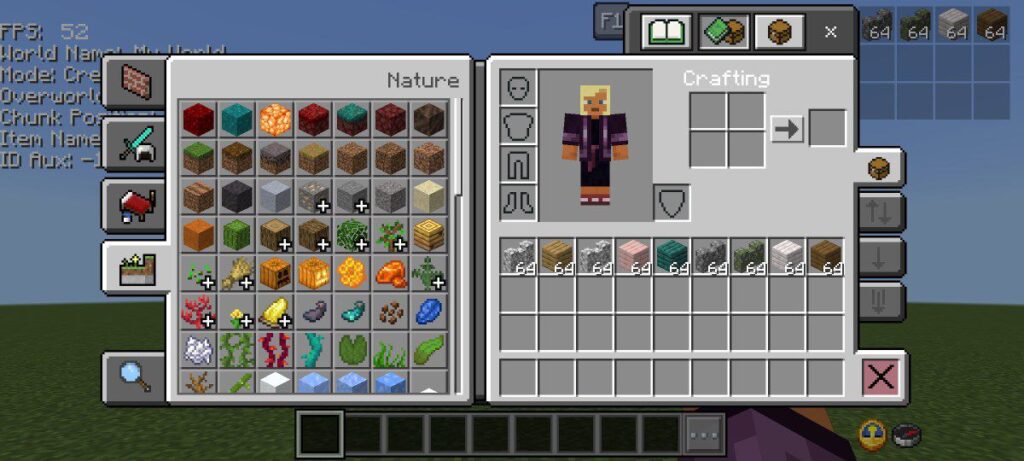
A UI pack for players who want extra utility, Bedrock UI+ is a top pick. Its features include:
- F1 button to hide/show GUI instantly
- A real-time FPS counter — very helpful for monitoring performance
- A vibrant RGB XP bar for a modern touch
- A UI overlay that shows locations of nearby ores
- Night Vision
- Quick Settings menu
- Custom Crosshairs and more
This pack balances visual upgrades and smart gameplay tools in one package. It is one of the best UI packs for Minecraft Bedrock Edition.
Download Bedrock UI+ Official Version 🔗
How to Choose the Right UI Pack for You
- If you want a Minecraft Bedrock UI Pack that gives quick access to settings: Ty-el’s Settings Overlay is perfect.
- If you like a clean but slightly vanilla feel: Ty-el UI Pack or Déesse UI Pack both are great options.
- If you want mod-style HUD features: Evoker UI Pack is ideal.
- Or if you want performance tools + utility: Bedrock UI+ gives you the extras without feeling bloated.
Supported Minecraft Versions
1.21.100, 1.21.120, and later
Installation Guide
For a full step-by-step installation guide, visit this page: How to Install Mods, Addons, and Texture Packs in Minecraft Bedrock Edition.
Try these top Minecraft Bedrock UI Packs to enhance your Minecraft PE experience and enjoy a smarter, smoother game interface.