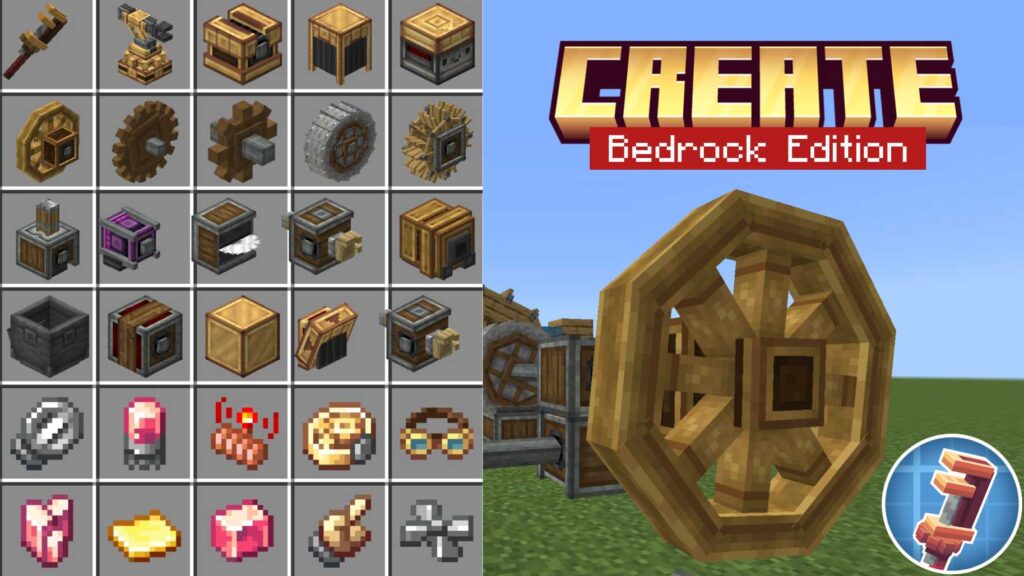
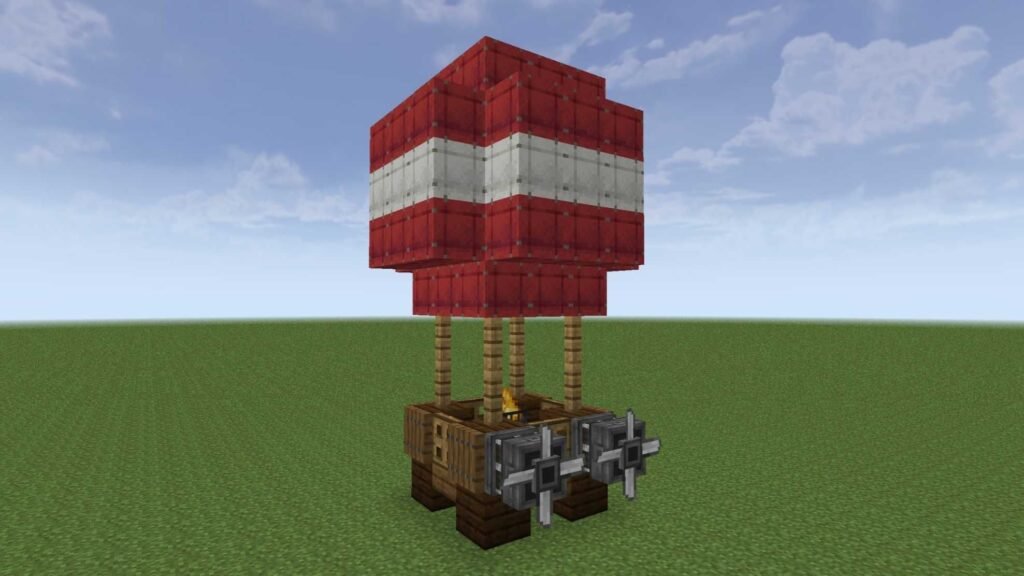
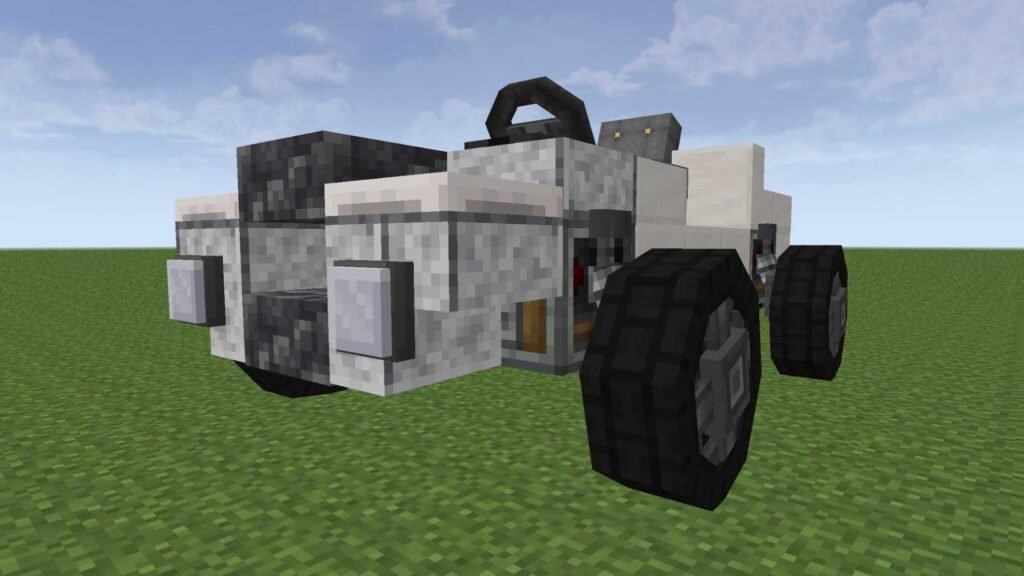
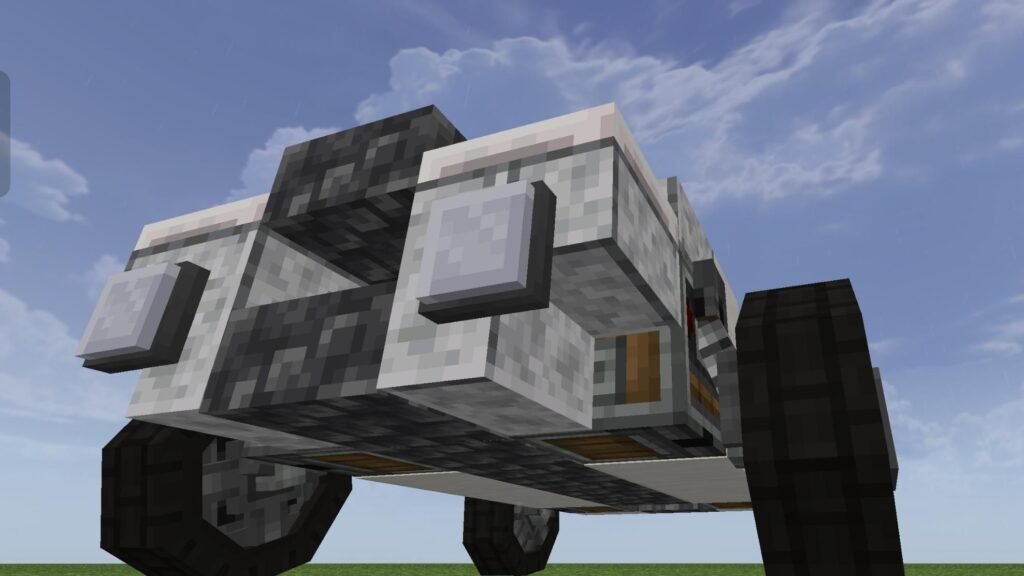
Have you ever thought that you could play the Create Aeronautics mod in Minecraft Bedrock? You are at the right place! Here’s the Create Movement addon. This addon brings the blocks and items necessary for building your own moving machines, hot air balloons, cars with your own designs, and much more in Minecraft PE.
About the Addon
Create Movement is a Minecraft Bedrock aeronautics addon. It adds physics, blocks, and tools that you can use to build different types of vehicles, airplanes, airships, and more in Minecraft Bedrock Edition.
What’s In the Addon
Physics Controller
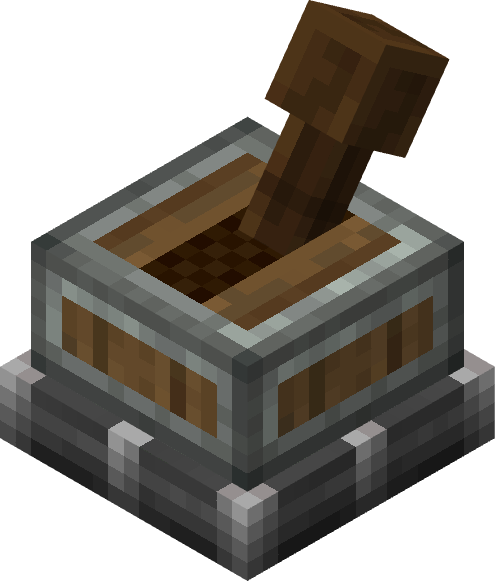
Physics Controller is used for applying physics to selected blocks. Glue some blocks, place the Physics Controller block on them, and tap the handle to enable physics.
Hot Air Burner
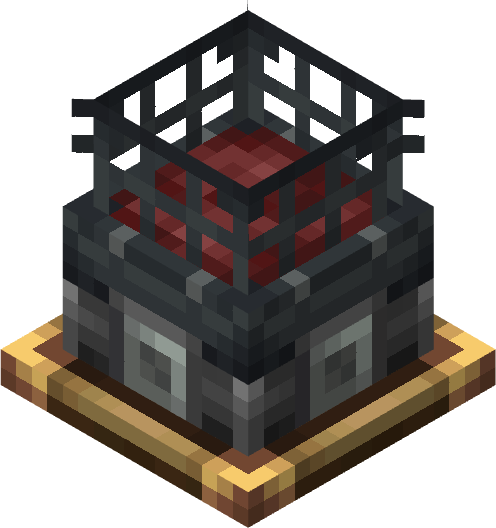
Hot Air Burner is used for producing hot air to lift your flying machines.
Steering Wheels
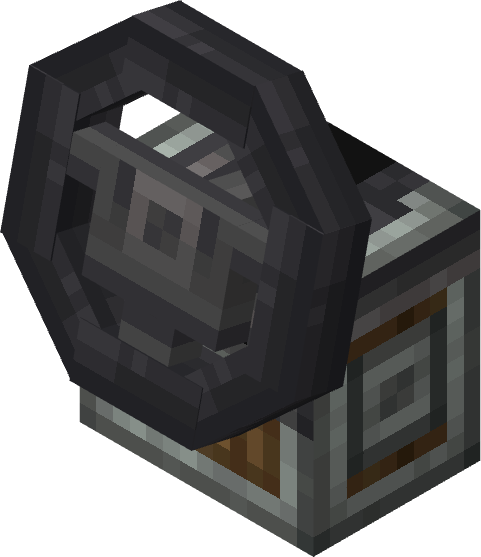
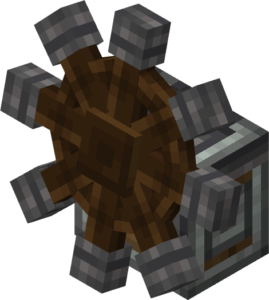
There are two types of steering wheels, one for vehicles and the other for flying machines. You can use them to steer your vehicles and airships while travelling.
Propeller
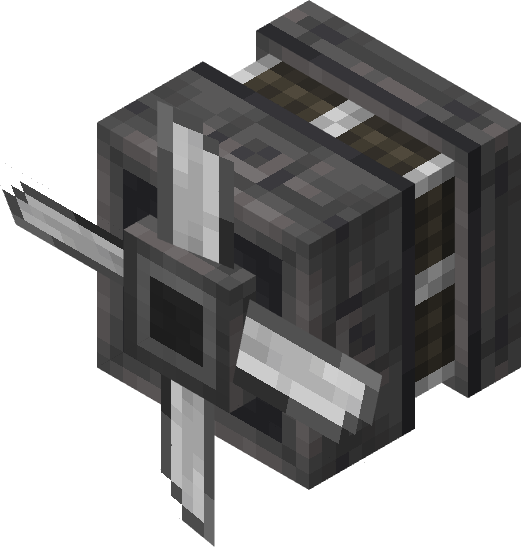
Propeller generates thrust to move your flying machines forward. Attach it to your contraption to add propulsion to your airplanes and airships.
Symmetric Sail

Symmetric Sail is used for creating wings and other aerodynamic designs for your machines.
Wheel Mount and Wheel
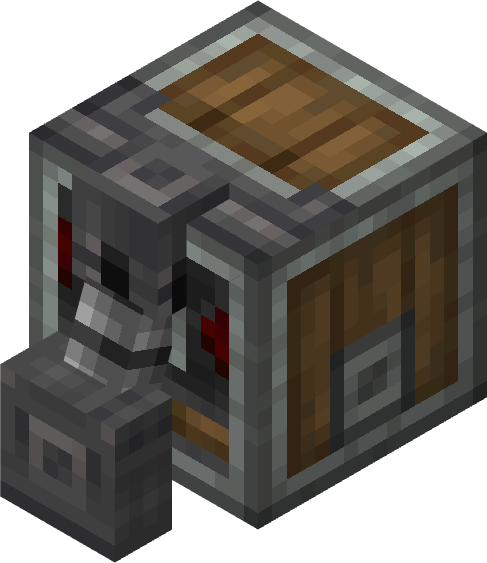
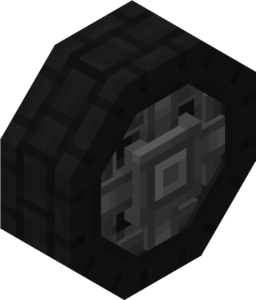
Wheel Mount carries wheels. Place Wheel Mount, hold a wheel in your hand, and tap Wheel Mount to attach the wheel to it. There are three types of wheels: small, medium, and large.
These are not only blocks; this aeronautics addon comes with a complete set of blocks and tools to fulfill your dreams.
Screenshots
How To Get Started?
This addon adds a guidebook that shows you how to use the addon. Alternatively, you can watch my video on YouTube for installation instructions and a tutorial.
Supported Minecraft Versions
✔️ Minecraft Bedrock 1.26.50 and later
©️ Credits: The Create Movement addon was made by Vatonage. All credit goes to the creator for making this amazing addon.
This addon doesn’t require Create Bedrock to be installed, but for the best experience, it is recommended to use both addons.