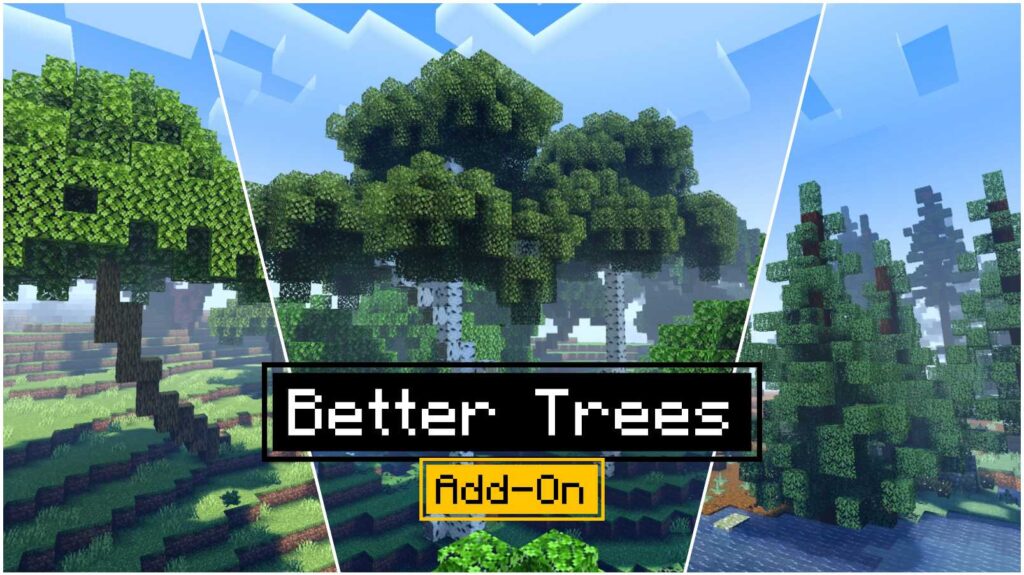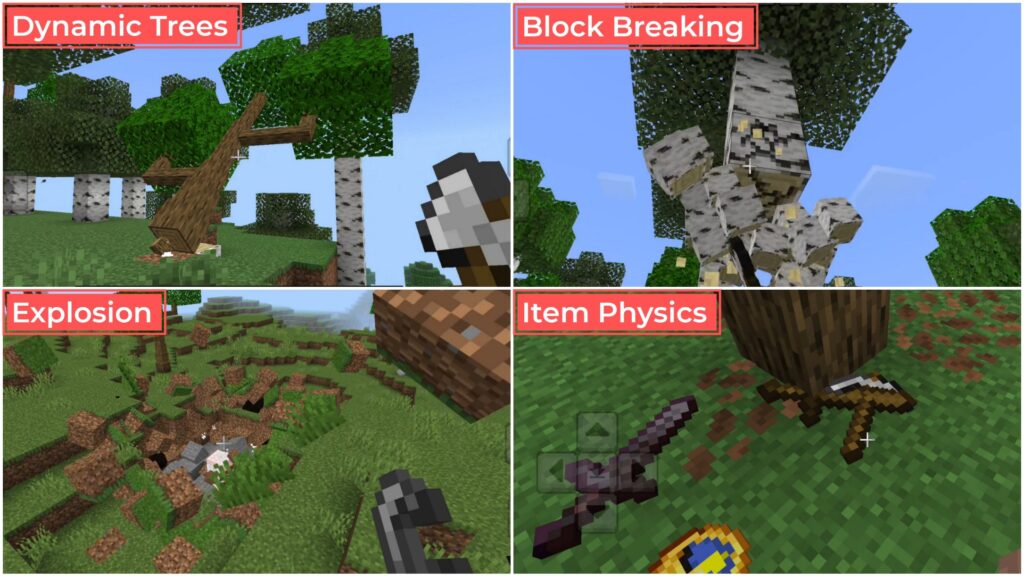
If you’ve ever wished that chopping trees in Minecraft felt more realistic, the Dynamic Tree Chopper Addon is here to make that dream come true. It’s not just another Tree Capitator Addon — it completely changes how trees behave when you chop them.
The Dynamic Tree Chopper Addon adds realistic falling trees, smooth animations, and an extra touch of realism.
How It Works
While using other Tree Capitator Addons, when you cut a block of wood in Minecraft, the whole tree disappears instantly. It’s fast, but not very satisfying. With this dynamic tree addon, that changes completely.
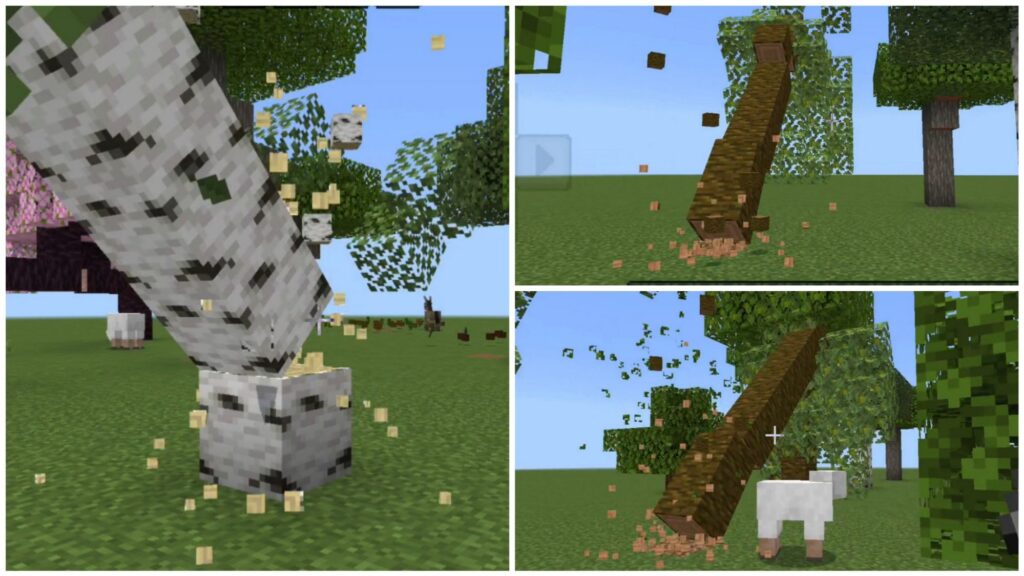
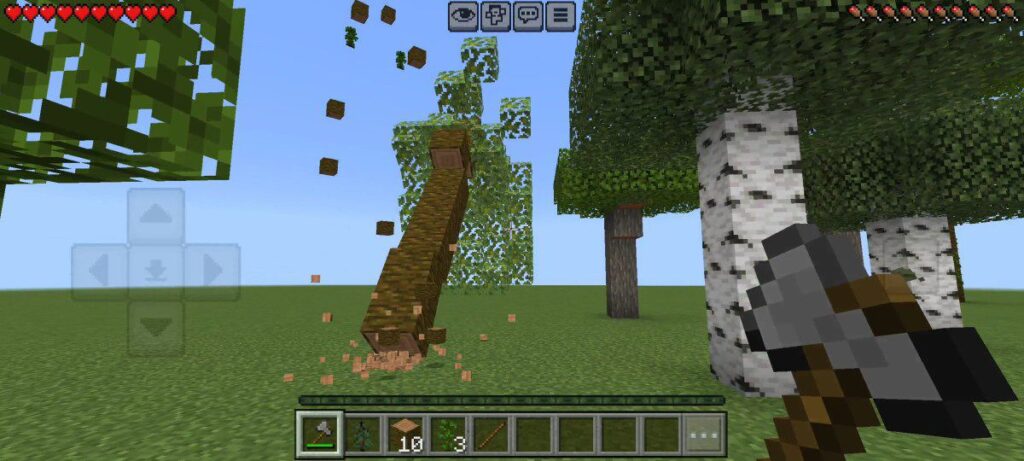
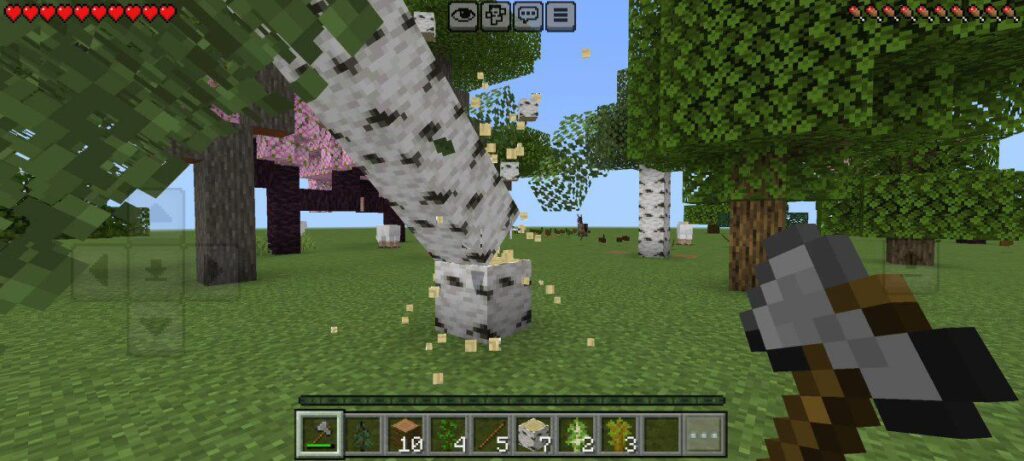
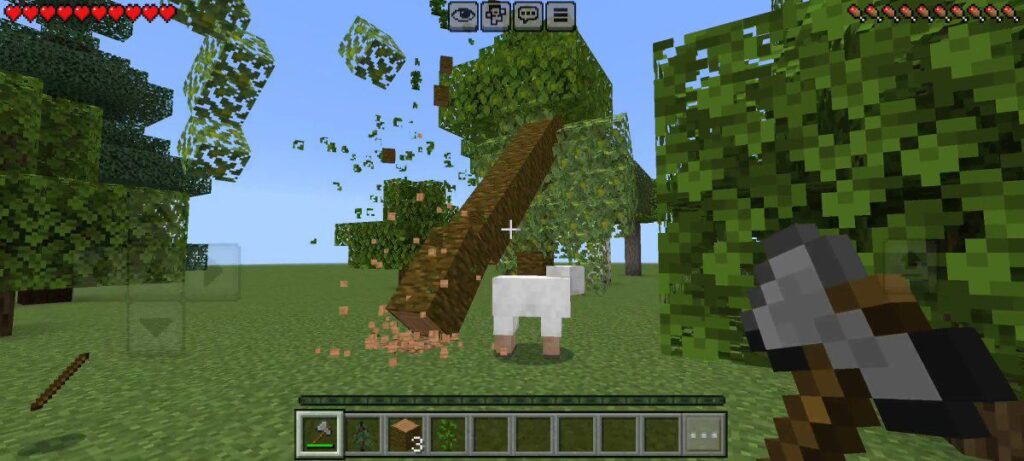
When you break just one block of the tree, the whole tree doesn’t vanish — it falls. Yes, you read that right. The tree rotates and collapses to the ground with smooth physics, just like in real life.
Supports All Vanilla Trees
The addon works perfectly with all the classic Minecraft PE trees. Whether you’re cutting a jungle tree, birch, oak, or acacia — the animation looks just as amazing. Every log follows the motion naturally, making it feel like a real forest adventure.
Why Use It
The Dynamic Tree Chopper Addon combines performance, realism, and fun. You don’t need any complicated setup. Just install it, start your world, and enjoy chopping trees like never before.
If you play survival mode, you’ll enjoy gathering wood faster and more enjoyably.
It’s also fully compatible with the latest version of Minecraft Bedrock Edition, so you won’t have to worry about bugs or outdated behavior.
Final Thoughts
The Dynamic Tree Chopper Addon isn’t just a tool — it’s an experience. It brings life, motion, and realism to one of the most basic tasks in Minecraft.
Whether you’re new to Minecraft PE addons or a long-time player looking for something fresh, this addon is definitely worth trying.
Downloads
Dynamic Tree Chopper Mcpe 1.21+
Installation Guide
The installation for this addon is the same as other addons. Just follow the steps below:
- Download Dynamic Tree Chopper Addon from the given link.
- Open any file manager and tap on the downloaded addon file. Minecraft will import it automatically.
- Once imported, make sure to activate both the resource and behavior packs of this addon globally or in your world settings.
If you’re still having any issues while installing the mods and addons, visit the following guide:
How to install mods and addons in Minecraft Bedrock Edition
Supported Minecraft Versions
1.21.50, 1.21.100 and later
Frequently Asked Questions – (FAQ)
Does this addon work on mobile (Minecraft PE)?
Yes! It’s fully compatible with Minecraft Bedrock/PE versions 1.21.50 and newer.
Do I need to enable any experimental options?
No. The addon works smoothly without enabling any experimental features or cheats.