If you’re tired of the same recycled gun mods, East Asia Conflict is worth a look. This Minecraft Bedrock addon packs in 16 fully functional 3D guns, all built with vanilla-friendly textures, sharp sound design, and smooth reload animations. It’s one of the more complete gun addons out there for Bedrock right now.
Guns in This Addon
The lineup mixes well-known real-world rifles with a strong lineup of Chinese-issue weapons, giving it a different flavor than most gun addons:
- AK-12
- FN ARKA
- HK-416
- K2
- M7
- M8
- M16A4
- QBZ-95
- QBZ-191
- QBU-191
- QSZ-92
- QCQ-171
- QJB-201
- QJB-95
- Type 88
- T112
That’s 16 guns total, covering assault rifles, SMGs, and sidearms.
Screenshots
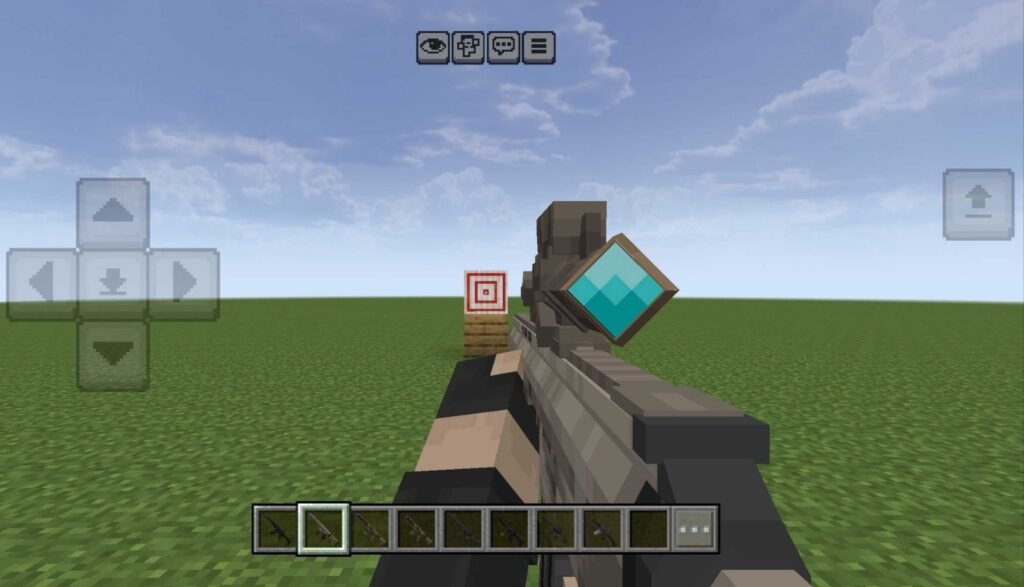
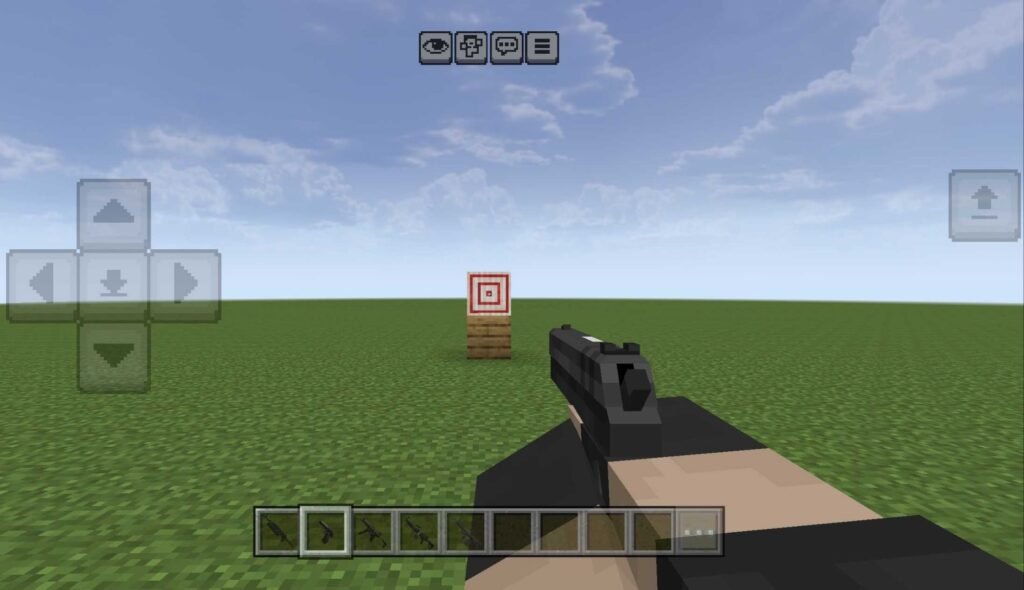
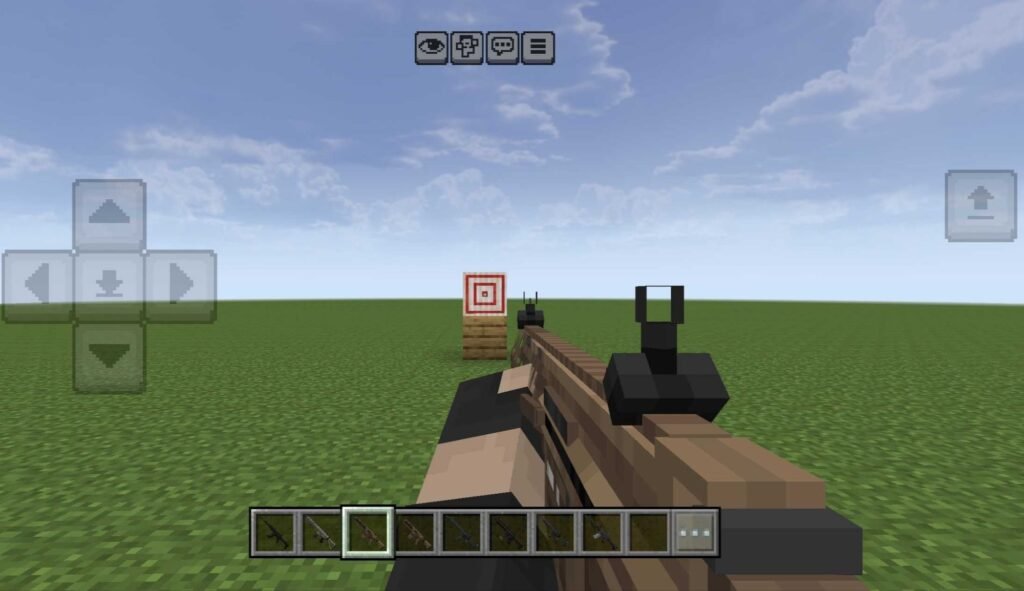
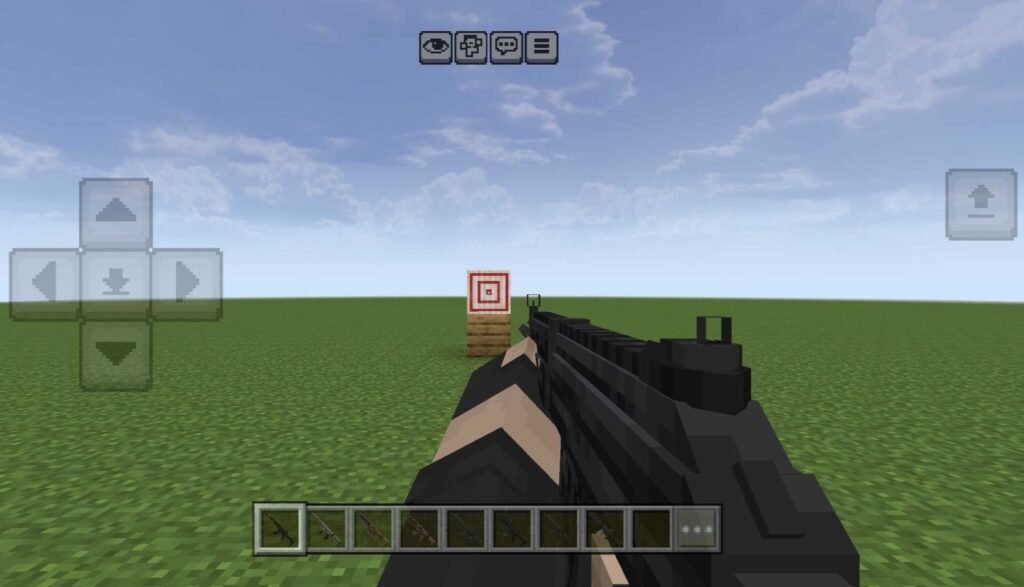
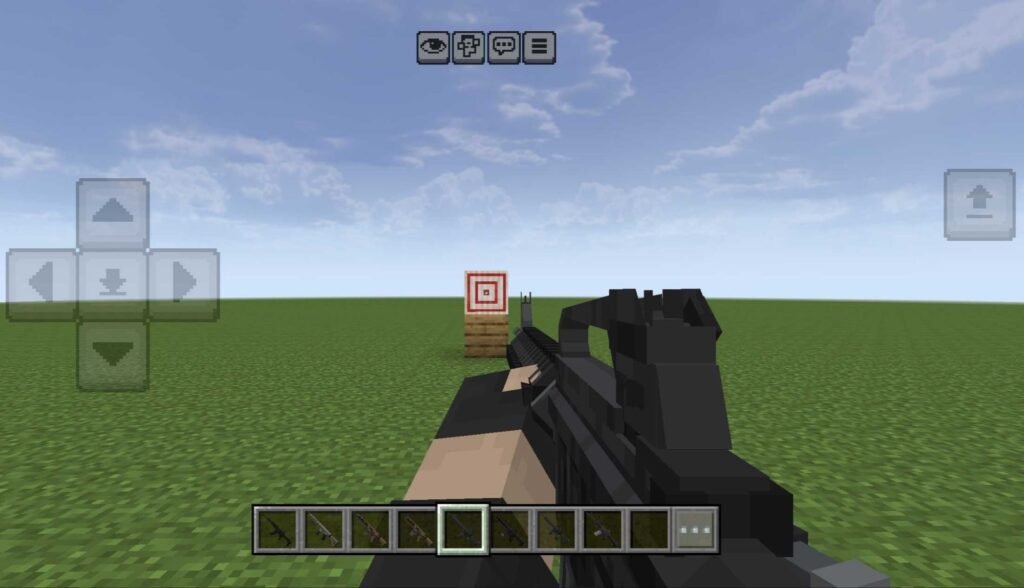
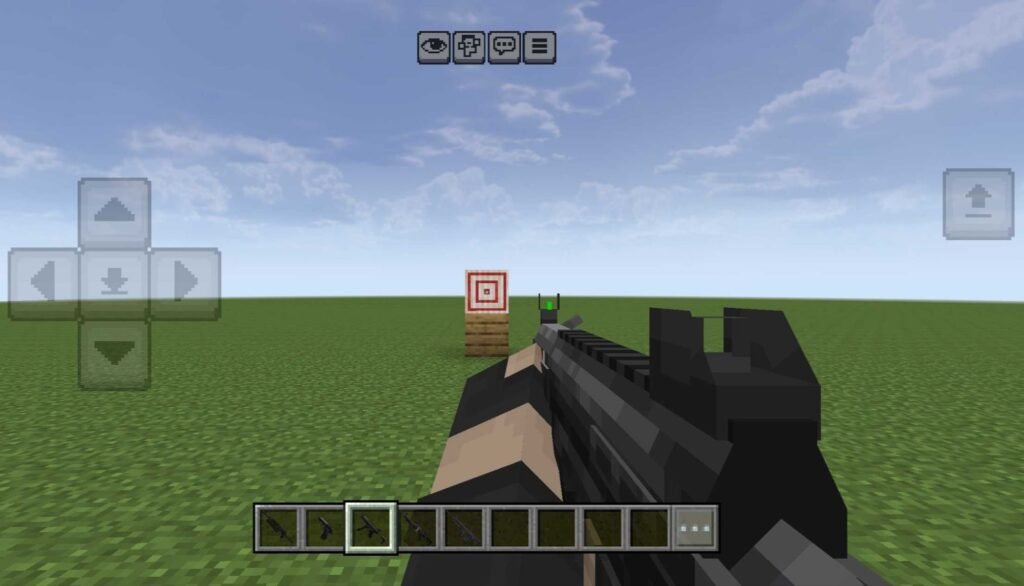
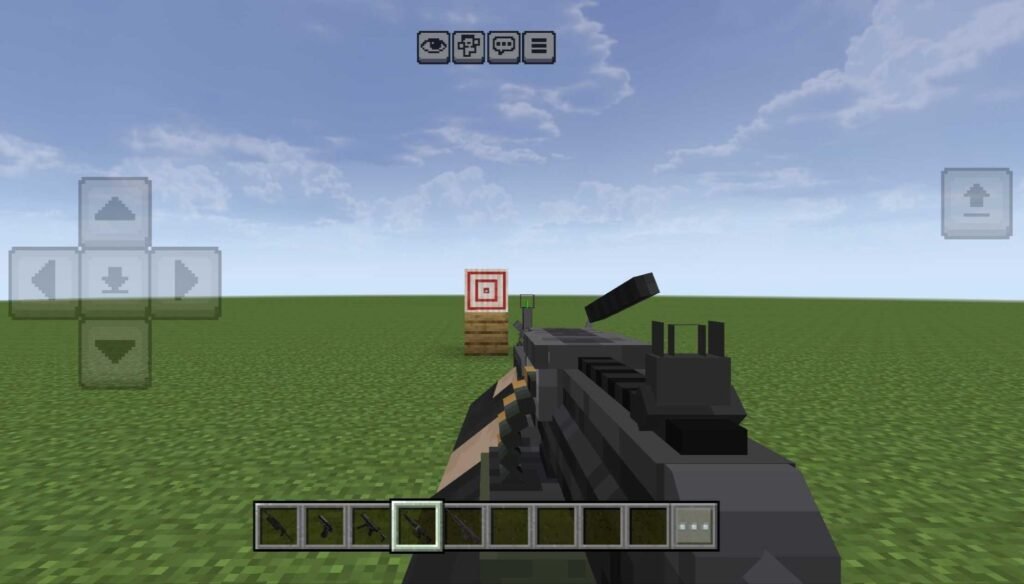
How to Craft Guns and Ammo
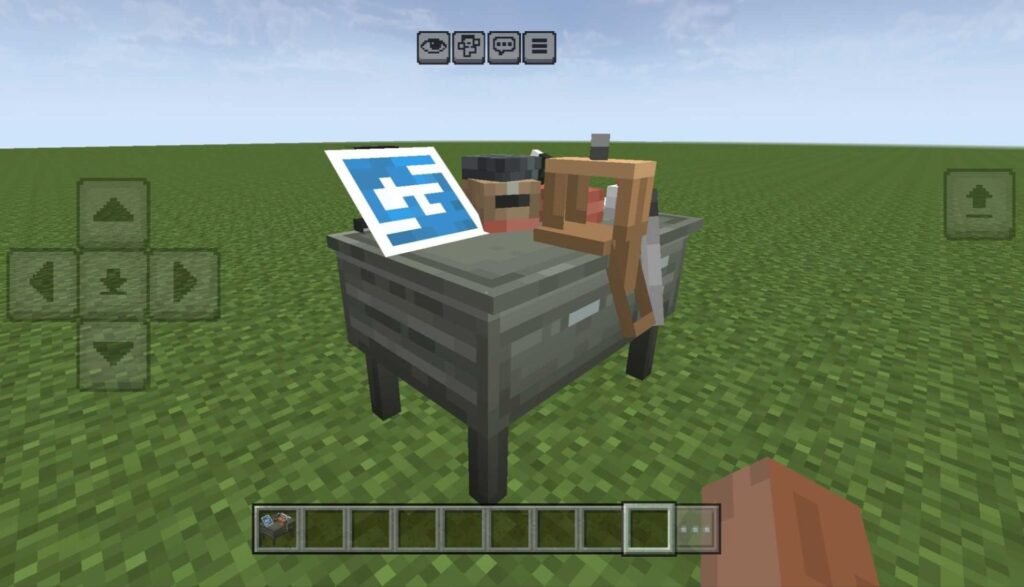
East Asia Conflict is a survival-friendly gun addon. That means you can craft guns, ammo, and attachments in survival mode using a crafting desk. All guns need simple items that are easy to find in the game, so there’s no grinding through complicated material lists just to get your first gun built.
How to Add Attachments to Guns
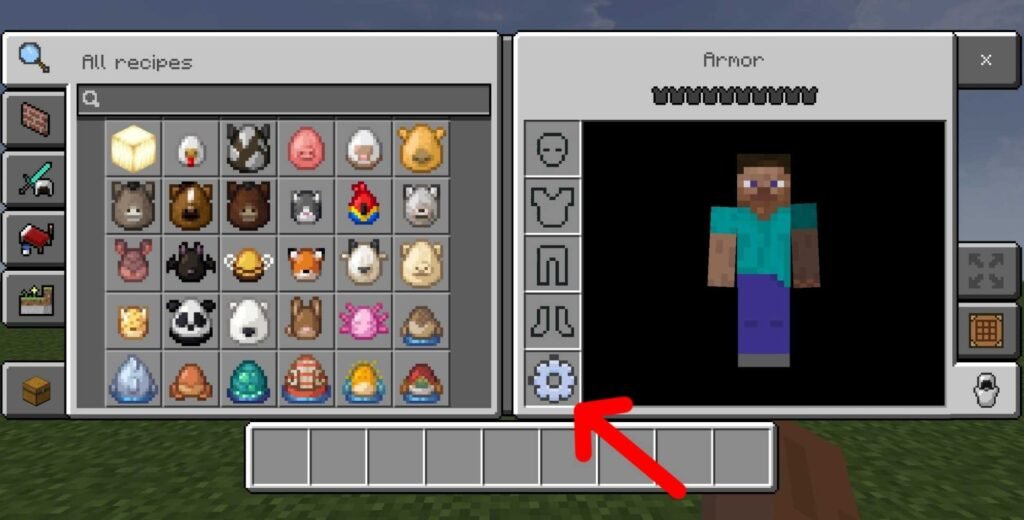
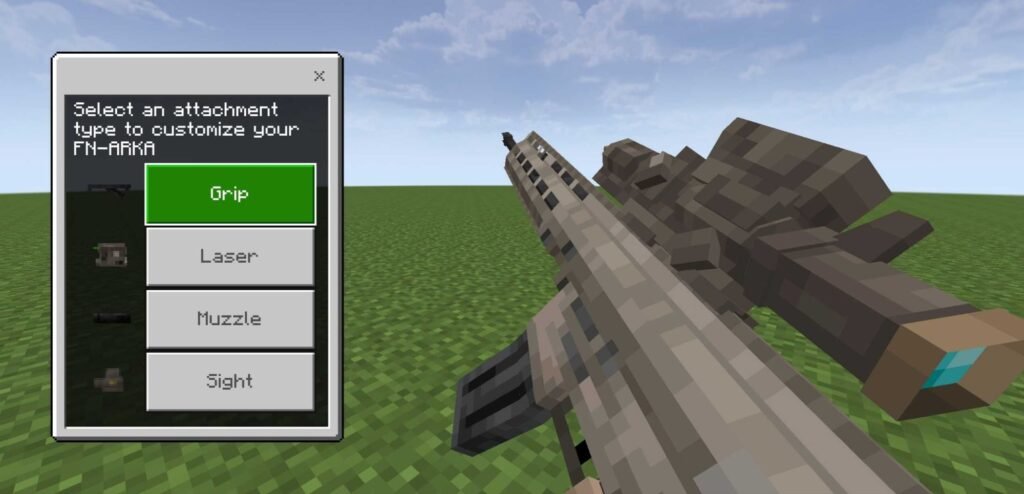
For attachments, there’s a new item called a config. After crafting your attachments and a config, place the config in your offhand slot — the same spot where you’d hold a shield and tap sneak button. This opens attachment mode, where you can attach different parts to your guns and customize your loadout.
Supported Minecraft Versions
✔️ Minecraft Bedrock 1.26 and later
©️Credits: This addon was created by Akang Krep. All credit goes to him — you can check out his channel here. @Krep
Downloads 🛡️
East Asia Conflict Guns Addon [RP] download
East Asia Conflict Guns Addon [BP] download
Installation Guide
Having trouble installing or not sure how addons work in Minecraft Bedrock Edition? Here’s a step-by-step guide:
How to install mods and addons in Minecraft Bedrock Edition