Minecraft Bedrock Edition is fun, but let’s be honest — physics feel too basic in some areas. Blocks vanish instantly, trees float in the air, explosions look flat… it doesn’t feel real. But thankfully, we have Physics ModPack for Minecraft Bedrock that adds real physics to the game.
It combines multiple physics addons into a single pack, making gameplay more immersive and satisfying.
Let’s take a look at what this Minecraft Bedrock physics pack offers.
This ModPack contains multiple subpacks. Each one improves physics in a different way:
Block Breaking Physics
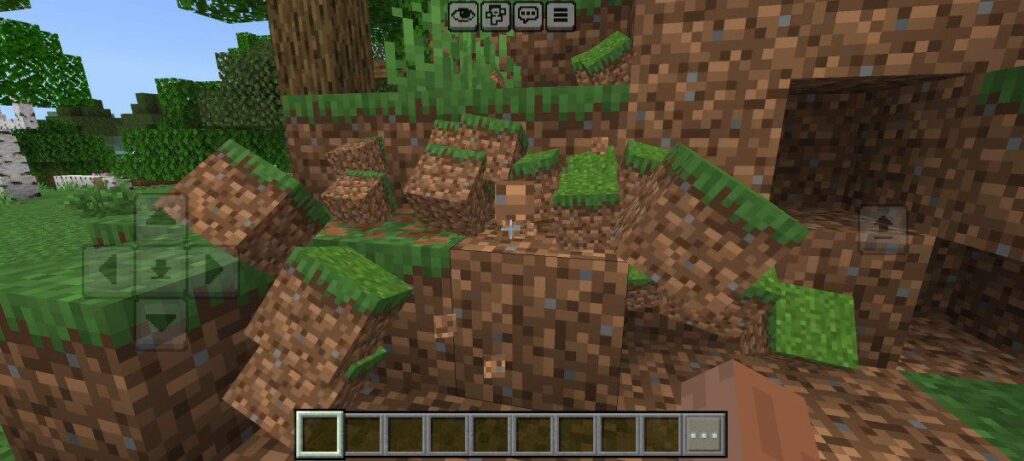
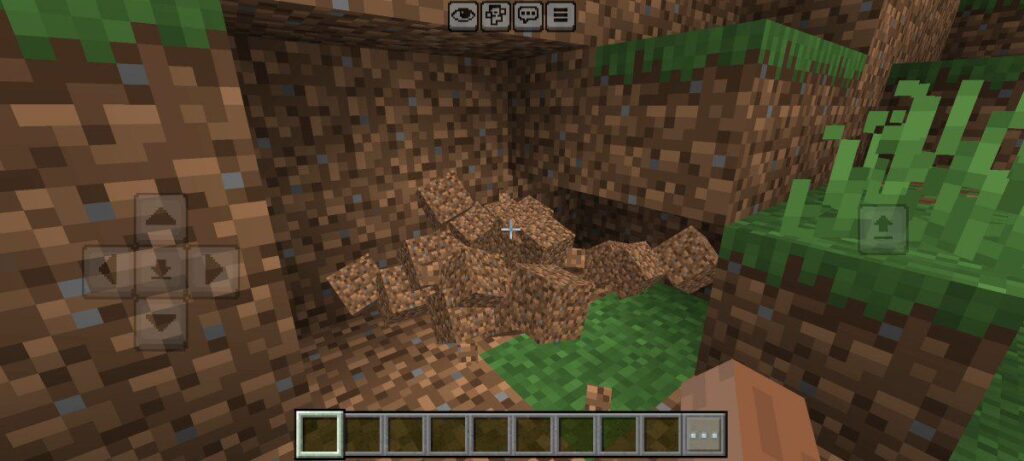
Now when you break a block, it doesn’t just vanish — it actually shatters into tiny pieces that scatter around, just like in real life. You can watch each fragment fall to the ground, giving mining a whole new level of realism.
This simple change makes every block you break feel more alive and satisfying.
Dynamic Trees
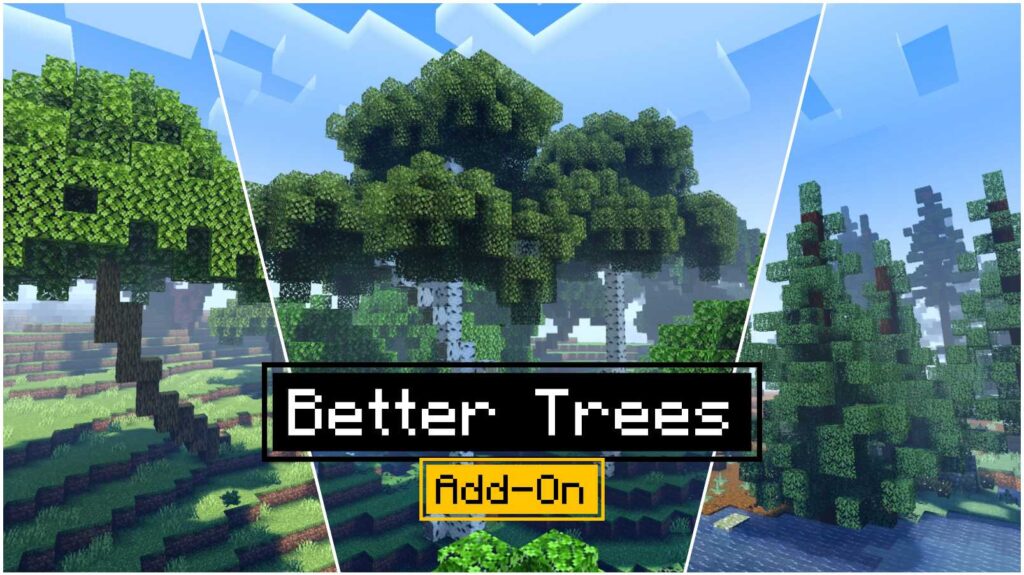
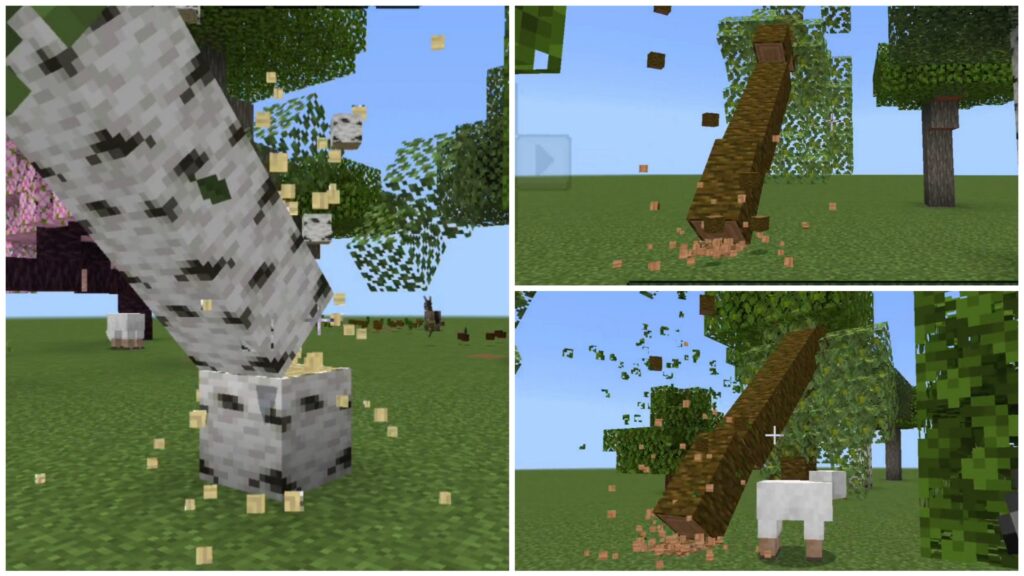
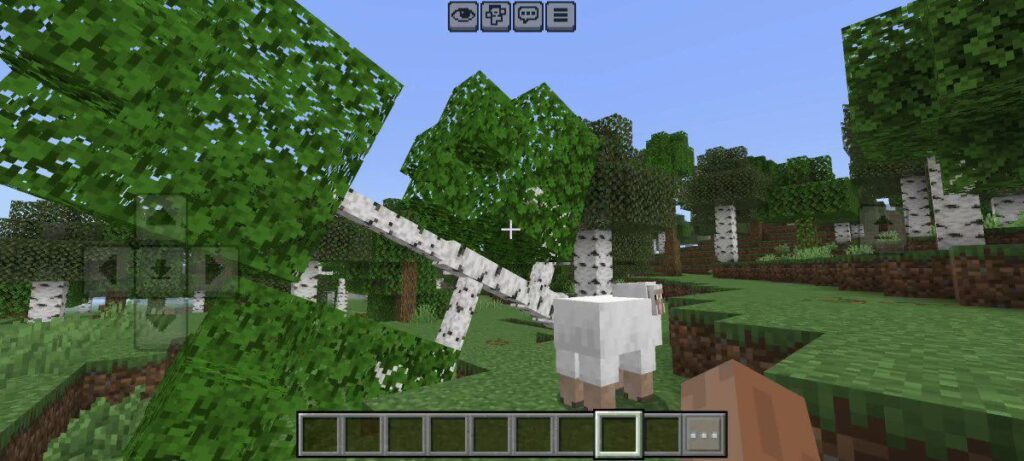
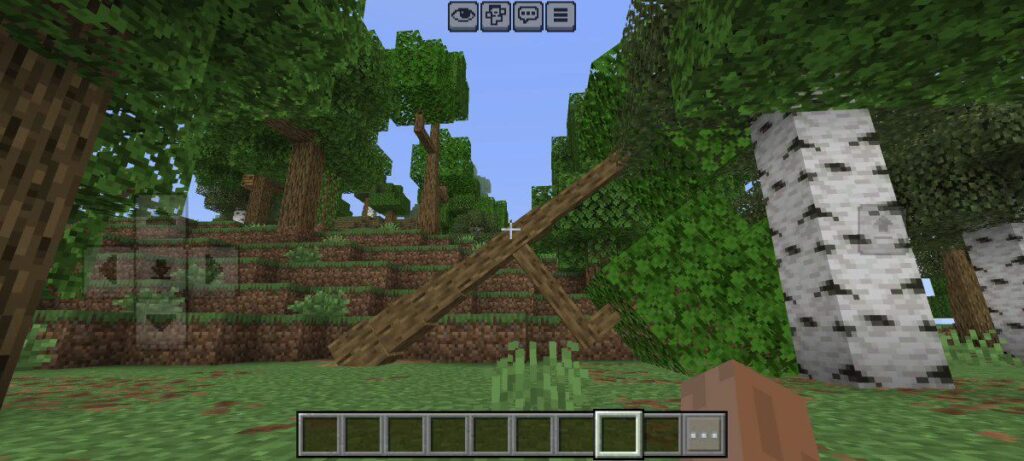
Chop down a tree and watch it fall naturally. With this feature, the entire trunk reacts to gravity and collapses smoothly to the ground once the base is destroyed. It’s incredibly fun to see trees tumble in different directions depending on how and where you chop them.
(Note: Only dynamic trees have this feature — vanilla trees still behave normally.)
Explosion Physics
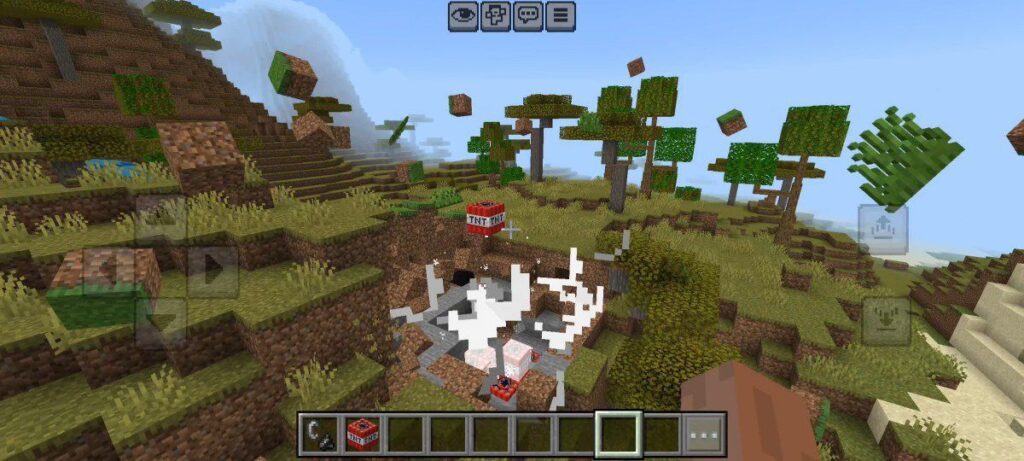
TNT and Creeper explosions now feel powerful and realistic!
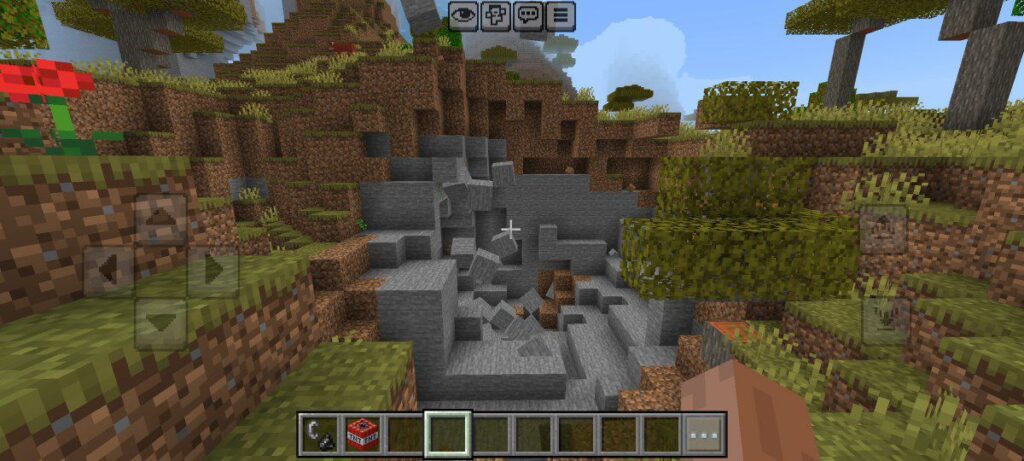
When something blows up, nearby blocks don’t just disappear — they fly outward in all directions, creating a scene that actually looks like a real blast. You’ll see debris scatter and bounce, leaving behind a chaotic, destroyed area that feels authentic.
This feature adds extra excitement to your world and makes every explosion feel intense and satisfying to watch.
Item Physics
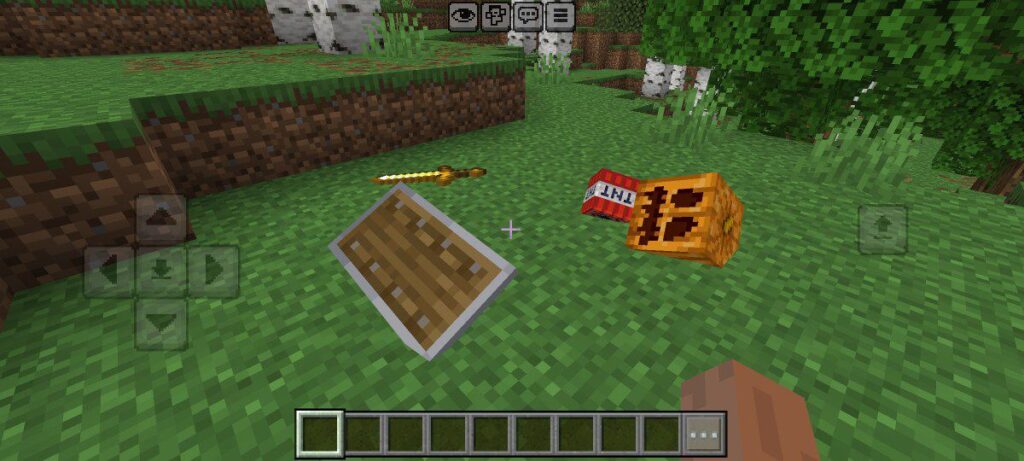
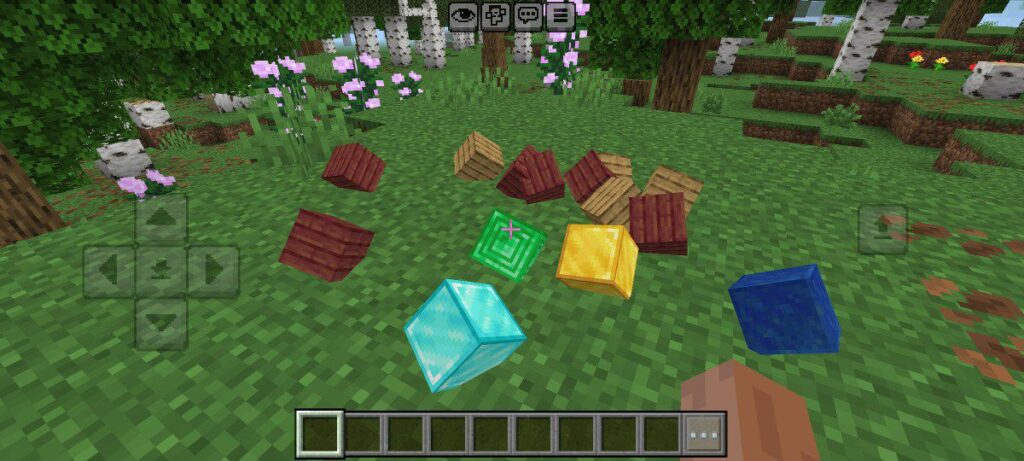
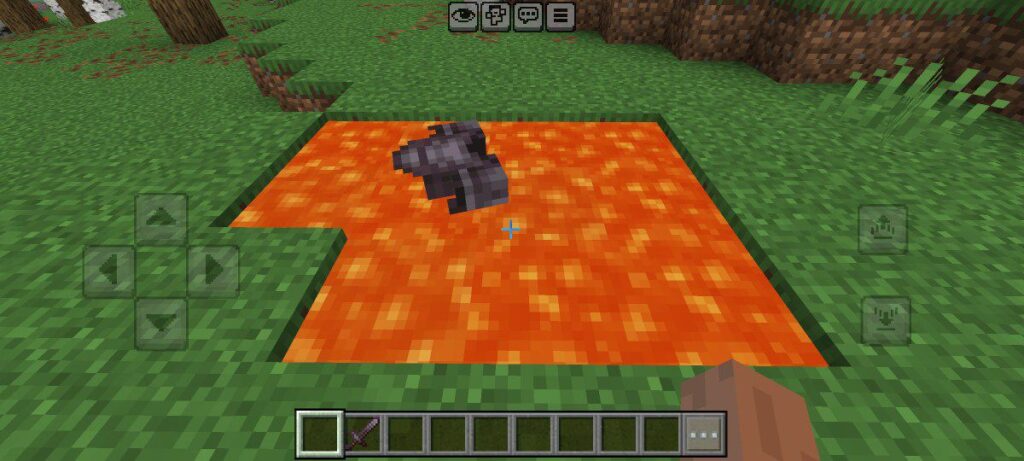
When you drop an item, it lands naturally on the ground instead of floating awkwardly. Weapons, blocks, and food all have their own way of falling. This small improvement makes your world feel more detailed and believable.
Why You Should Try This ModPack
This ModPack improves physics in a simple yet game-changing way.
Everything behaves more like the real world, which makes survival and building more engaging.
If you are searching for the best physics addons for Minecraft PE, then this pack is definitely worth a try.
Installation Guide
Follow these simple steps to install the Physics ModPack for Minecraft Bedrock:
1. Download the Physics ModPack from the given link below.
2. Open your file manager and tap the downloaded pack file.
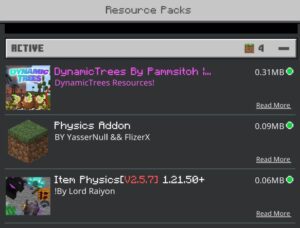
3. Minecraft will import the three packs automatically.
4. Once imported, make sure to activate the resource and behavior packs of all three packs.
Note: This ModPack is a combined collection of existing community physics addons.
All credits and rights go to the original creators who developed these physics features for Minecraft Bedrock Edition.