If your Minecraft player still moves stiffly, it might be time for an upgrade. Animations play a big part in how your character feels in-game — and the default ones can look a little outdated. Luckily, there’s an amazing free Minecraft Bedrock animation pack that completely transforms your player’s movement with realistic, smooth, and detailed animations.
Let’s take a closer look at what this texture pack brings.
About Player Animations Pack
New Player Animations is a Minecraft Bedrock animation pack that replaces the basic movement animations with more lifelike ones. Whether your character is walking, running, swimming, or flying — everything looks natural and fluid.
It’s not just a minor visual tweak; this pack changes how your player reacts in nearly every situation. Here’s what it includes:
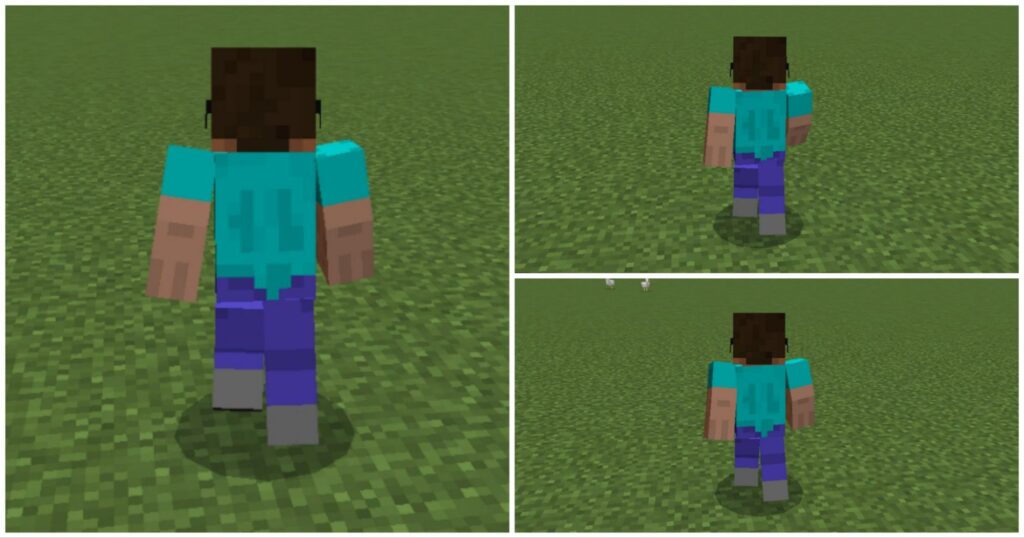
Walking Animations
Your player now walks with realistic body movement and smoother arm and leg motion, making each step feel alive.
Running Animations
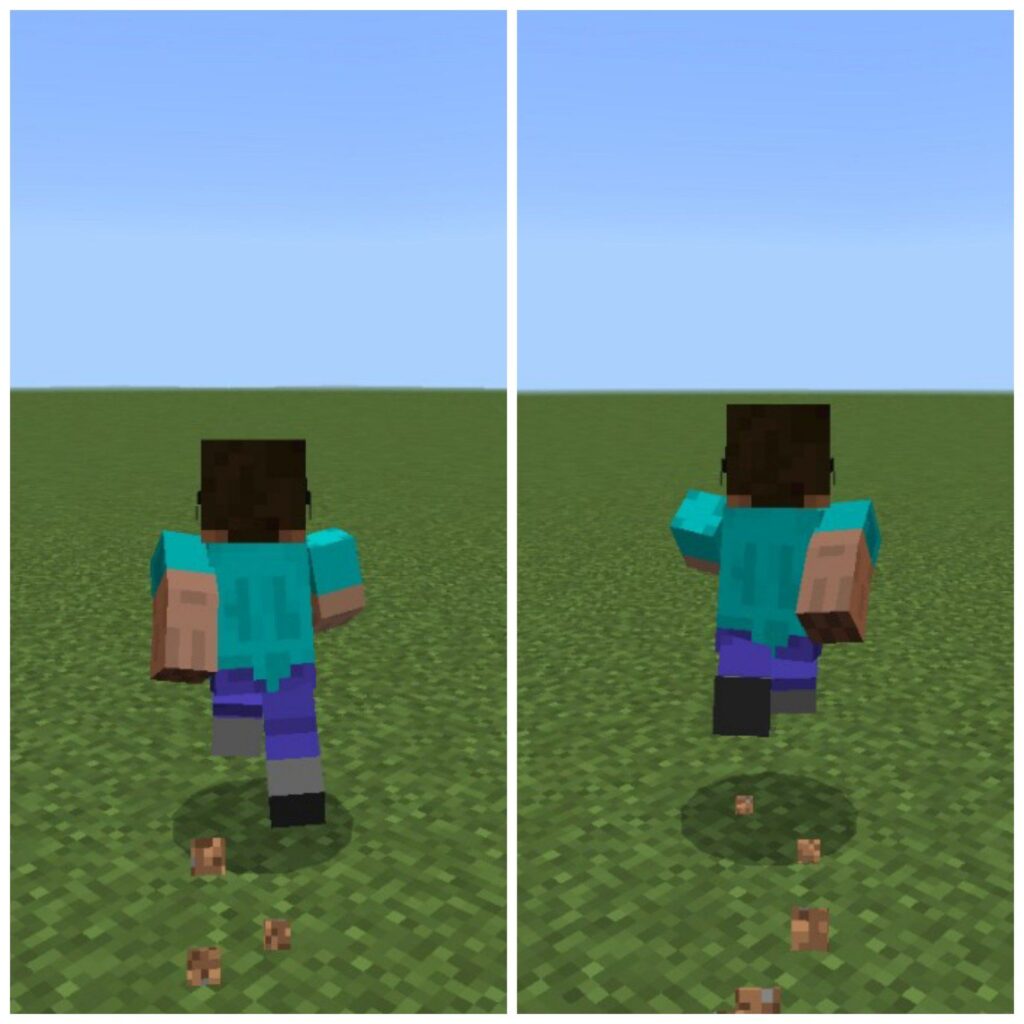
Running looks more energetic and fluid — your character leans slightly forward, just like a real sprint.
Flying Animations
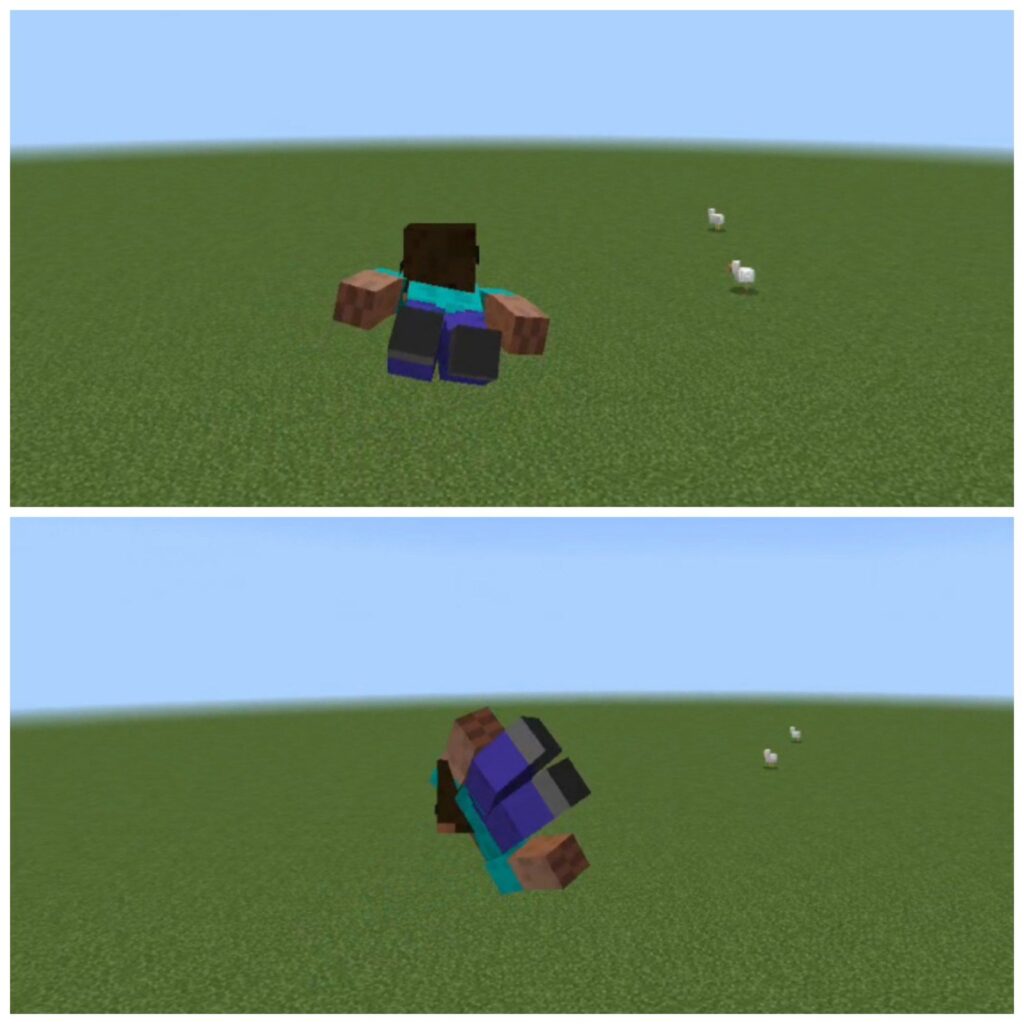
When you fly, the animation looks more dynamic, giving a real sense of motion through the air.
Jumping Animations
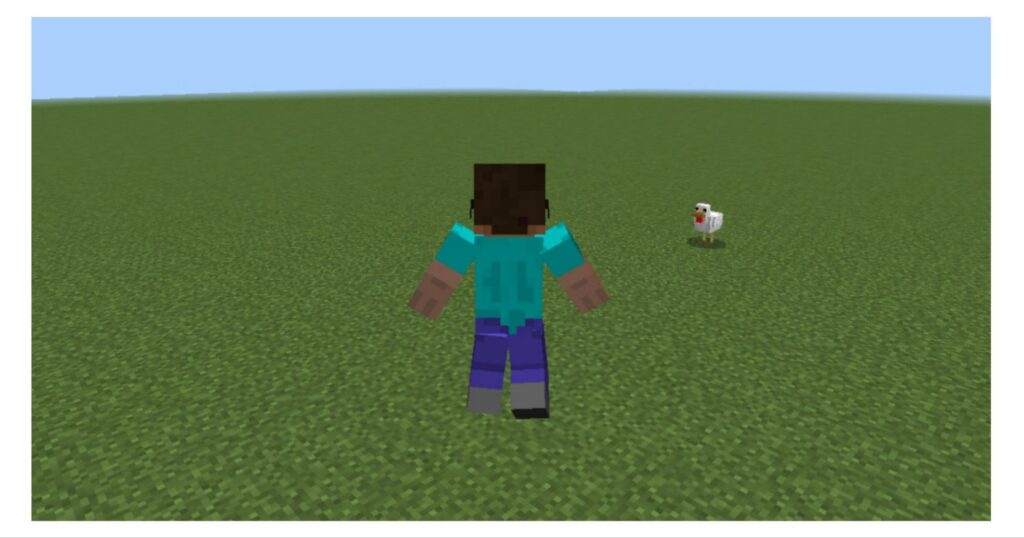
Jumping feels more natural with improved leg movement and smoother landings.
Combat Animations
Fighting animations have also been improved. Your attacks look faster, more powerful, and visually satisfying.
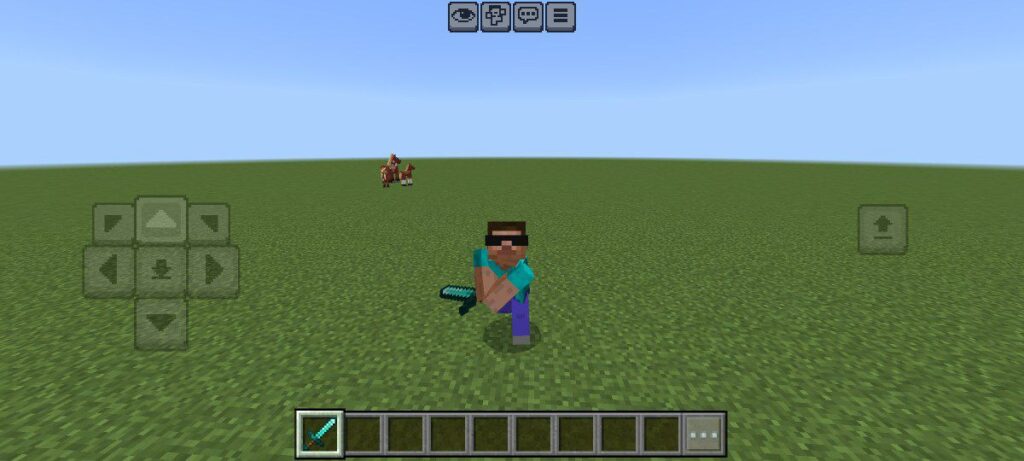
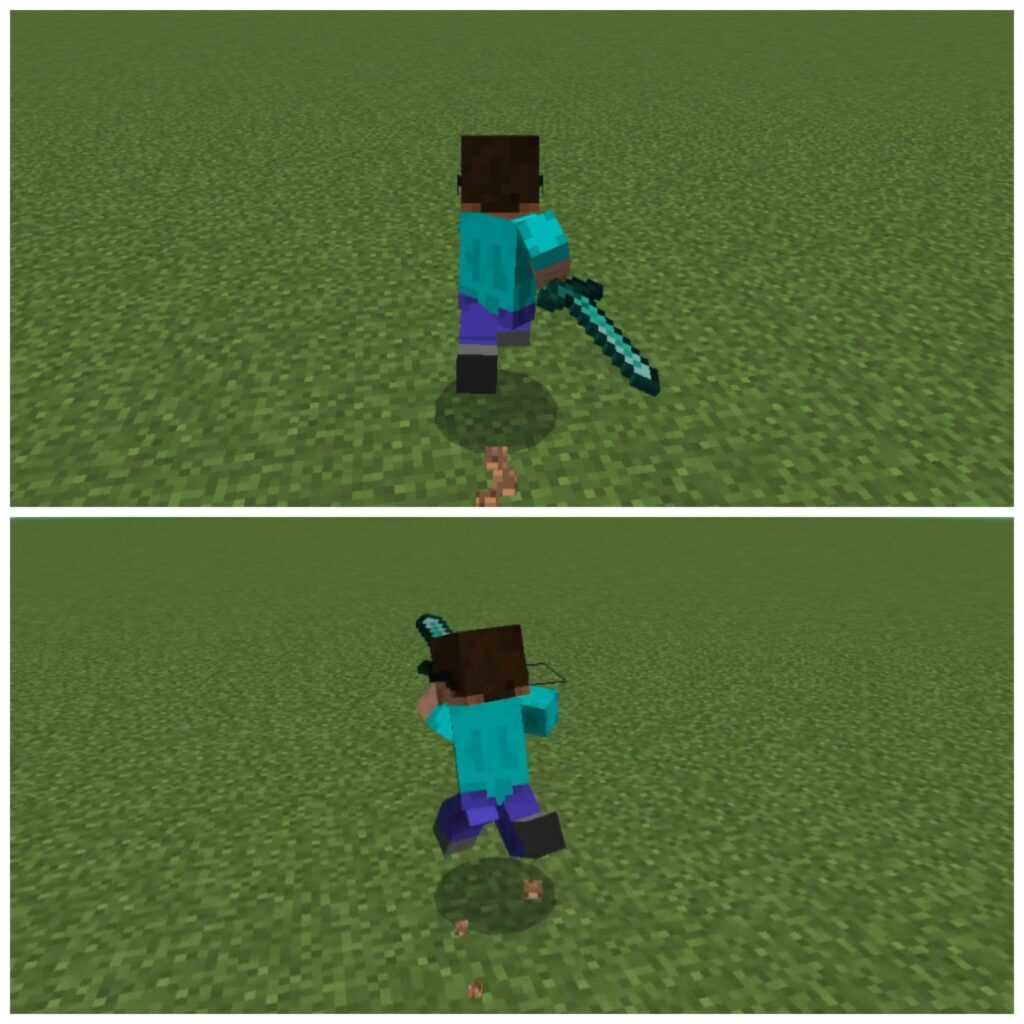
This Minecraft player animation resource pack doesn’t just add movement — it adds realism. Every animation blends smoothly into the next, giving your player a human-like touch. It’s perfect for players who love immersive gameplay or content creators who want better visuals for their worlds.
My Experience
Personally, when I used this animation pack in Minecraft Bedrock, I was really impressed. The walking, running, and fighting animations looked so smooth in-game. Especially the flying animation — it gave a real superhero vibe, like soaring through the sky as Superman. If you’re looking for the best free animation pack for Minecraft, try this one and thank me later.
Installation Guide
Follow these quick steps to install the Minecraft Bedrock animation pack:
- Download the Player Animations Pack from the link below.
- Open the .mcpack file — Minecraft will automatically import it.
- Go to your world settings and activate the pack.
Now you’re ready to experience smoother and more realistic player motion.
