Looking for the best Minecraft Bedrock addons to upgrade your gameplay?
Minecraft Bedrock Edition has some of the coolest mods ever made, and today we’re exploring the best Minecraft Bedrock addons you should try. Whether you love survival, building, or exploring new worlds, these addons will make your gameplay smoother, faster, and more exciting.
In this list, we’ll explore 20 of the best Minecraft Bedrock addons that work perfectly on the latest versions, including Minecraft 1.21+.
1. Better Trees Addon
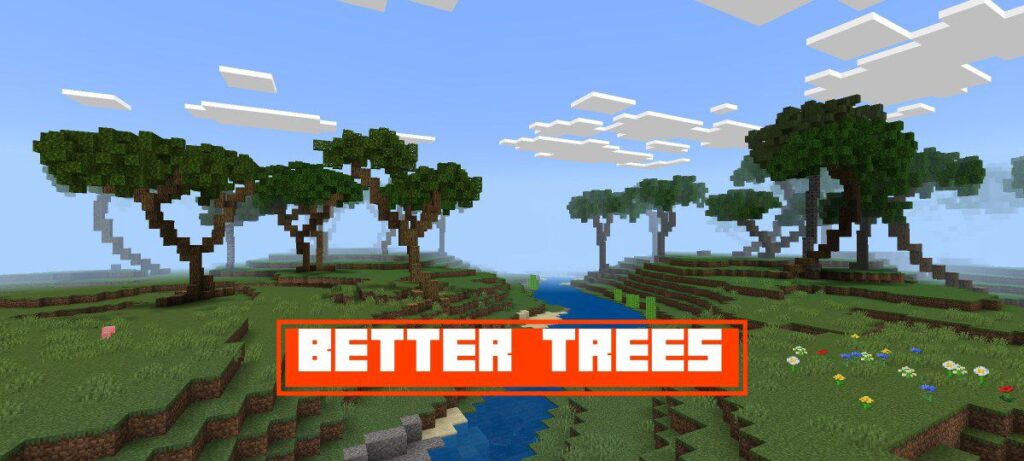
Better Trees completely reshapes how trees look in Minecraft. Birch, oak, cherry, and jungle trees now have detailed shapes and realistic vibes that make your world feel fresh and alive.
Features: Realistic trees
2. Parkour Addon
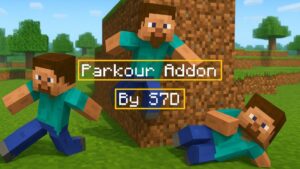
This addon improves your movement animations with wall runs, rolls, slides, dodges, and more. You can explore faster and move like a pro without complicated controls.
Features: Parkour animations
3. All In One Tool Addon
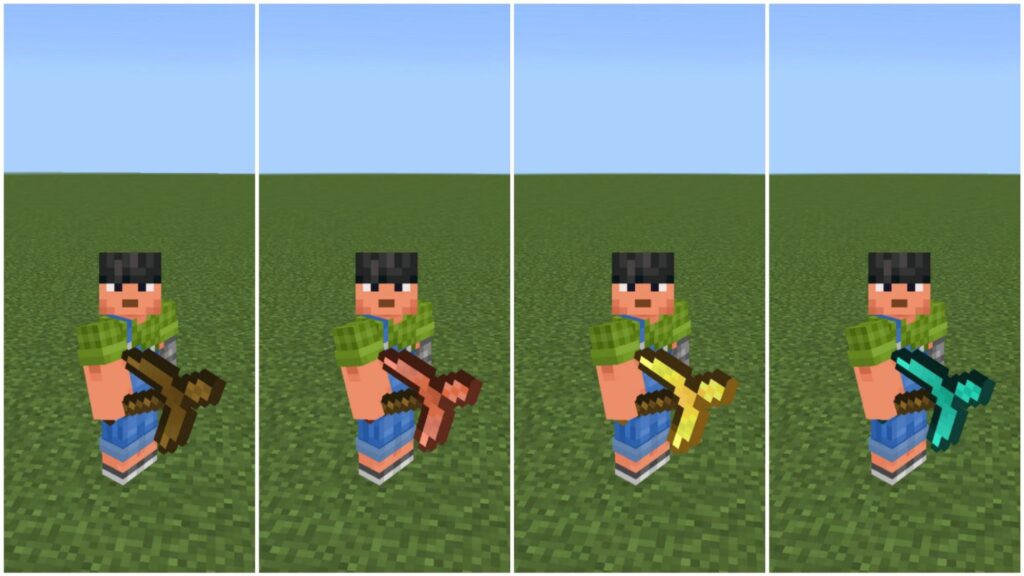
One tool that does everything. It works as a sword, pickaxe, axe, shovel, and hoe. Mine blocks, fight mobs, chop wood, dig dirt, and farm soil — all with a single item in your hand.
Features: Versatile tool
4. Moog’s Voyager Structures
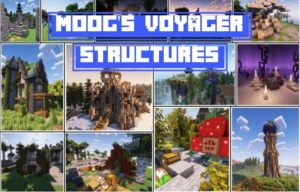
This addon adds houses, temples, towers, mansions, and many more naturally-spawning structures. Exploration becomes more fun, mysterious, and filled with adventure.
Features: New structures
5. Fabulous Furniture Addon
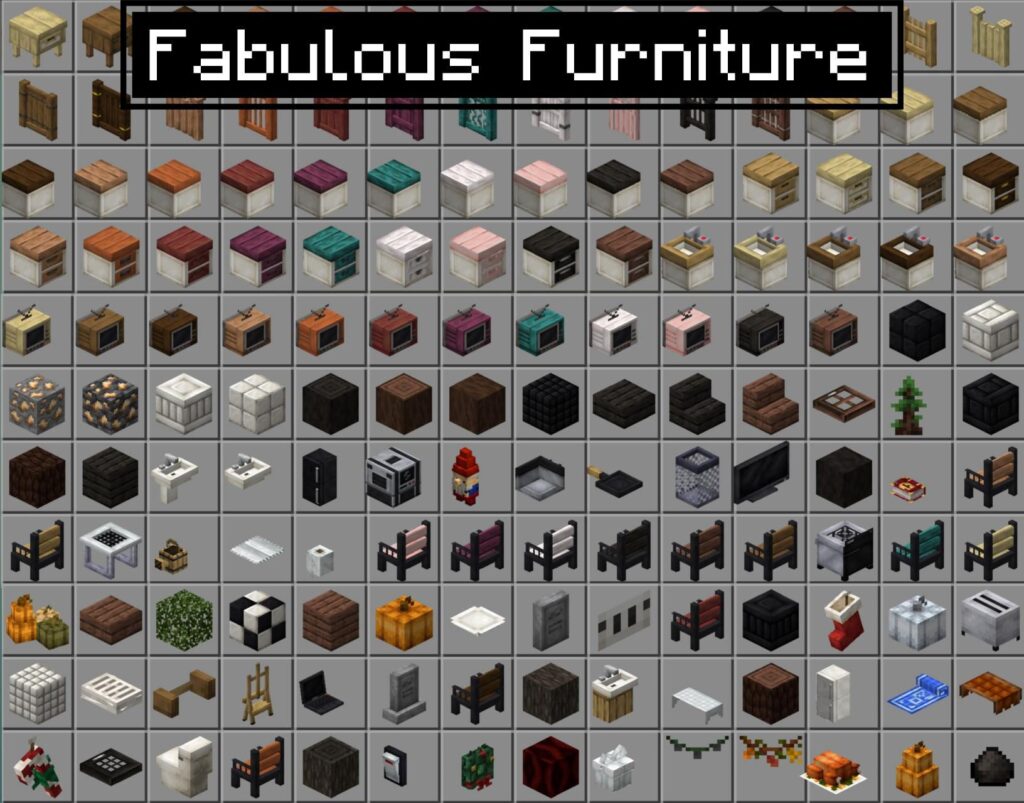
A massive furniture addon featuring over 250 decorative blocks. Furnish your survival base or creative builds with kitchens, beds, lamps, shelves, sofas, and more — all in a clean, vanilla-like style.
Features: 250+ vanilla-inspired furniture blocks
6. More Vanilla Shields Addon
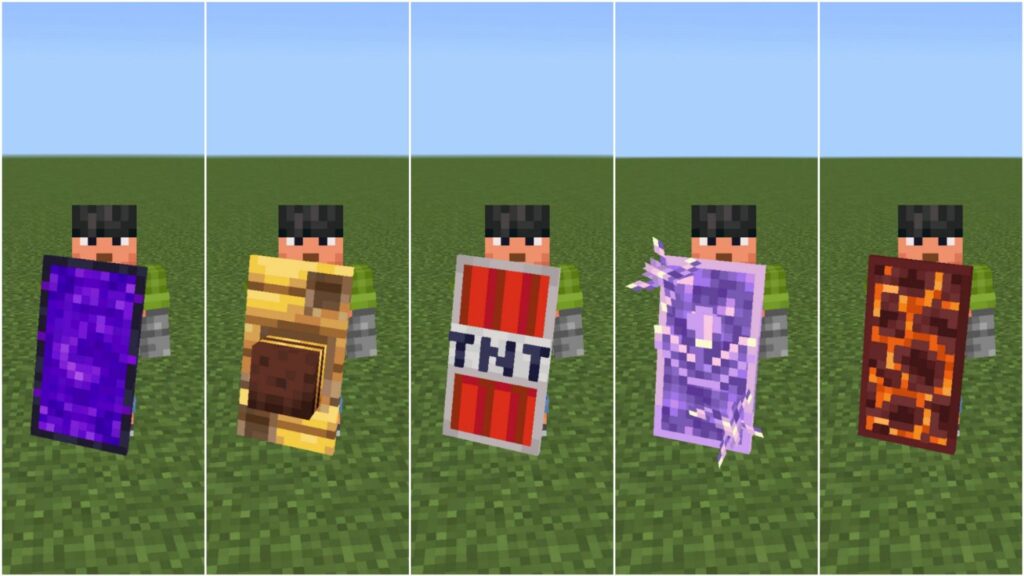
This addon adds new shield types: wooden, iron, gold, diamond, netherite, emerald, and more. Each shield has unique textures and durability, perfect for combat lovers.
Features: More vanilla-style shields
7. Phonk Edit Addon
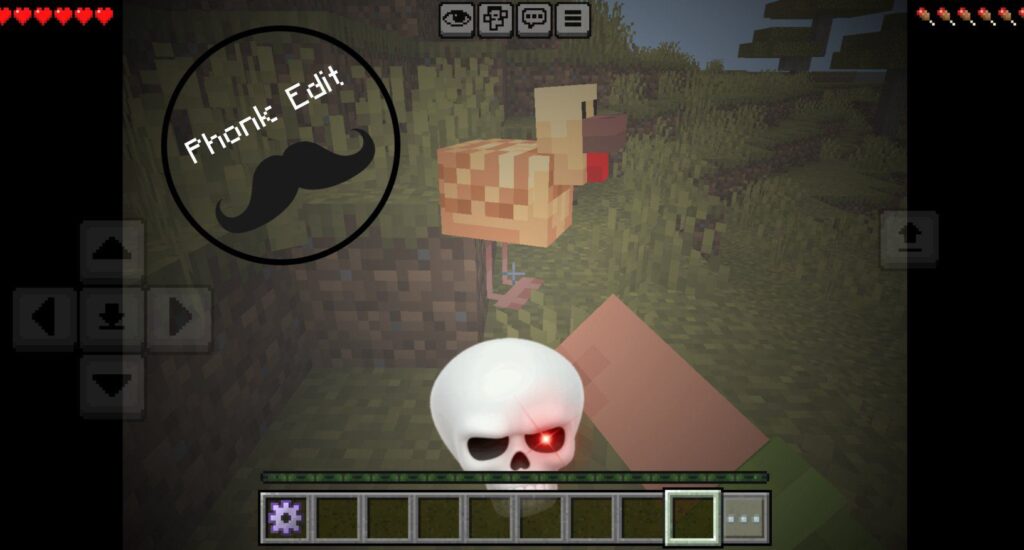
Add stylish phonk music and slow-motion effects to your Minecraft clips. Perfect for players who want cinematic edits and eye-catching gameplay moments.
Features: Phonk edit music, slow-motion effects
8. Elemental Swords Addon
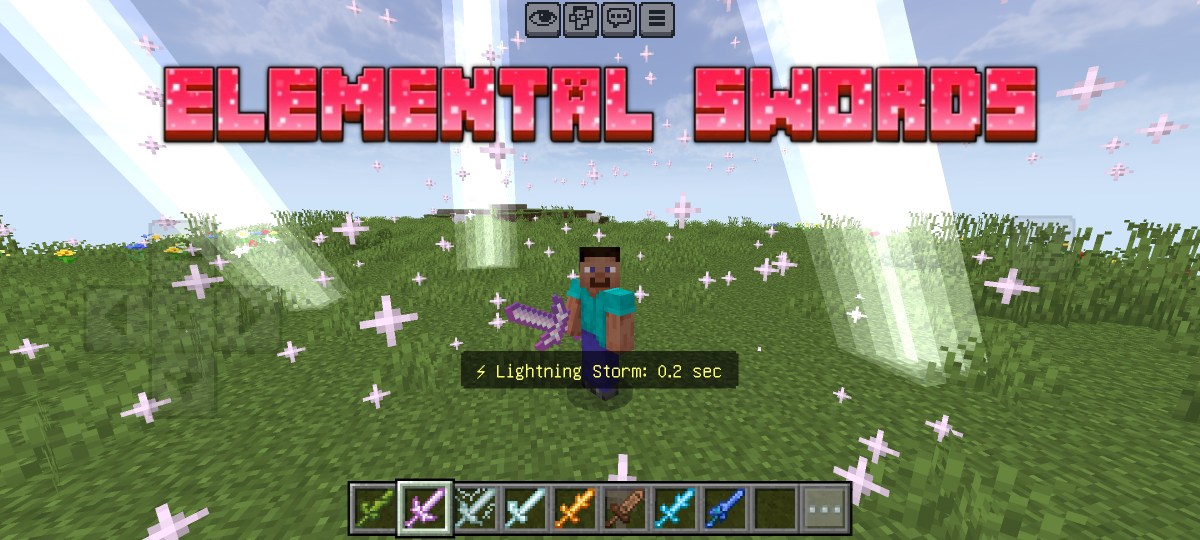
This addon introduces powerful elemental weapons such as fire, lightning, water, and air swords. Each sword has its own special ability, allowing you to dominate mobs with ease.
Features:
Lightning Sword
Earth Sword
Air Sword
Fire Sword
Void Sword
Ice Swords
Plant Sword
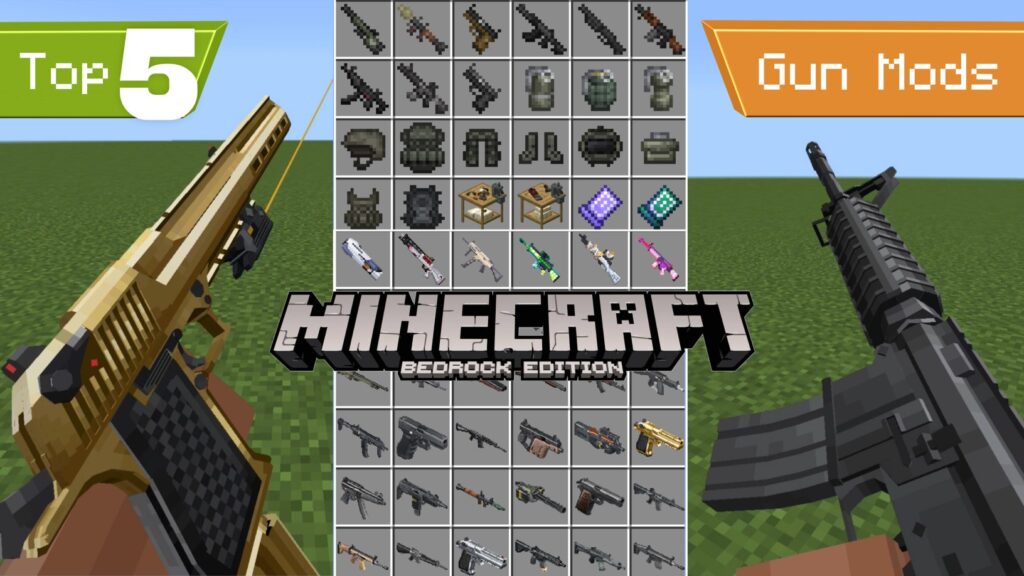
9. TaCZ Golden Zero Addon
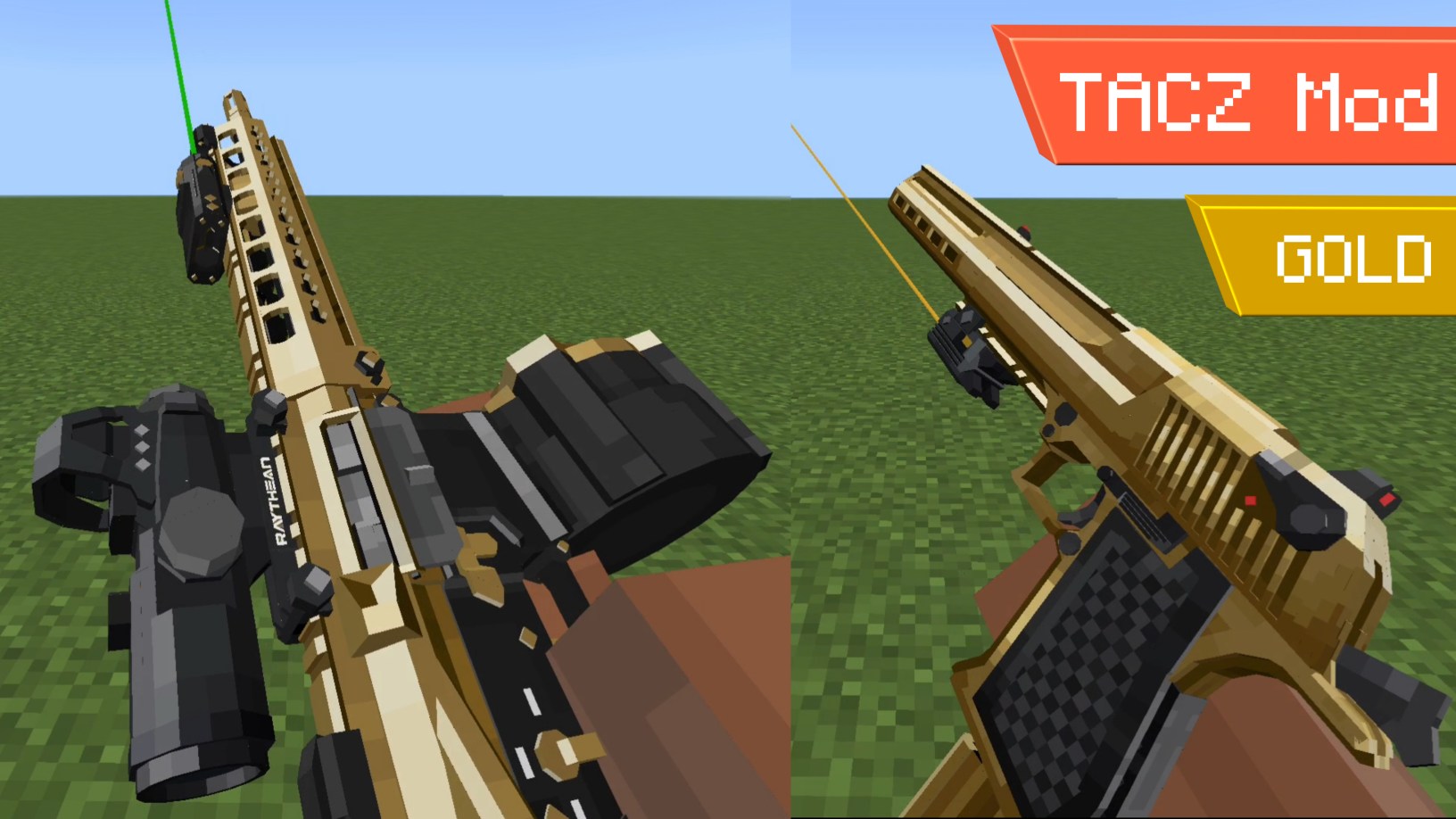
This one is for gun lovers — it’s an addon full of golden-plated guns with clean textures, smooth animations, and high-quality sound effects. You can even add attachments to customize your guns. TaCZ Golden Zero is one of the best gun addons for Minecraft PE.
Features:
Golden guns
Impressive animations
HQ sound effects
Attachments
10. WorldEdit Bedrock Edition
The ultimate building tool for creators. Copy, paste, rotate, fill, replace blocks, create shapes, sculpt terrain, and build massive structures just like Java’s WorldEdit mod.
Features:
Copy
Cut
Paste
Rotate
Selection
Fill
Paint
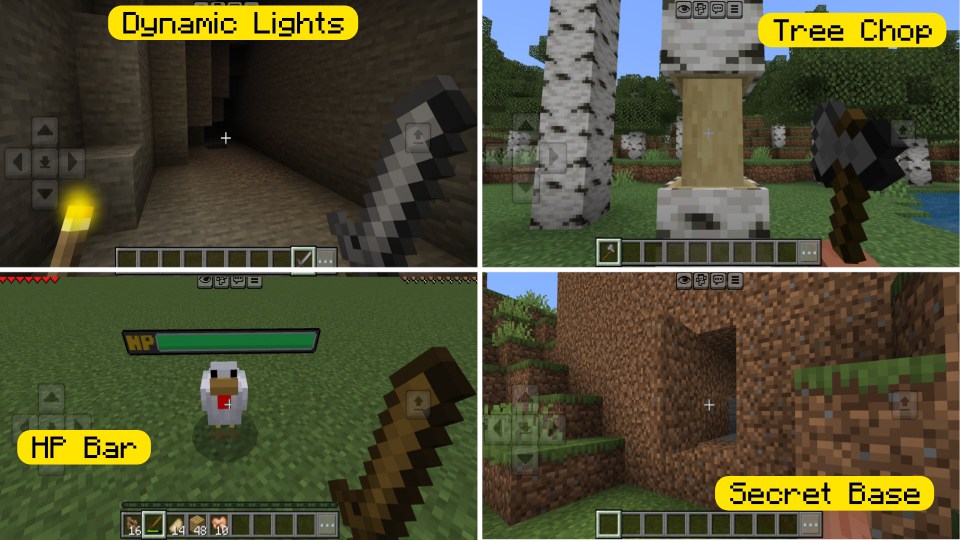
11. Dynamic Tree Chopper Addon
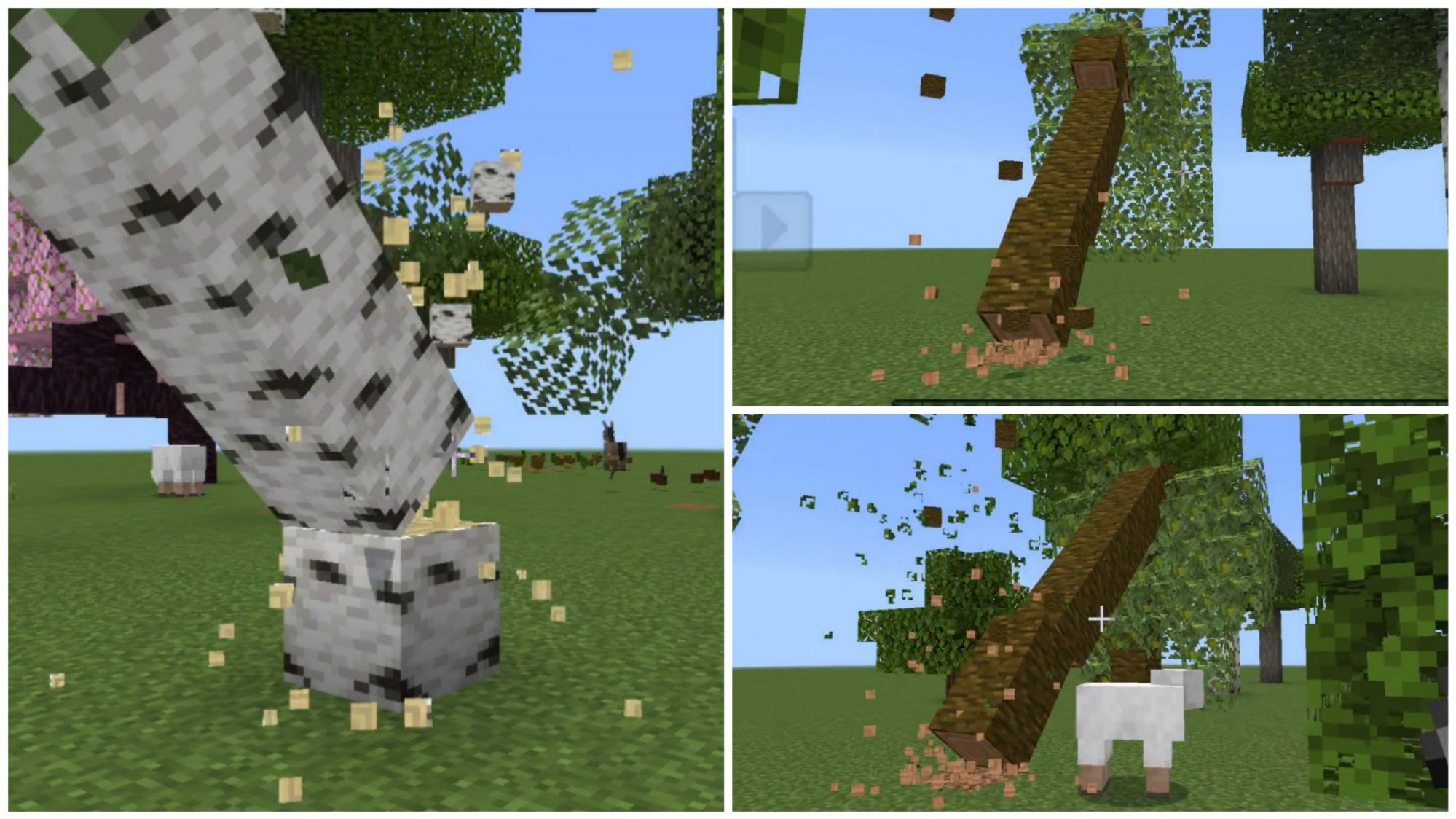
Break the bottom block of a tree and watch the entire tree fall naturally with realistic physics. Woodcutting becomes faster, satisfying, and much more immersive.
Features: Falling tree physics
12. ReplayCraft Addon
ReplayCraft lets you record, replay, and capture your Minecraft movements just like ReplayMod on Java. Perfect for creators, builders, and and anyone who enjoys cinematic shots.
Features: Record cinematic shots
13. Hammer Time Addon
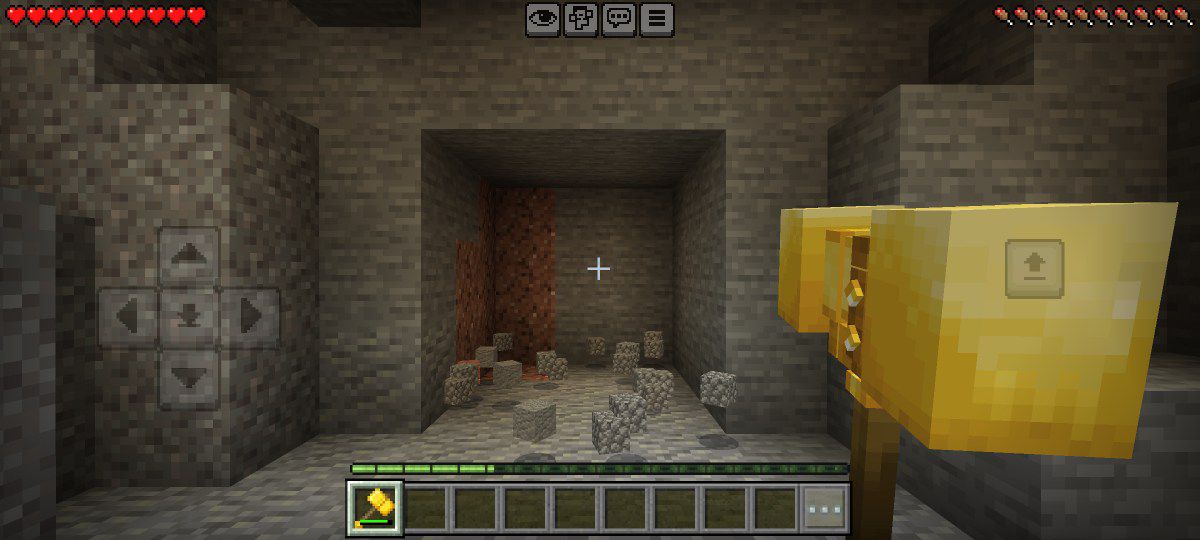
Break blocks in a huge 3×3 area with new hammers, axes, and shovels. Mine faster, dig faster, and gather materials in seconds. A helpful mod for Minecraft survival.
Features:
Hammers
Axes
Shovels
Pickaxes
14. Lucky Blocks Addon
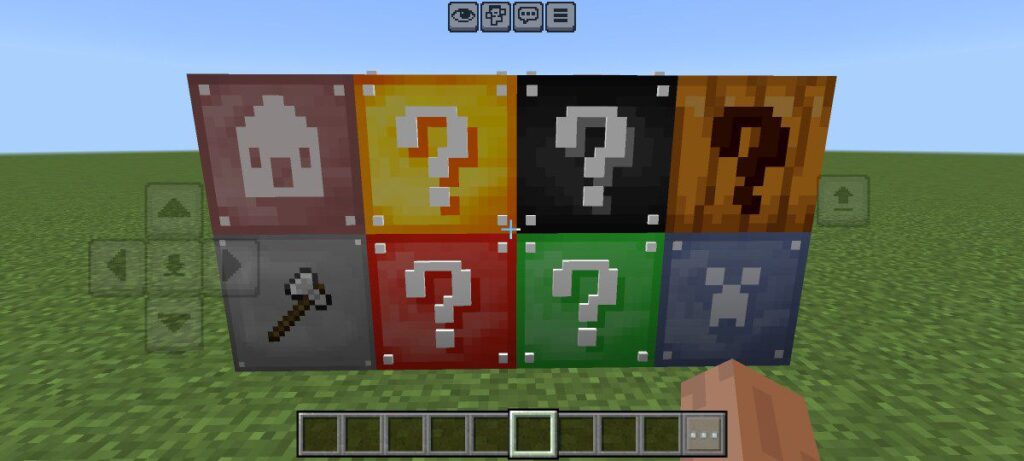
This addon adds eight types of lucky blocks. Break one and you may get loot, mobs, structures, or total chaos. Perfect for challenges and fun gameplay moments.
Features:
Lucky Block
Unlucky Block
Lucky Structure Block
Lucky Pumpkin Block
Lucky PvP Block
Black Lucky Block
Red Lucky Block
15. More Camera Perspectives
Minecraft has only 3 camera views — but this addon adds many more dynamic, smooth, and creative camera angles. You can see you character in different perspectives.
Features: 16 more camera perspectives
16. All Purpose Drone Addon
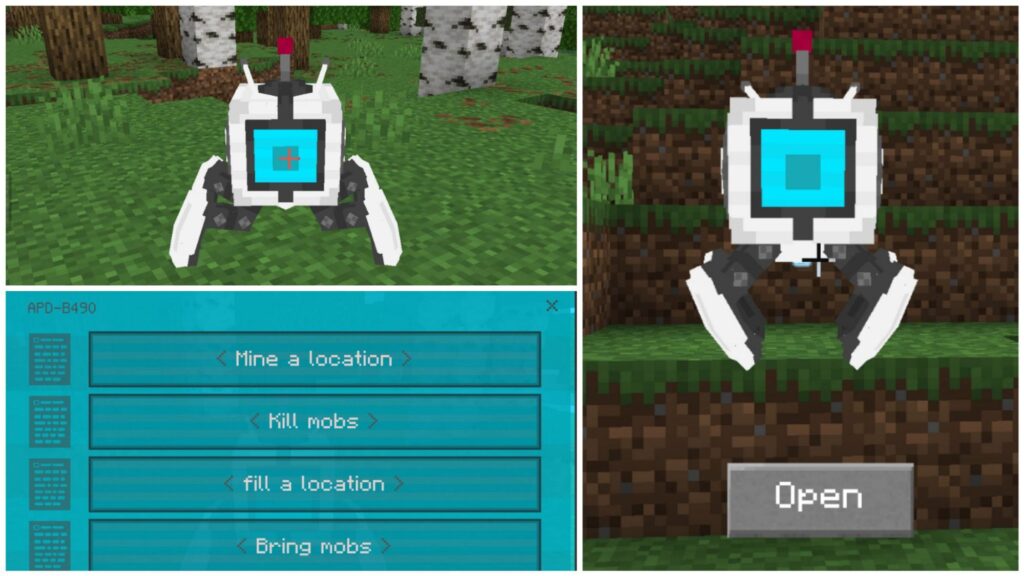
A smart drone that assists you in survival. It can collect items, gather ores, hunt mobs, pick up loot, and even help with building. A true Minecraft companion.
Features: This drone can
Hunt mobs
Bring mobs
Collect items
Find ores
Mine
Build
17. Dynamic Lights Addon
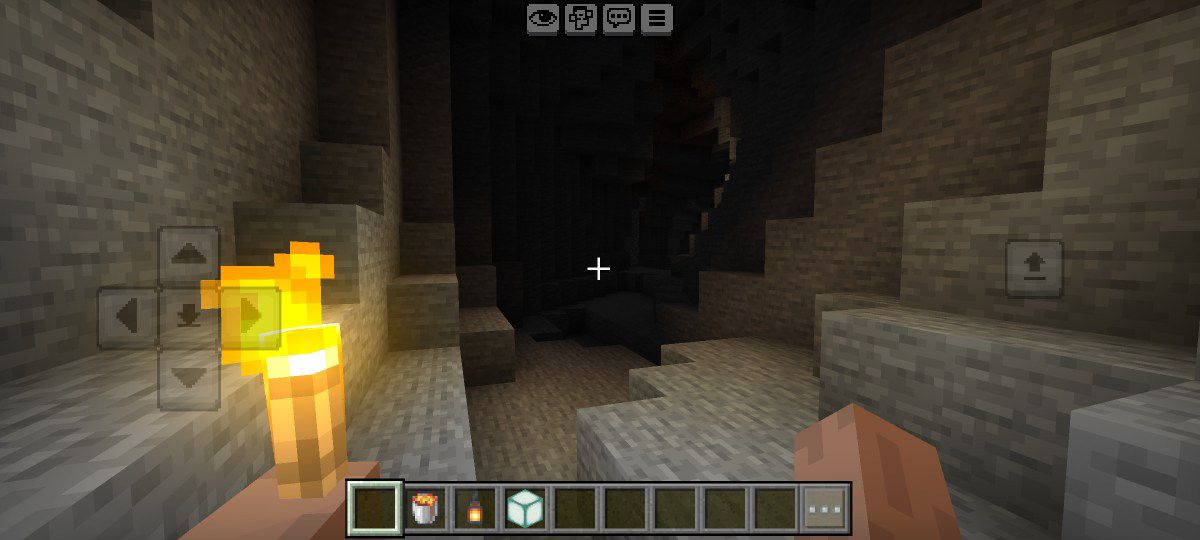
Hold a torch, lantern, or lava bucket and it automatically lights up your surroundings. No need to place it down. You can hold torch in your offhand and other weapon in your main hand.
Features:
Dynamic lights
Torch in offhand
18. Java Combat System Addon
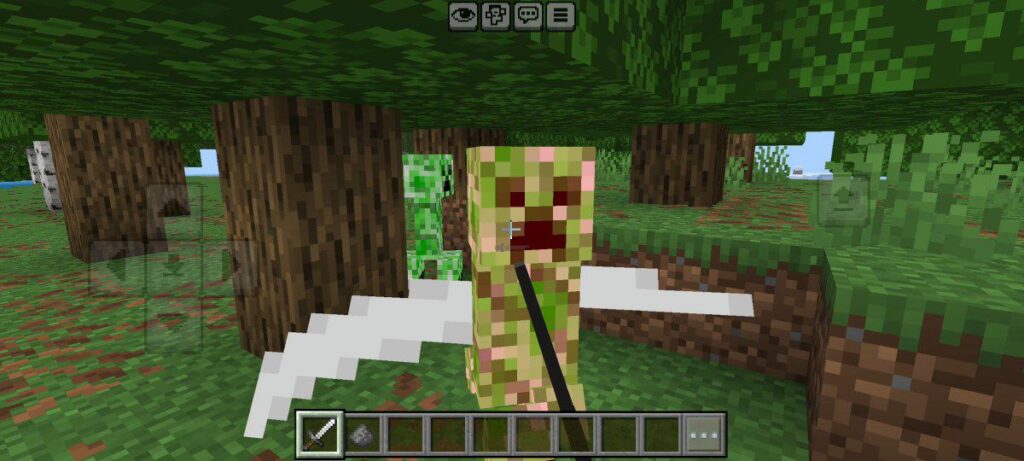
This addon brings Java combat to Bedrock. Full cooldown attacks, sweep attacks, improved blocking, accurate damage values, and updated shield behavior.
Features: Java Edition combat system in Bedrock Edition
19. Modern Military II Addon
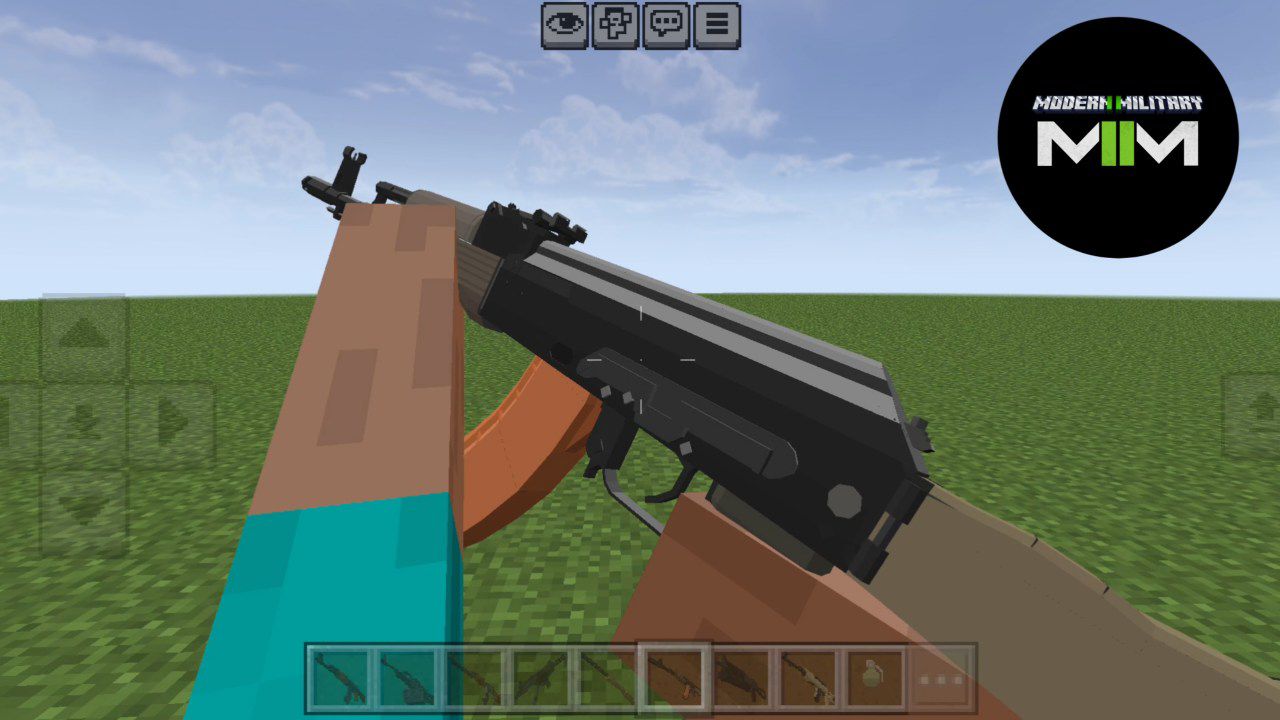
A high-quality military addon featuring pistols, rifles, snipers, explosives, and army gear. The weapon sounds and animations are sharp and realistic. This is one of the best military mods for Minecraft PE.
Features:
Pistols
Rifles
Snipers
Shotguns
Grenades
Armor
20. Better On Bedrock Addon
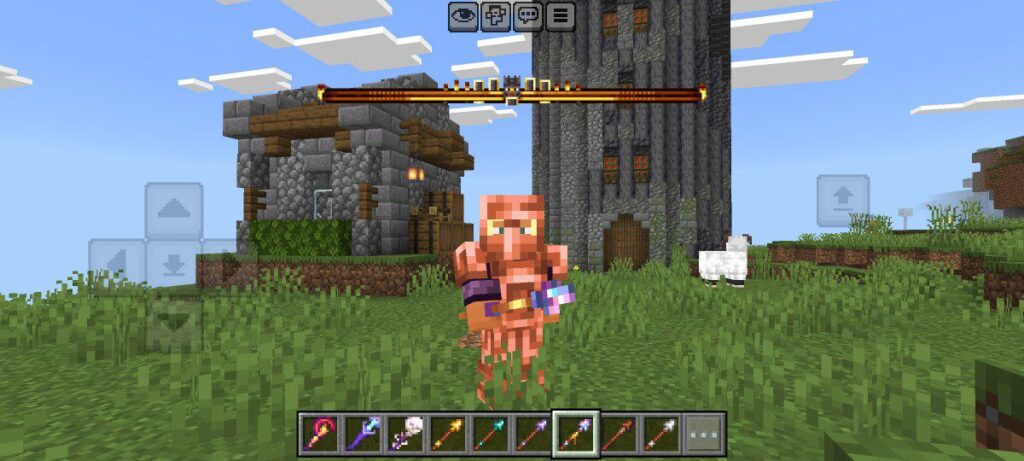
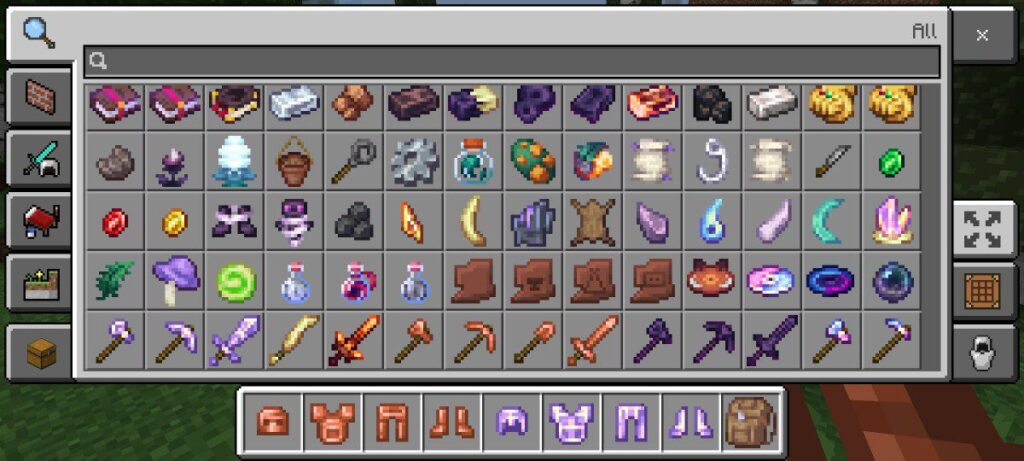
This addon upgrades the entire survival experience with new biomes, mobs, quests, items, structures, and world features. It completely refreshes the way you explore and play survival mode.
Features:
New mobs
New biomes
New tool and weapons
New structures
And quests
Minecraft Bedrock Edition has an amazing addon community, and these 20 mods are some of the best ways to enhance your experience. Whether you want new weapons, better survival, beautiful structures, realistic lighting, or complete gameplay overhauls, this list will help you find the perfect addons for your world.
Try them out and let me know which one becomes your favorite.
Note: These addons work perfectly on Minecraft Bedrock 1.21 and later.
My Experience
I have used every addon on this list, and each one improves Minecraft Bedrock in a different way. These are not the only great addons available, but I selected them because they work smoothly with the latest versions of Minecraft Bedrock Edition and offer the best combination of performance, creativity, and fun.
Installation Guide (Step-by-Step)
- Download the addon file from the given links.
- Open your file manager and tap on the addon file (.mcaddon or .mcpack).
- Minecraft will open automatically and import the addon.
- In your world settings, enable both the Resource Pack and Behavior Pack.
- That’s it — enjoy your addon!