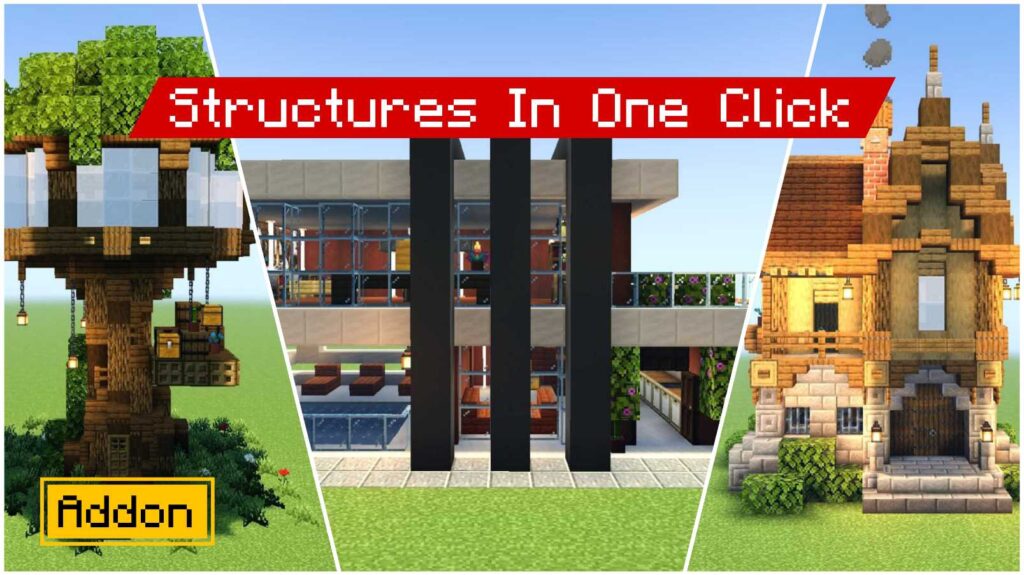
If you love building in Minecraft PE, the WorldEdit mod for Minecraft Bedrock is a must-have addon. This powerful tool allows you to create, edit, and manage your Minecraft worlds faster than ever. Whether you’re creating small houses, huge castles, or massive cities, WorldEdit saves time and gives you complete control over your creations.
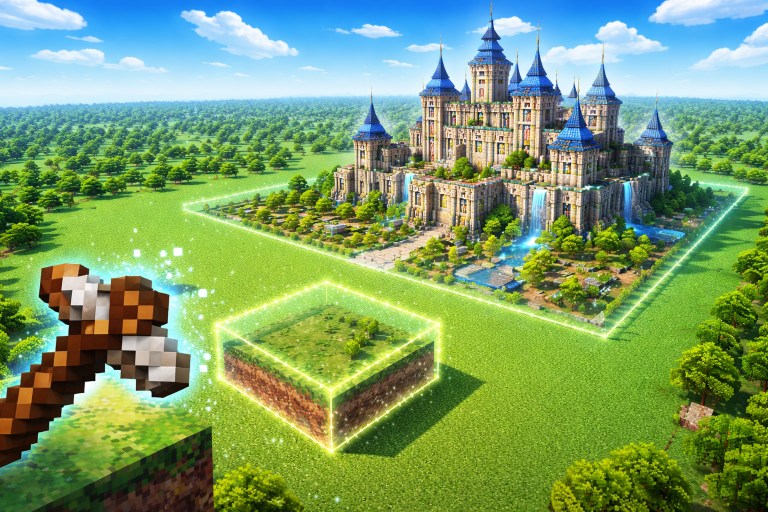
What is WorldEdit Bedrock Edition?
WorldEdit is a powerful addon that brings advanced building tools to Minecraft Bedrock, making massive creations faster and easier than ever.
Key Features:
- Instant terrain editing: Fill, replace, or clear large areas in a flash.
- Copy & paste structures: Clone entire builds and place them anywhere.
- Easy region selection: Quickly select areas for editing with wands or commands.
- Shape creation & brushes: Build spheres, walls, paths, and more effortlessly.
- Undo & redo: Correct mistakes instantly without starting over.
- Smart block patterns: Use masks and palettes to design with precision.
Whether you’re creating epic cities, amazing landscapes, or detailed adventure maps, WorldEdit lets you build bigger, faster, and smarter.
How To Use World Edit in Minecraft Bedrock Edition?
First, download the WorldEdit addon from the given link and import it into Minecraft. After importing, create a new world and enable both the Resource Pack and Behavior Pack in the world settings. Also, make sure “Beta APIs” is turned on, or the addon will not work.
Getting Started
By default, WorldEdit is disabled for all players. Only players with the worldedit permission tag can use it.
To give yourself permission, open the chat and run this command:
/tag @s add worldedit

Once this tag is added, you will have full access to all WorldEdit tools and commands.
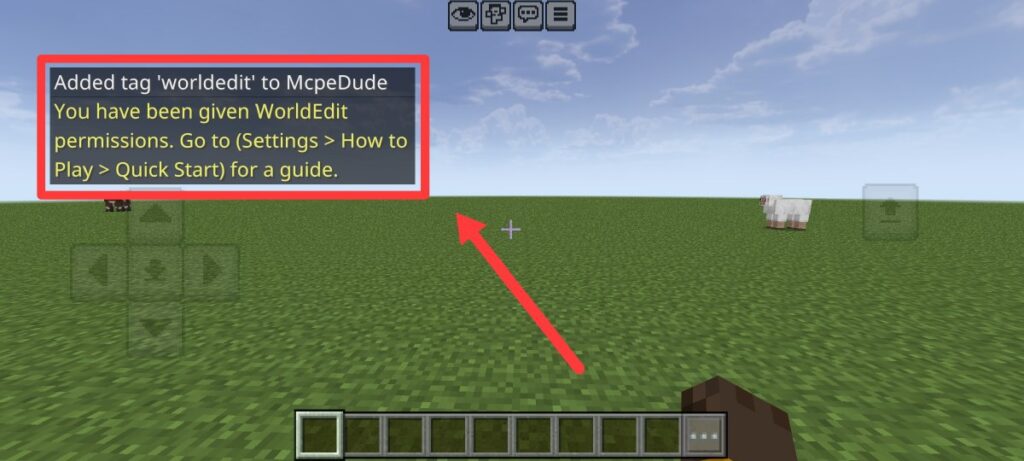
💡 Tip: You can also add or remove WorldEdit permission for other players:
/tag playername add worldedit
/tag playername remove worldedit
Getting WorldEdit Tools
The WorldEdit addon includes many tools, from basic editing to advanced building features. Here’s how to get and use each tools.
Toolkit
The Toolkit gives you tools like selection wand, copy, cut, paste, undo, redo, and more.
To get the toolkit, type this command in chat:
;kit
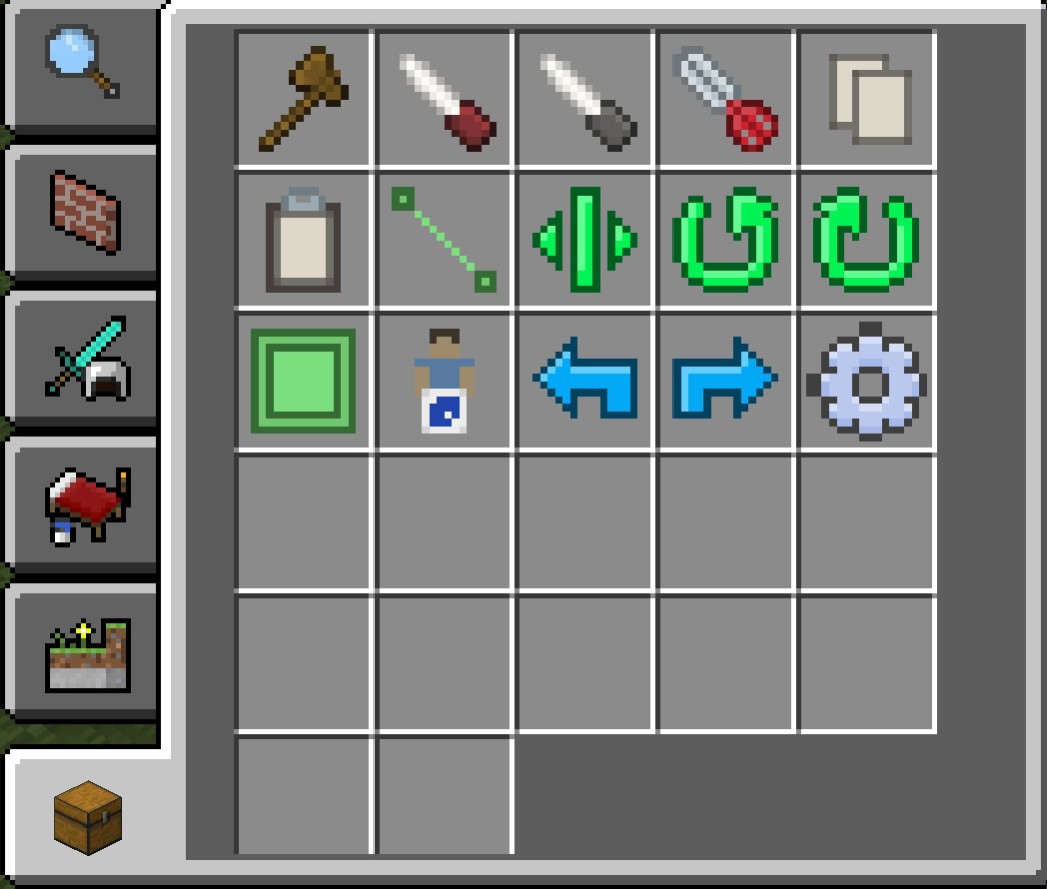
All main WorldEdit tools will be added to your inventory.
Selection Wand 🪓
The selection wand is used to mark regions in your world. In WorldEdit, a wooden axe works as the selection wand.
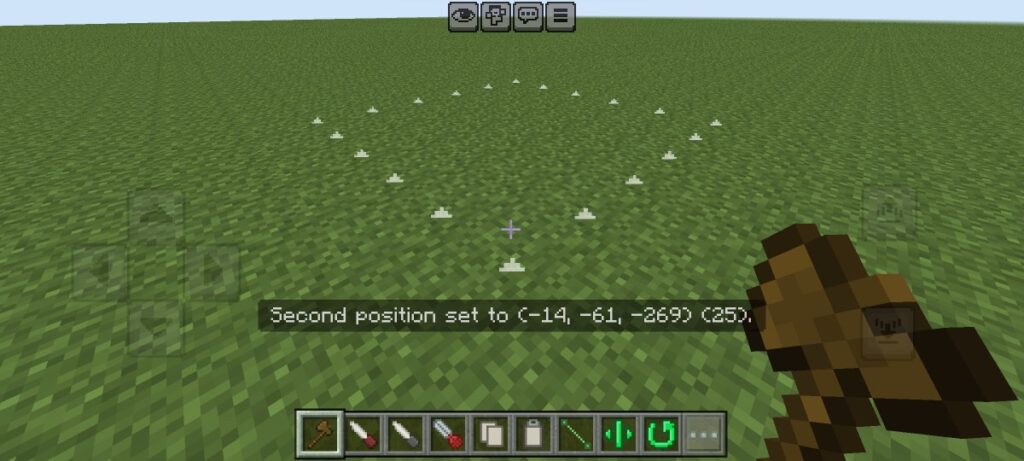
Selections are box-shaped (cuboid). To select an area:
- Break a block with the wooden axe to mark the first corner
- Use the wooden axe on another block to mark the second corner
If done correctly, the marked region will be highlighted.
💡 Tip: If there is no block to select (for example, in the air), use these commands:
;pos1 – To select the first position
;pos2 – To select the second position
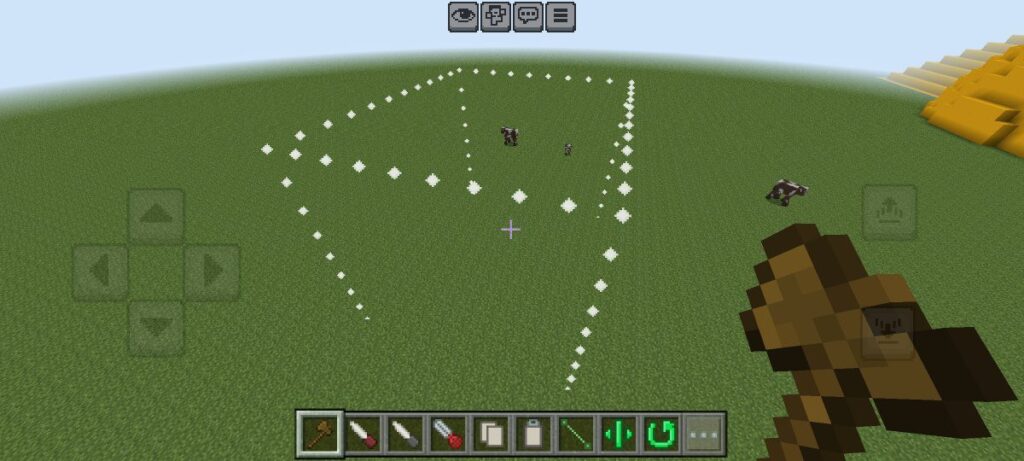
They will mark the corners at your current position.
Pattern Picker 🎨
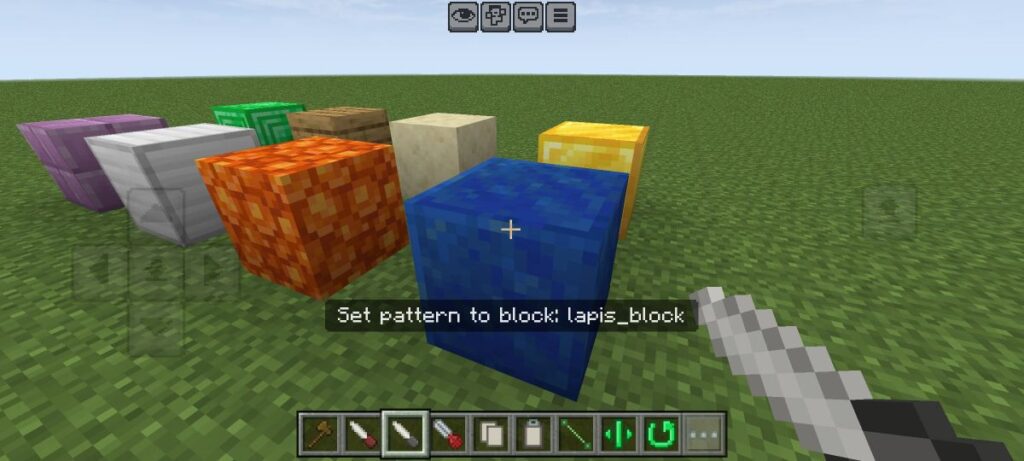
The Pattern Picker is used to choose which block you want to use.
With this tool, you can pick a specific block before building or editing.
The selected block will be applied when you:
– fill designated areas
– Generate wall or replace blocks
– Make shapes like spheres or cylinders
This tool helps you build faster and keeps all blocks the same in your creation.
Selection Tools 🔳
The Selection Wall is used to create walls along the edges of a selected area. Once you select an area, this tool builds a wall at the selected position, making it useful for quick structures and boundaries.
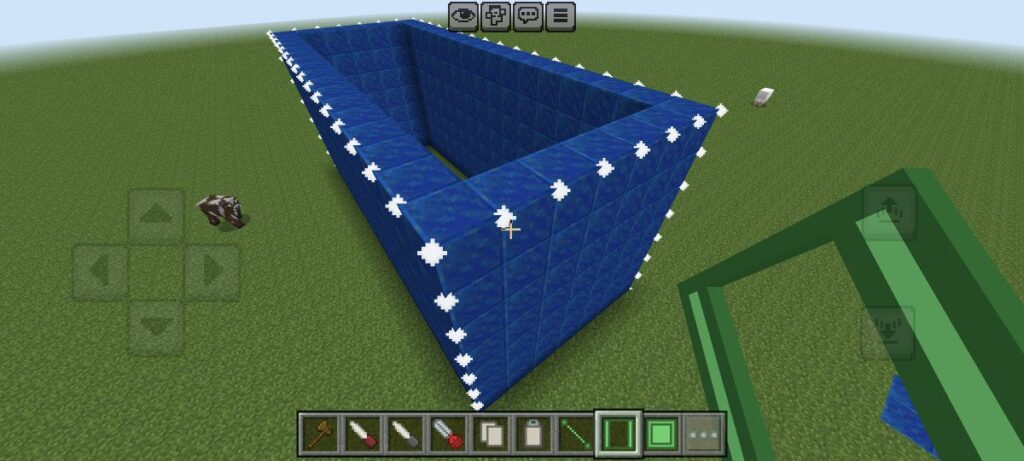
The Selection Fill tool fills the entire selected location with blocks. It is helpful when you want to replace or fill a large space instantly instead of placing blocks one by one.
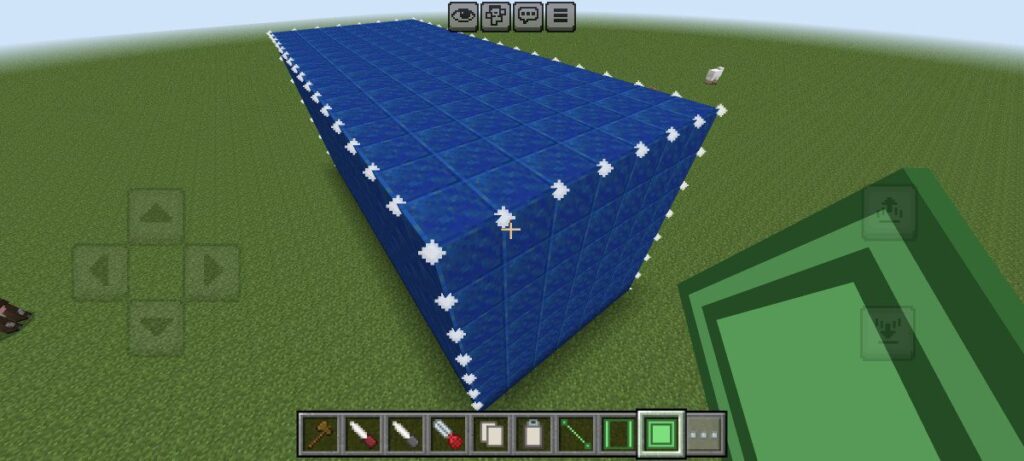
Use following commands one by one in the chat to get these tools
/give @s wedit:selection_wall
/give @s wedit:selection_fill
Both features save time and make large edits fast and easy.
Copy, Cut and Paste Tools ✂️
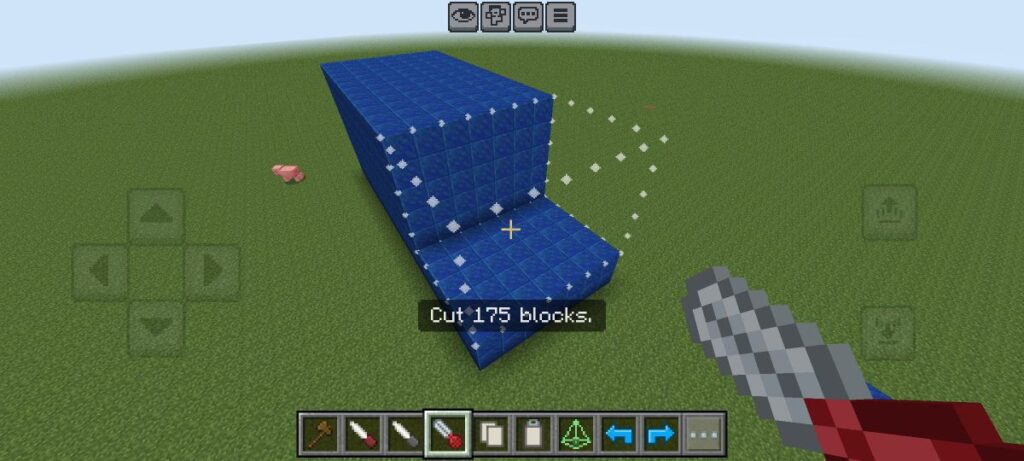
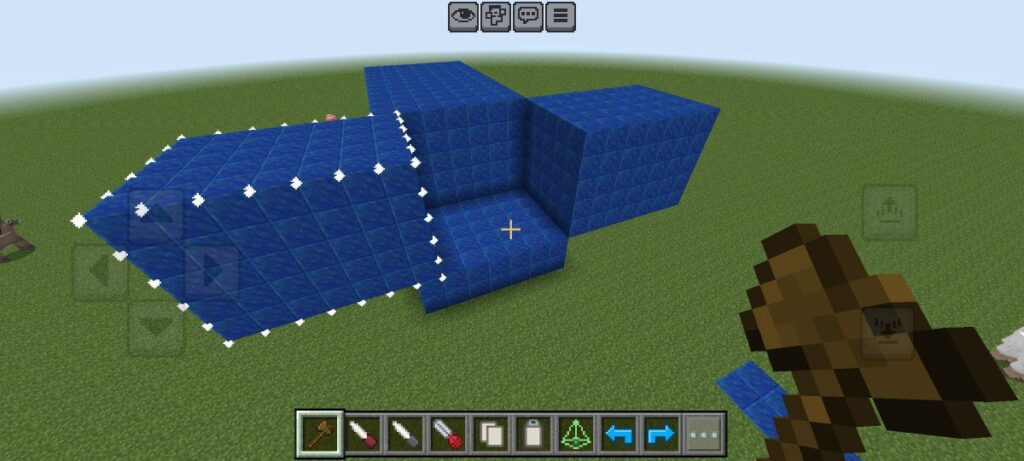
After selecting an area, you can copy or cut it and paste it somewhere else.
Just make a selection with the wand, then use the copy, cut, or paste tools
Drawing Shapes 📐
WorldEdit also lets you create shapes like spheres, cylinders, pyramids, and more.
Use the shape tool at a position and move to adjust the size and height.

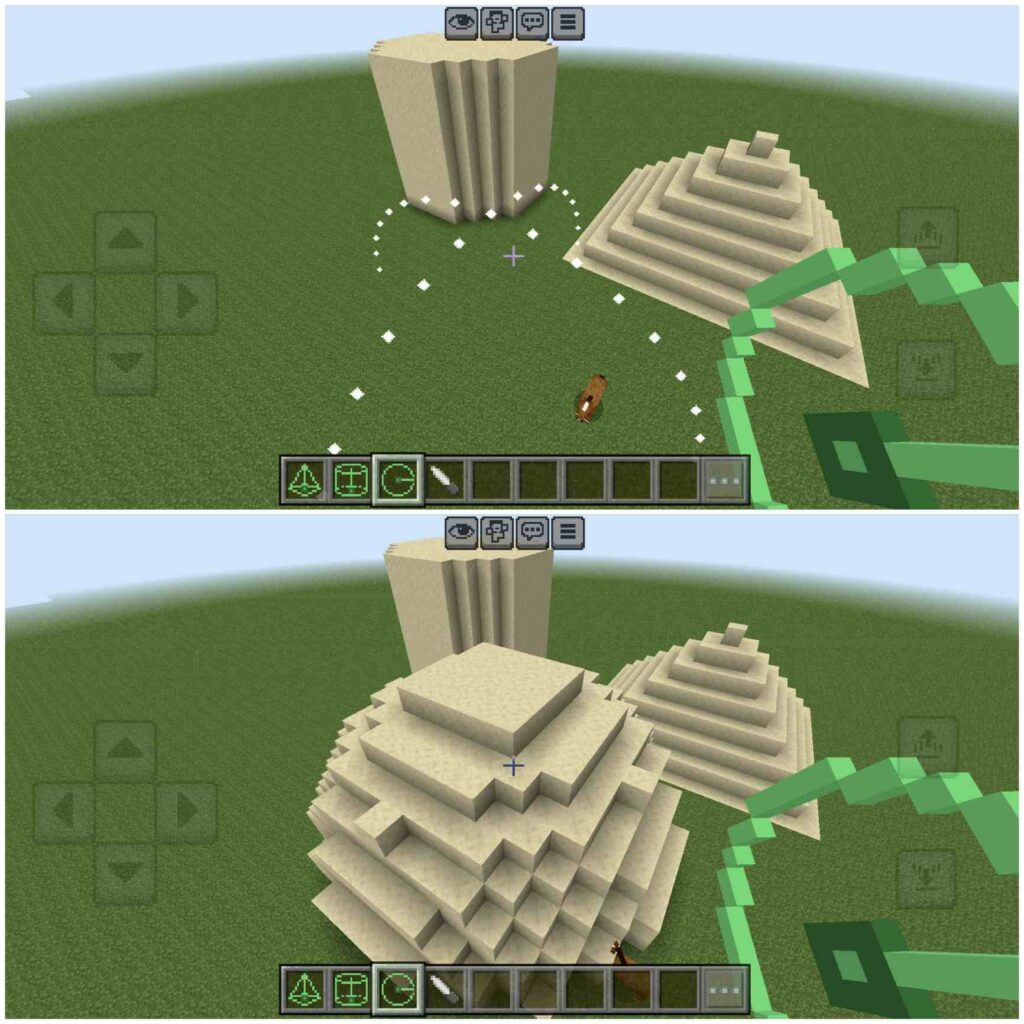
Use these commands to get shape tools:
Line – /give @s wedit:draw_line
Curve – /give @s wedit:draw_curve
Cylinder – /give @s wedit:draw_cylinder
Sphere – /give @s wedit:draw_sphere
Pyramid – /give @s wedit:draw_pyramid
These are not the only tools, there’s more in this addon. For more detailed guidance, visit the official WorldEdit documentation.
Final Thoughts
WorldEdit for Minecraft Bedrock Edition is a powerful addon that transforms the way you build. Imagine building a 50-block-high tower in seconds—WorldEdit makes it possible. With its easy-to-use tools, commands, and features, you can create massive structures, experiment with different designs, and fix mistakes instantly. Don’t just follow the guide — explore, experiment, and let your creativity run wild! Download WorldEdit today and start building your dream worlds faster and easier than ever.
©️ Credits: WorldEdit for Bedrock Edition is created by SIsilicon. Full credit goes to him for developing this amazing addon.
Supported Minecraft Versions
Minecraft bedrock 1.21.130 and later
Downloads 🛡️
WorldEdit Bedrock Edition 0.10.3 🔗
Note: WorldEdit Bedrock Edition relies on experimental features, make sure to enable Beta APIs in your world settings.
Installation Guide: 👉 How to install mods and addons in Minecraft Bedrock Edition
–